
Data and calculations
Track progress with column types
A defines what a column contains: date, person, status, link, element locator, checkbox or file. A represents one of those values inside a cell or in compatible text. It is not just a decorative label: a date can be compared and a status can be counted.
- Create the columns Task, Owner, Due date, Status and Done. Assign the appropriate type to each one.
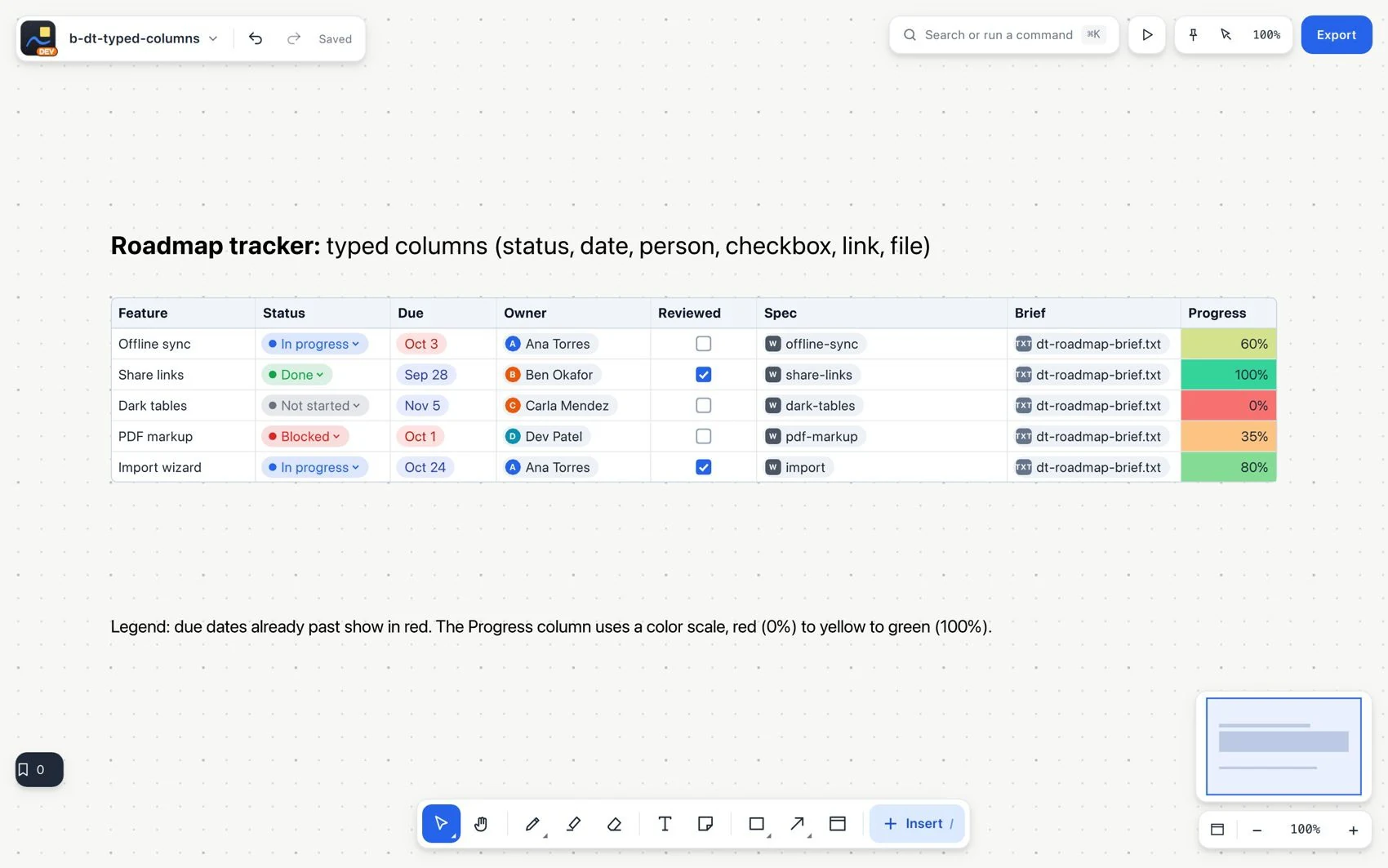
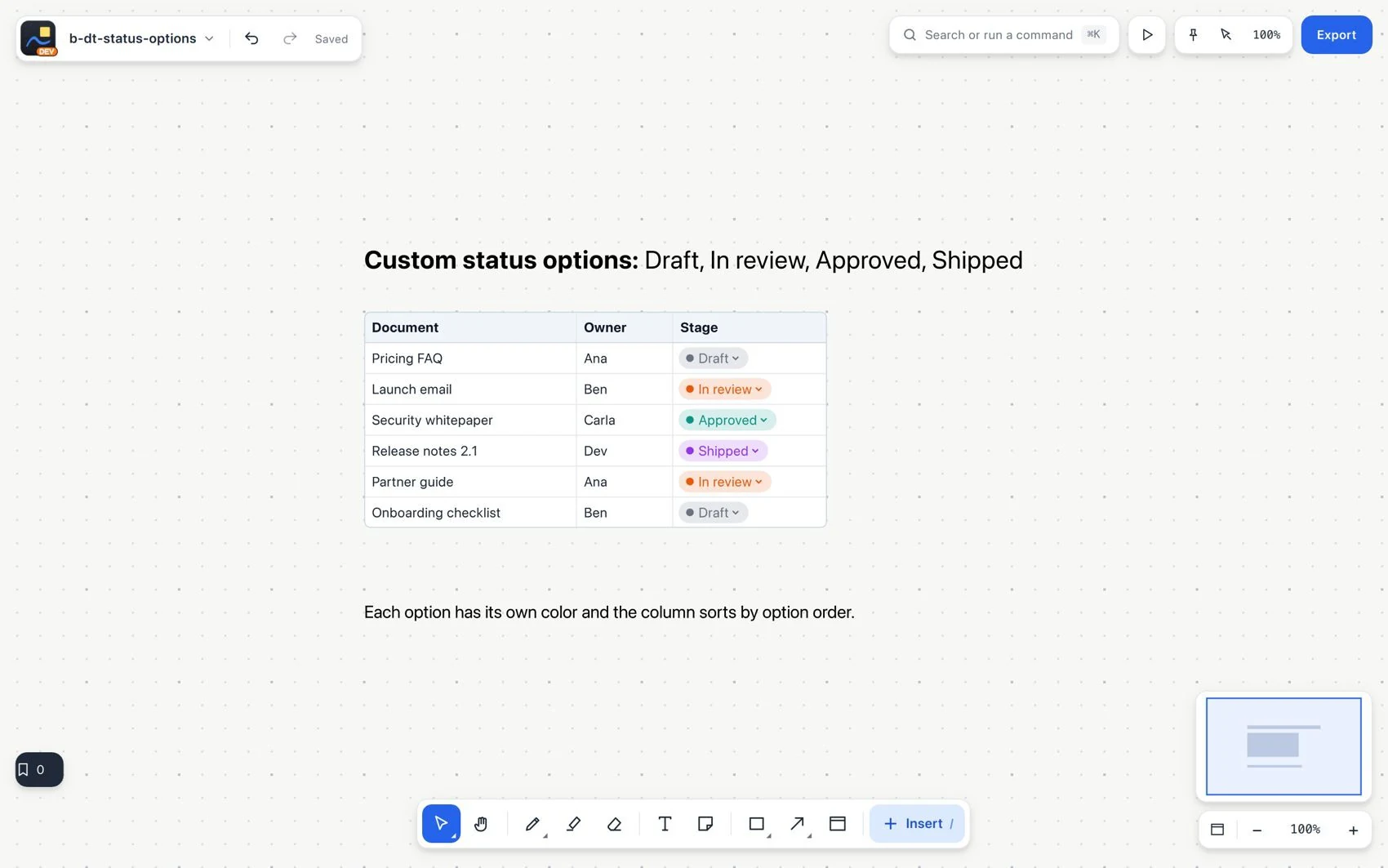
- Adapt the status options to your process. Define the name, color and order, and mark which one means completed.
- Enter real dates, not ambiguous text. An overdue date is highlighted only if the row is not completed.
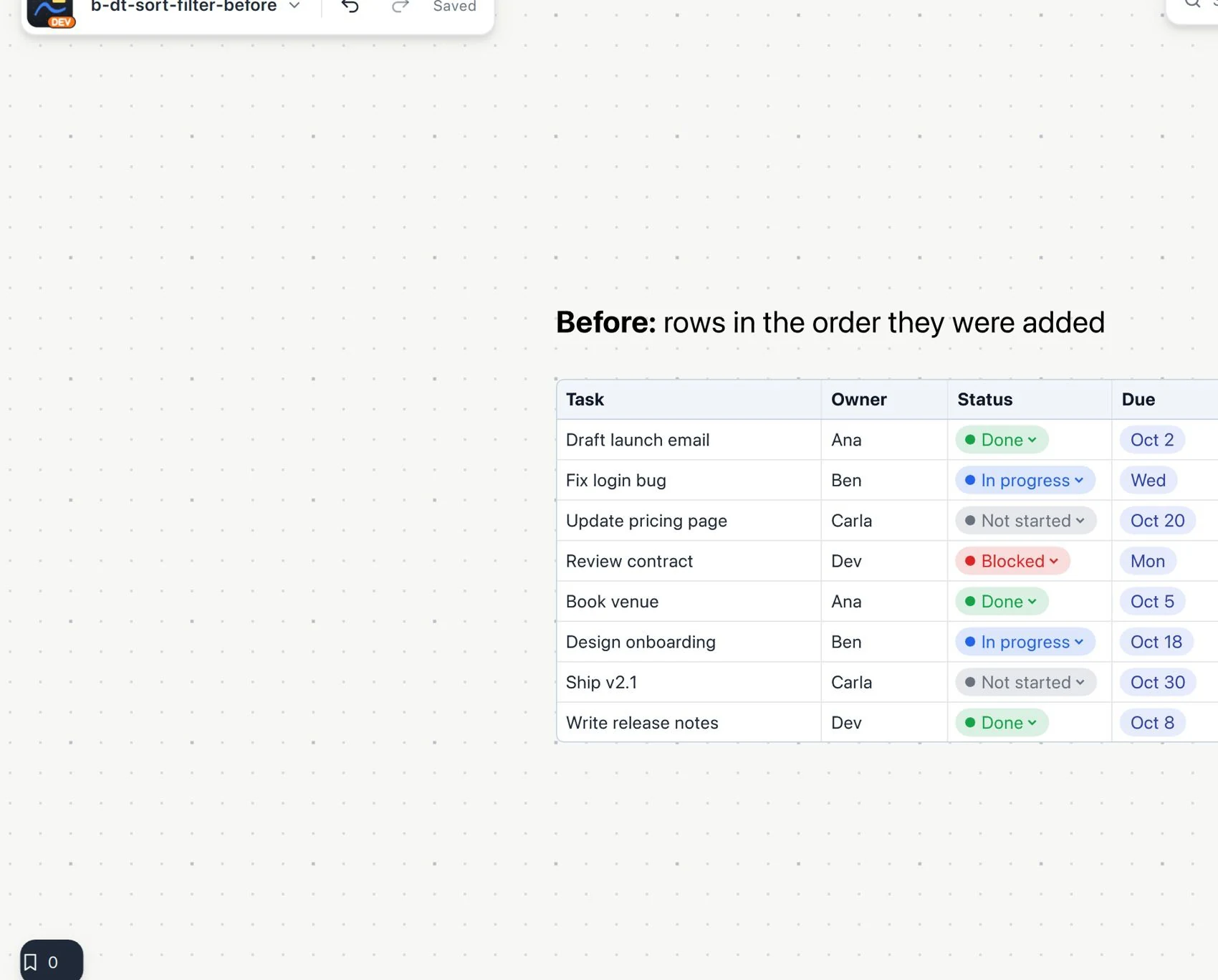
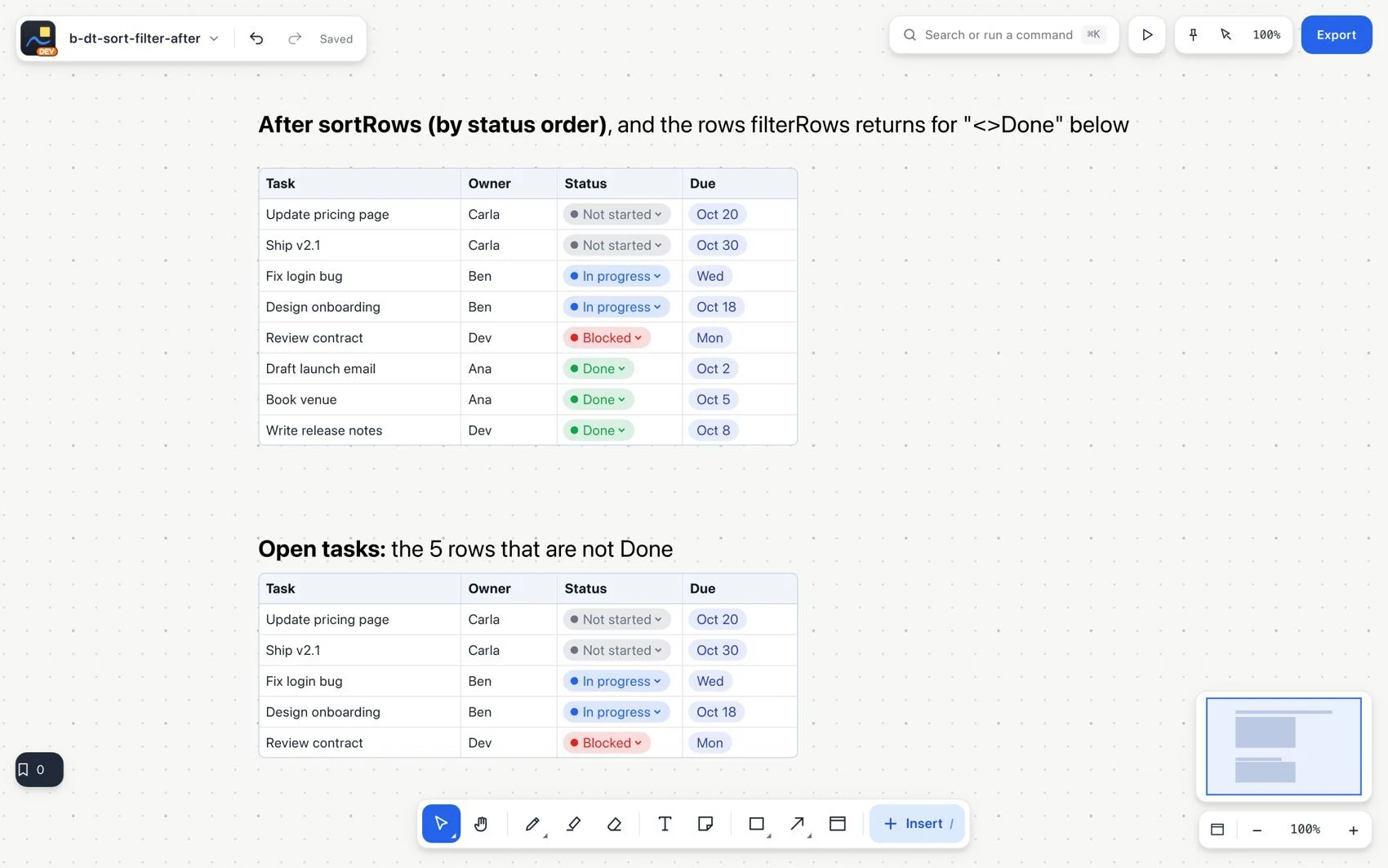
- Sort to change the sequence of rows and filter to show the ones that meet a condition. Filtering hides rows. It does not delete them.
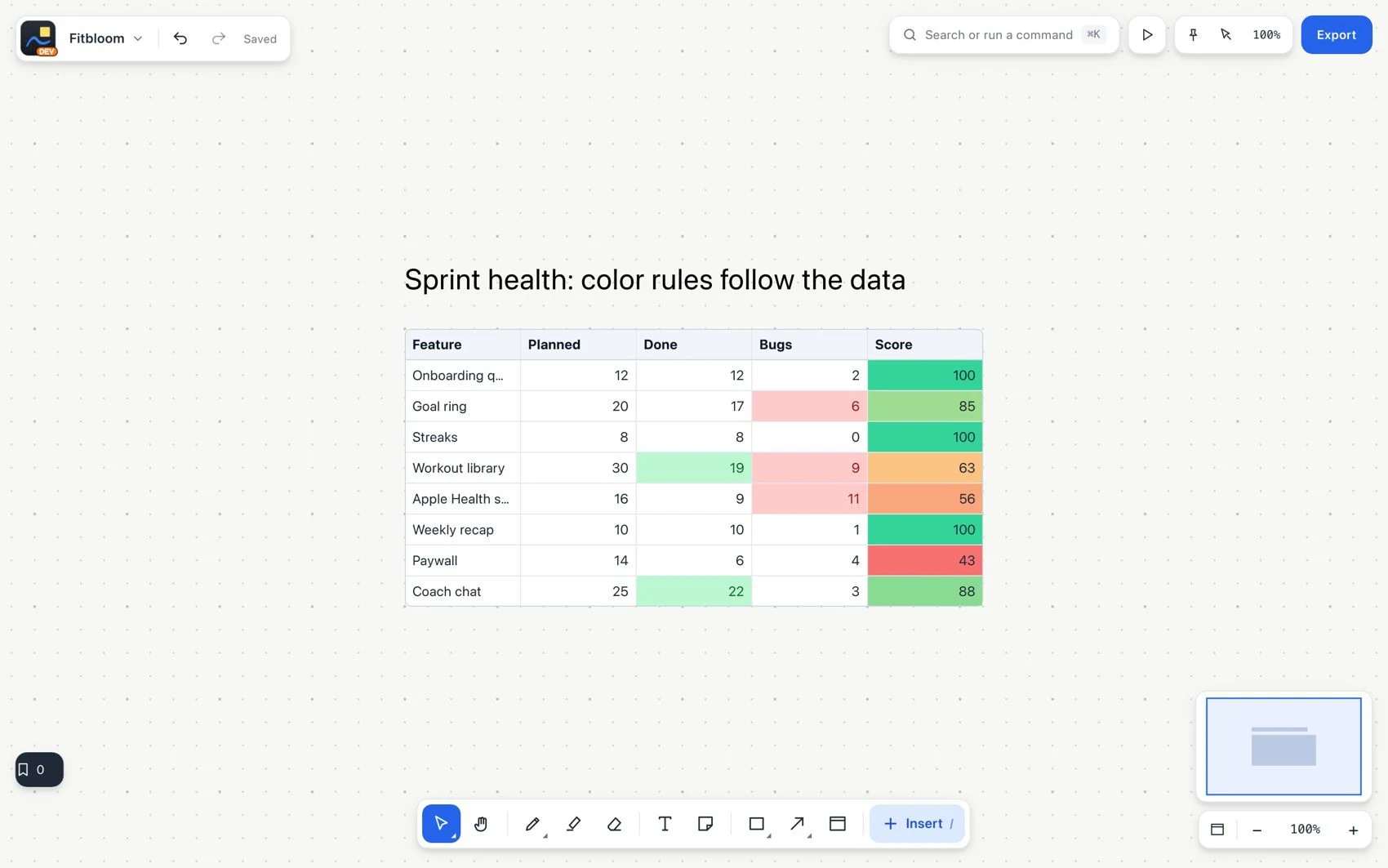
- Apply conditional colors, a scale or progress bars to show numeric patterns.
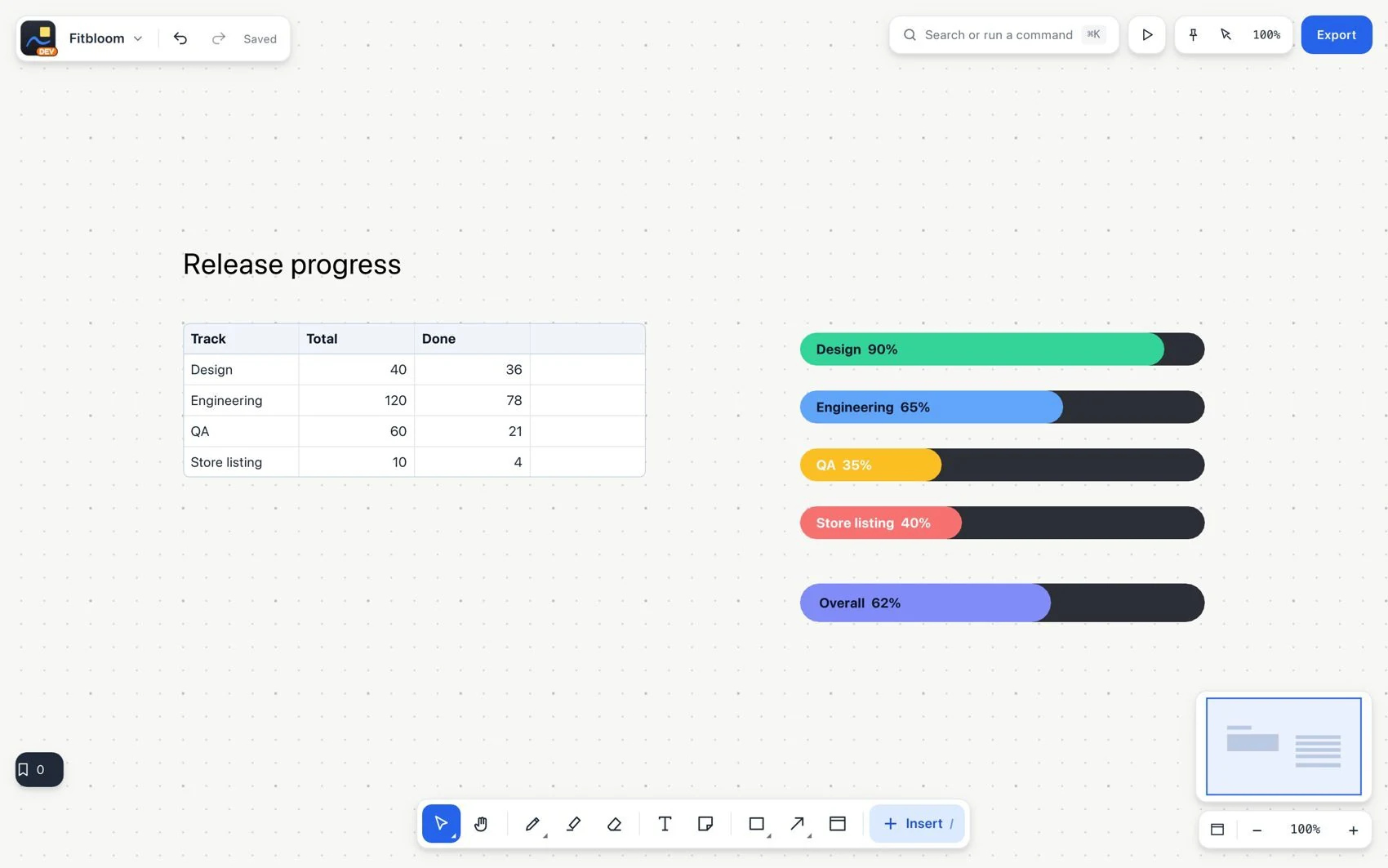
Show how much progress has been made
- Type
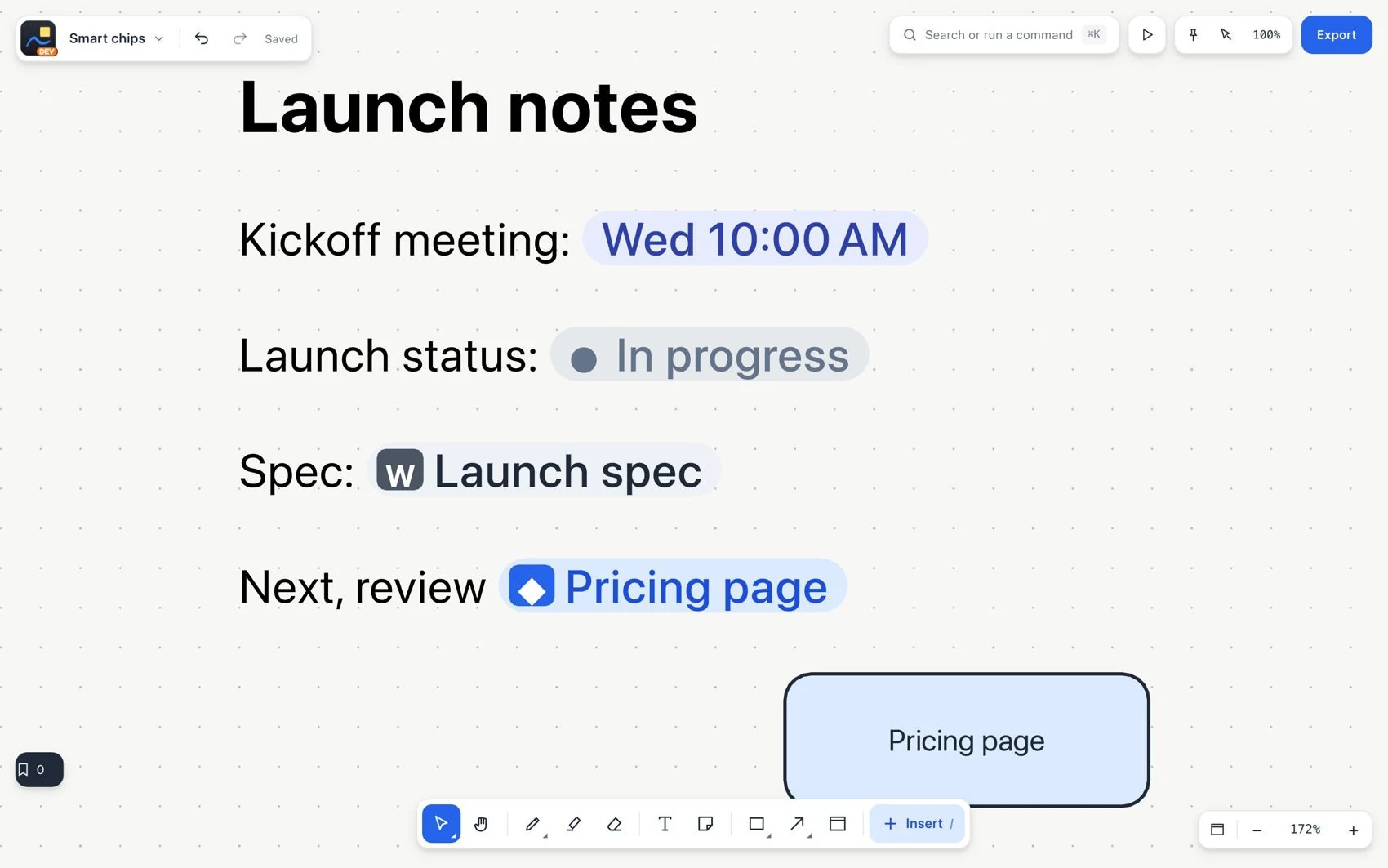
@in a cell or compatible text to insert a date, person, status, link or file chip.
Large tables can hold up to 100,000 rows and 100 columns. The visible frame can show the first rows, the last rows or a scrollable window with a fixed header. Search, formulas and export still cover all the rows. Each person keeps their own scroll position.
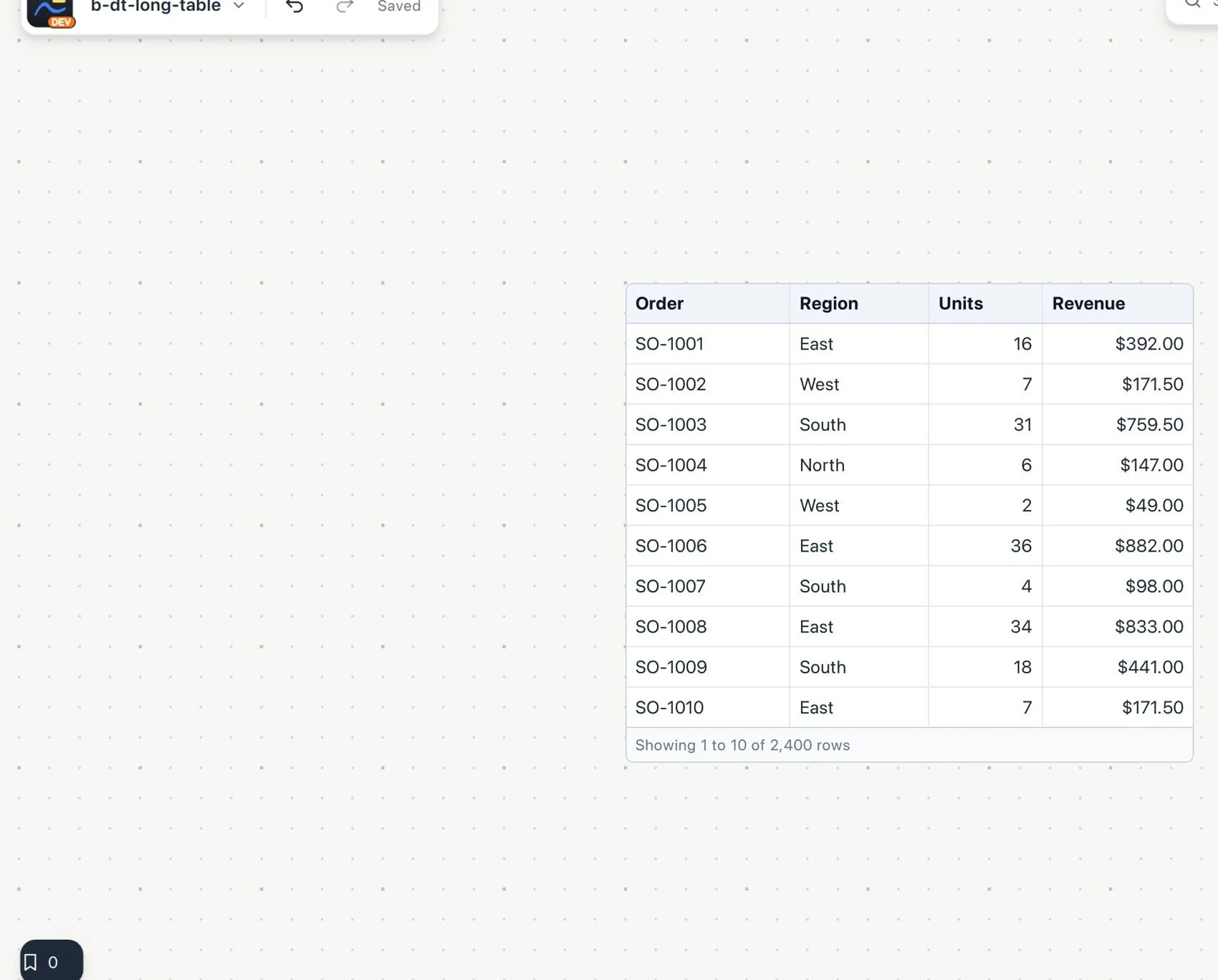
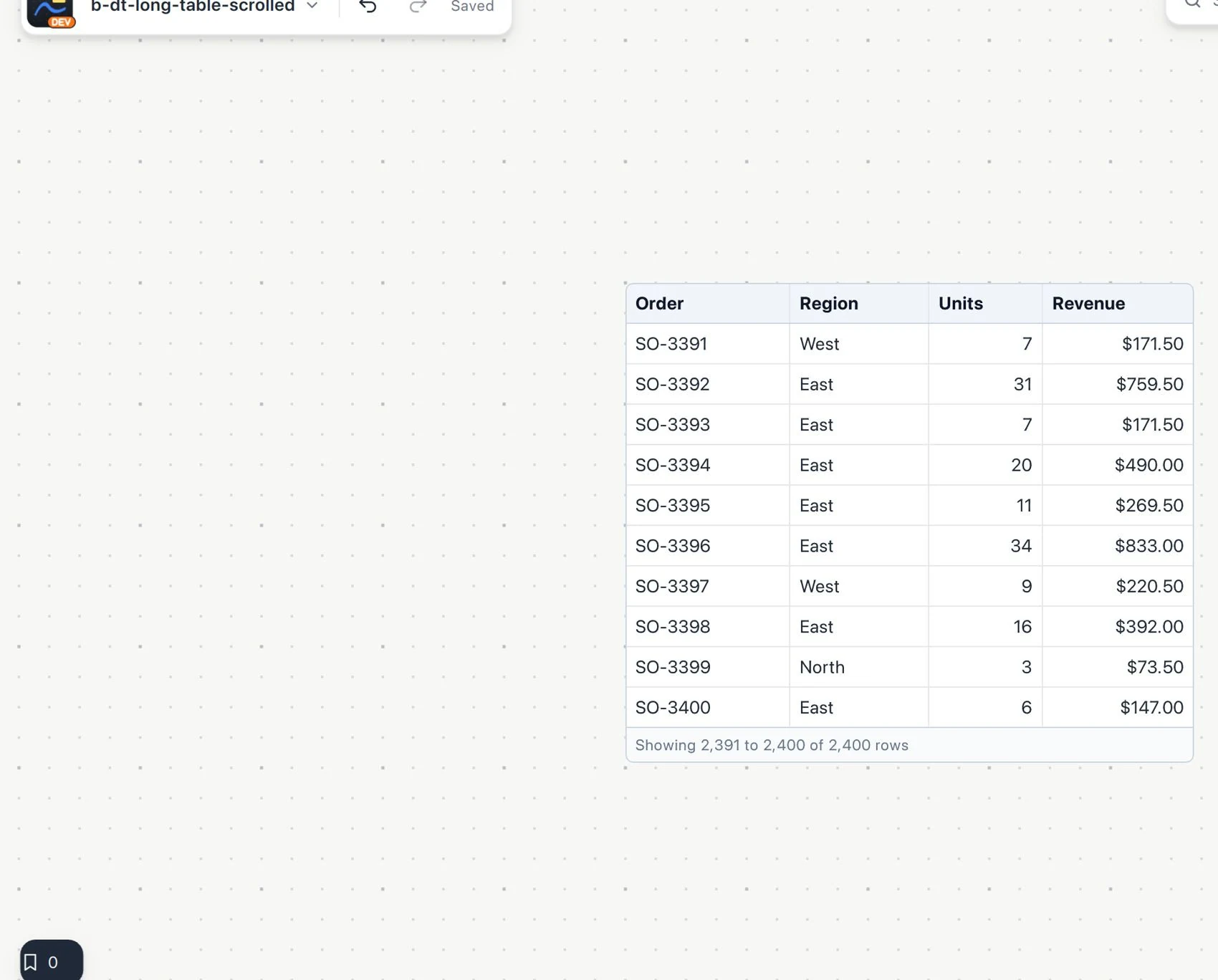
Review the most recent records