
Every tool on the toolbar
Shape
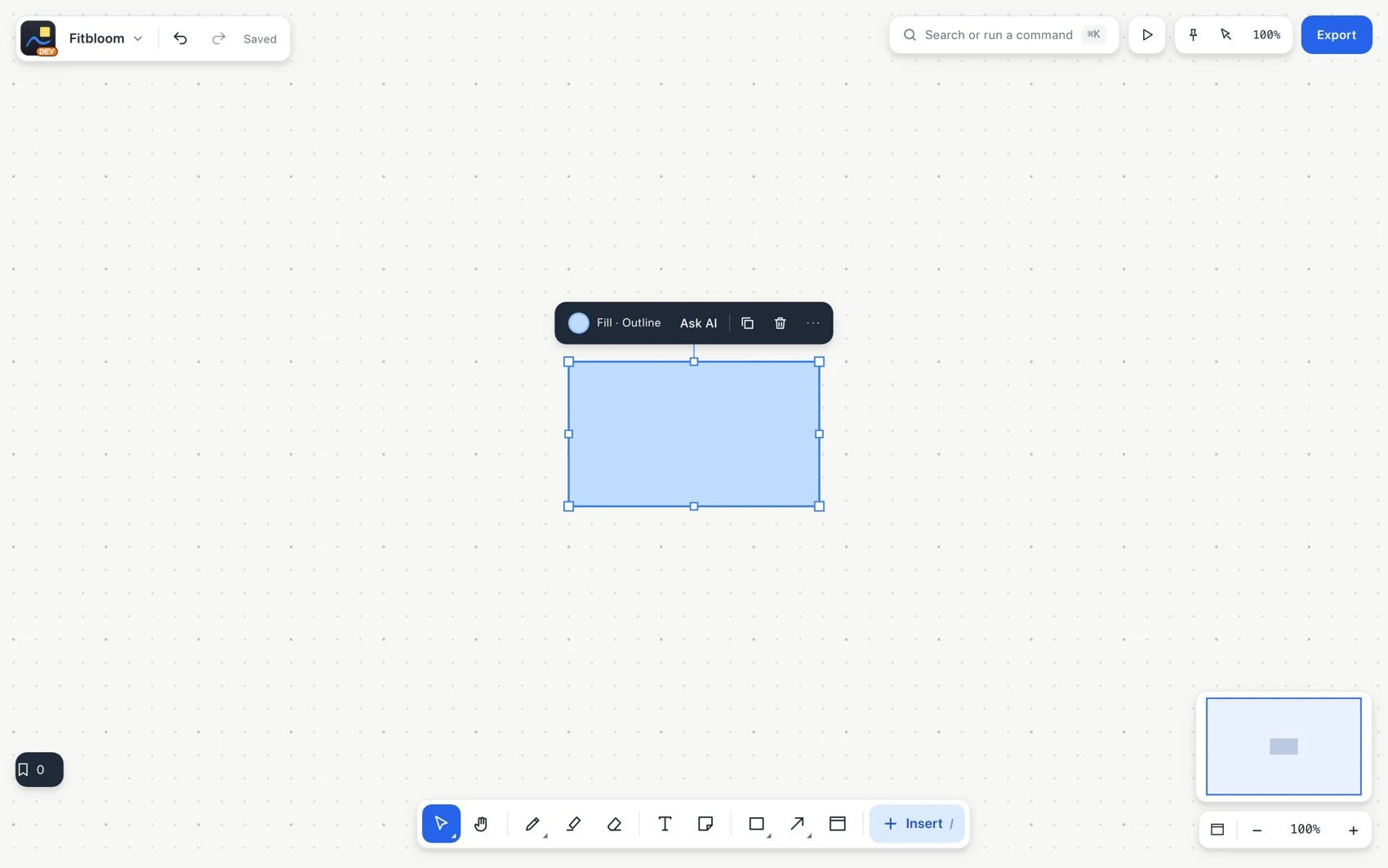
Shape creates geometric shapes. The default rectangle works for a process step, a diagram box or a visual boundary. Afterward you can change its fill, border and text.
#How to use it
- Choose Shape and draw the shape where you need it.
- Adjust fill, border and type in the context bar. Add text to show what it means.
- Use the controls to adjust its dimensions.
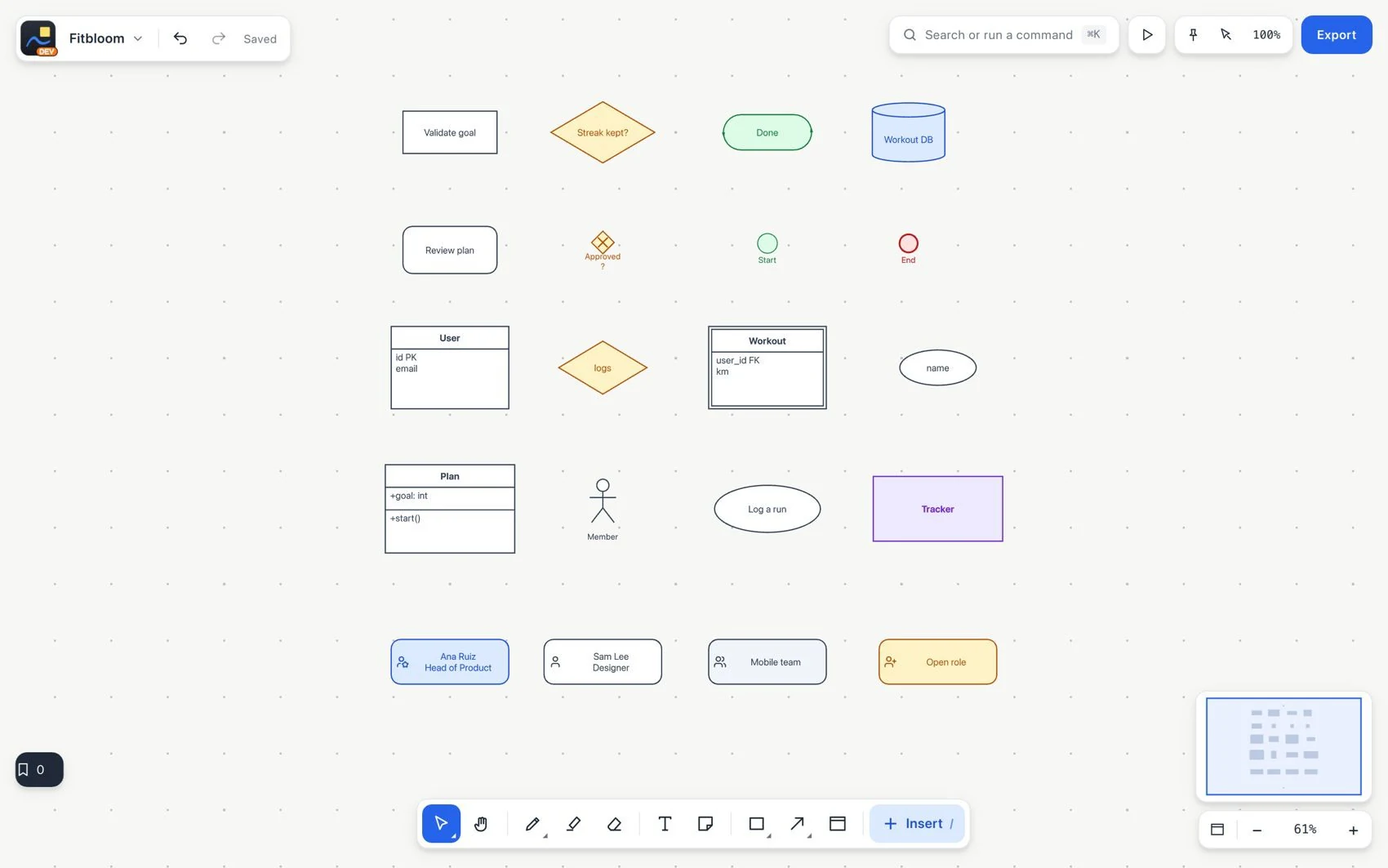
Create different types of diagrams
- Connect it to another object with Connector. For specialized shapes, open the Diagrams category in Insert.
#Common mistake and how to fix it
A rectangle is not a Section: drawing a box around some notes does not make it a container. Use Section to move the content together.