
Every tool on the toolbar
Connector
Connector represents a relationship between elements. Its attached ends follow the objects when they move. Use it for processes, dependencies and labeled relationships instead of drawing arrows by hand.
#How to use it
- Choose Connector and start at a connection point on the first element.
- Drag to a point on the second one and release.
- Choose a straight, orthogonal or curved path, arrowheads, style and label as you need.
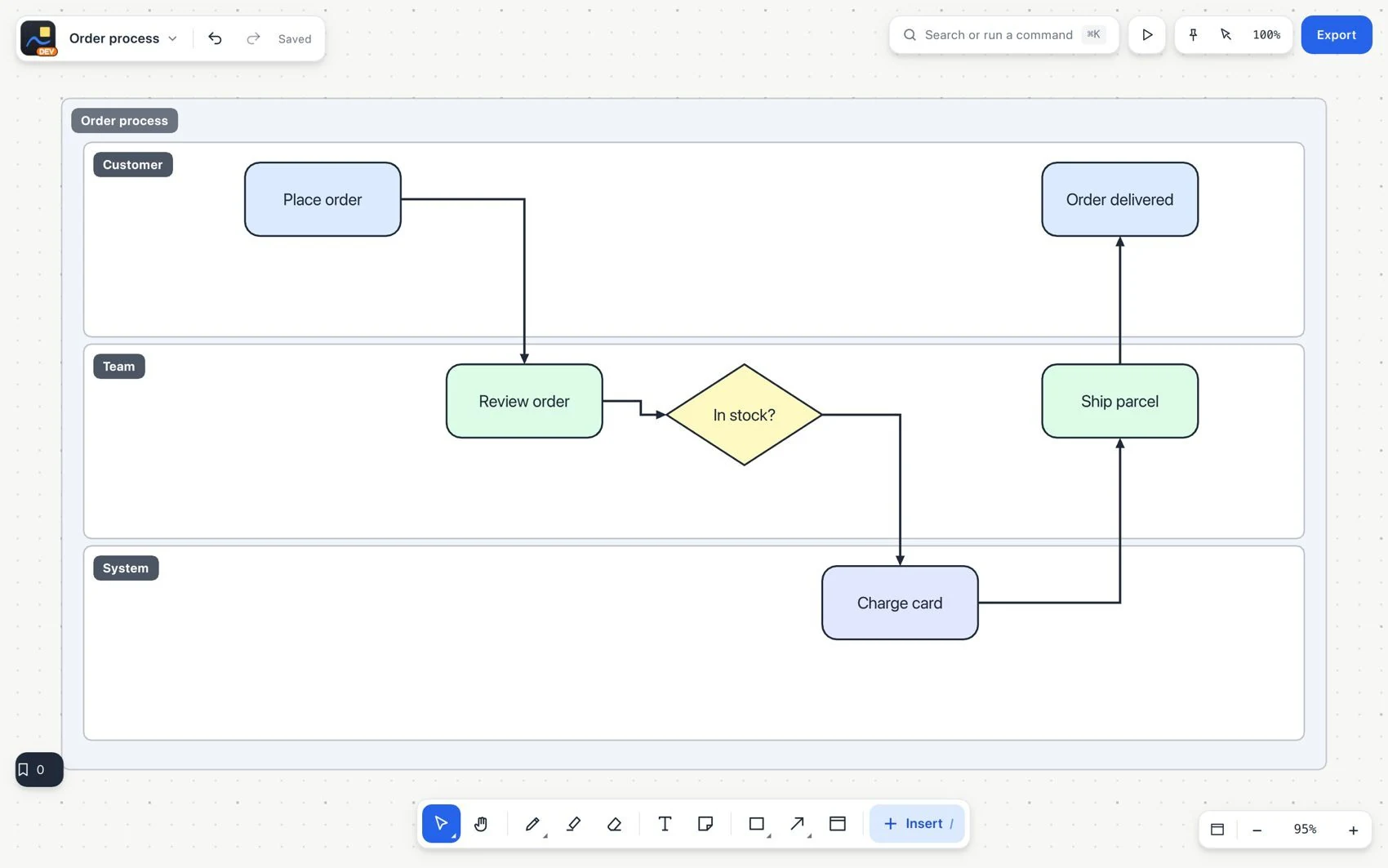
- Move one of the objects with Select and check that the connection stays attached.
#Common mistake and how to fix it
A line that only touches an object may not be attached. Check the end. Connectors stay on one page. To navigate between pages, use element links.