
Complete workflows
Deliver a presentation and a read-only view
Goal: communicate the project without granting edit access. Requirements: a completed practice project, and Pro or Team for the web link. Result: a five-part presentation, a reviewed PDF and a read-only snapshot.
- Prepare five sections: Goal, Evidence, Decision, Budget and Next actions. Keep private notes out of the scope you are going to share.
- Add the sections to the path in that order, even if they are on different pages.
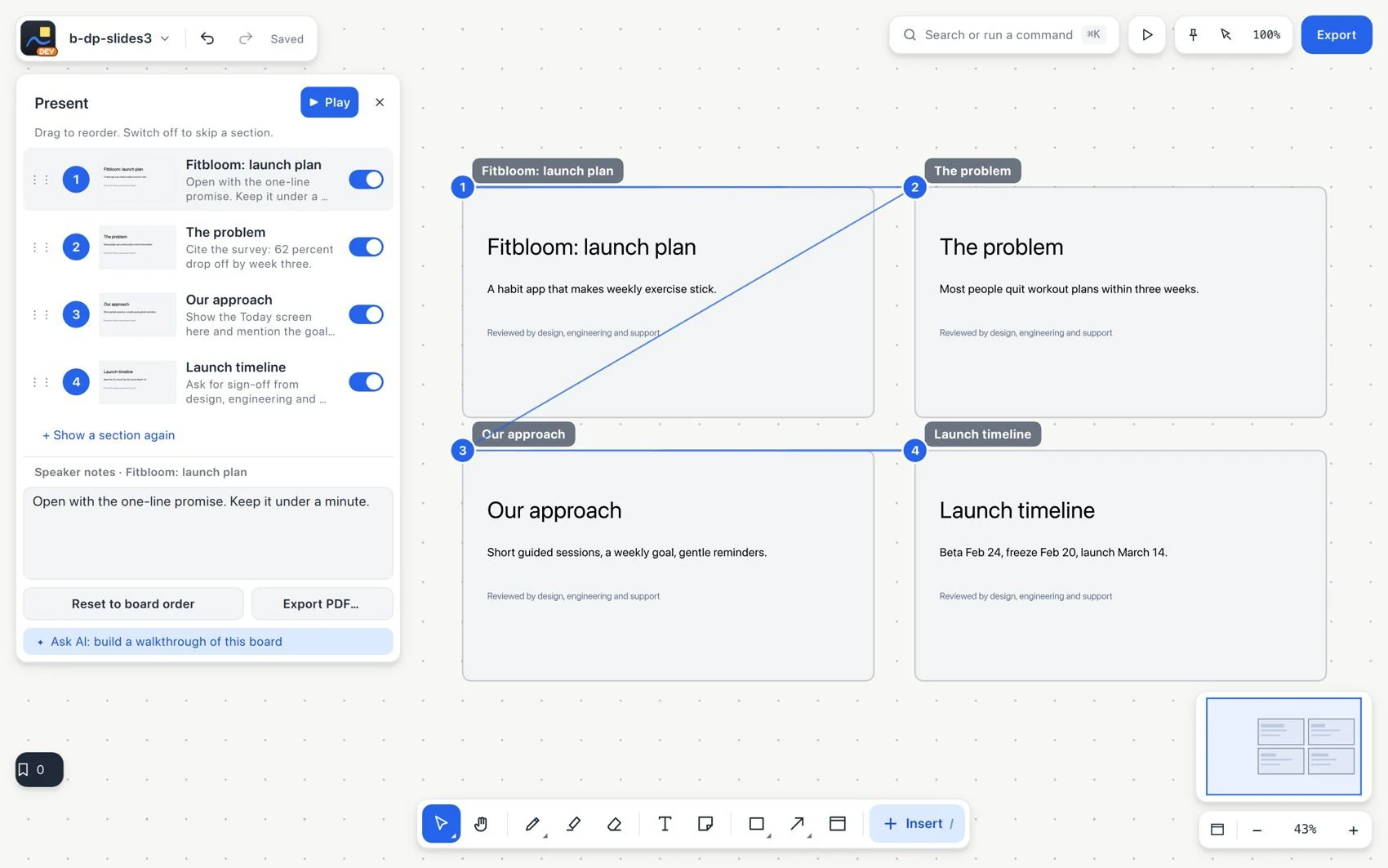
- Write notes to explain the transitions. Review the path and the current budget figures.
- Present the board. Use the pointer or pen to explain details without altering the agreed narrative.
- Export to PDF and check, outside the application, that it has five pages in the intended order.
- For the web view, choose the approved scope, access, password and expiration, and review exactly what will be shared.
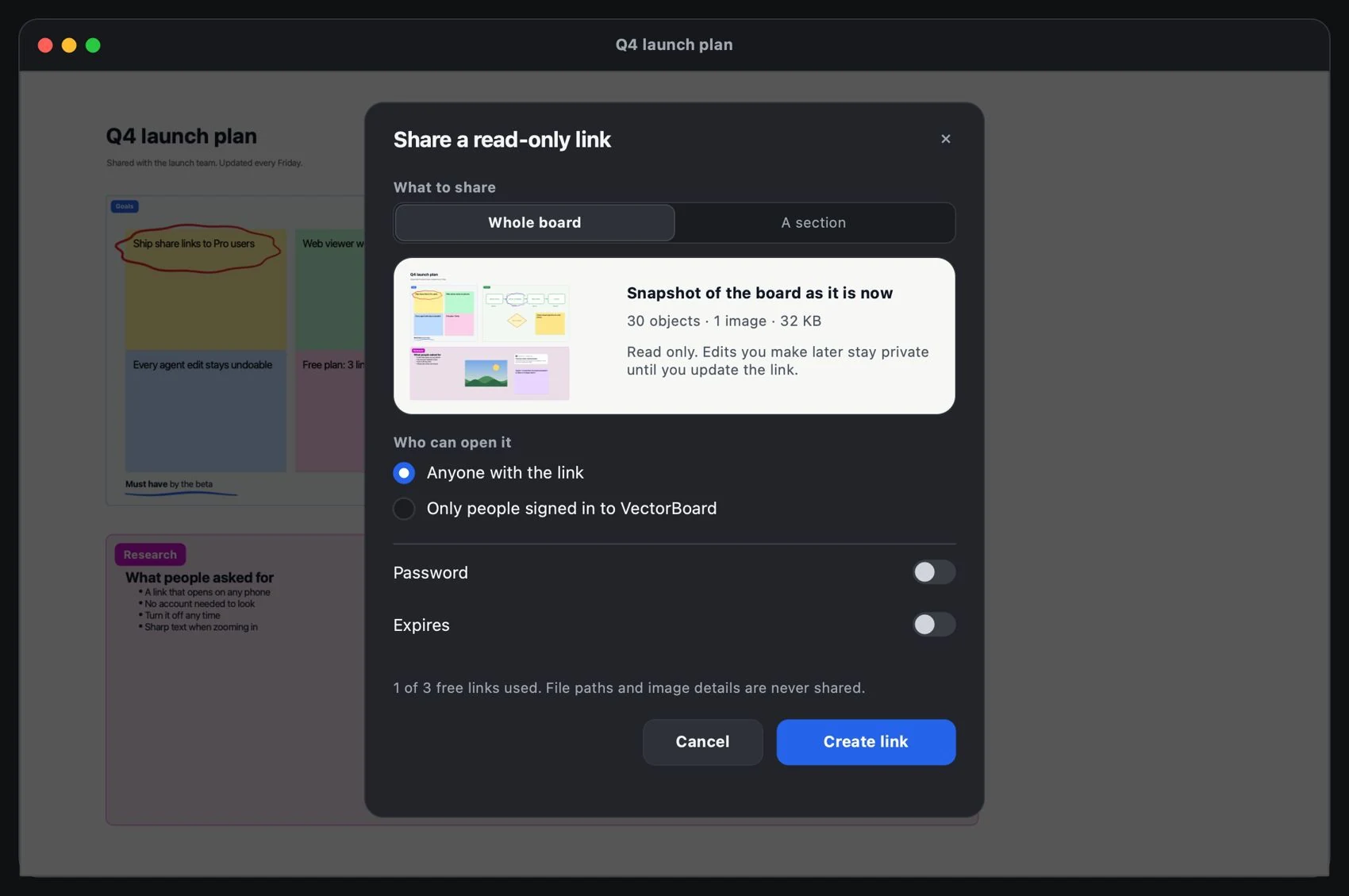
- Publish and test the viewer the way the recipient would. Check the links and read-only mode.
- Change something in the original and check that the snapshot does not change silently. Publish again when appropriate, and revoke access when it is no longer needed.