Research
Check sources and update research
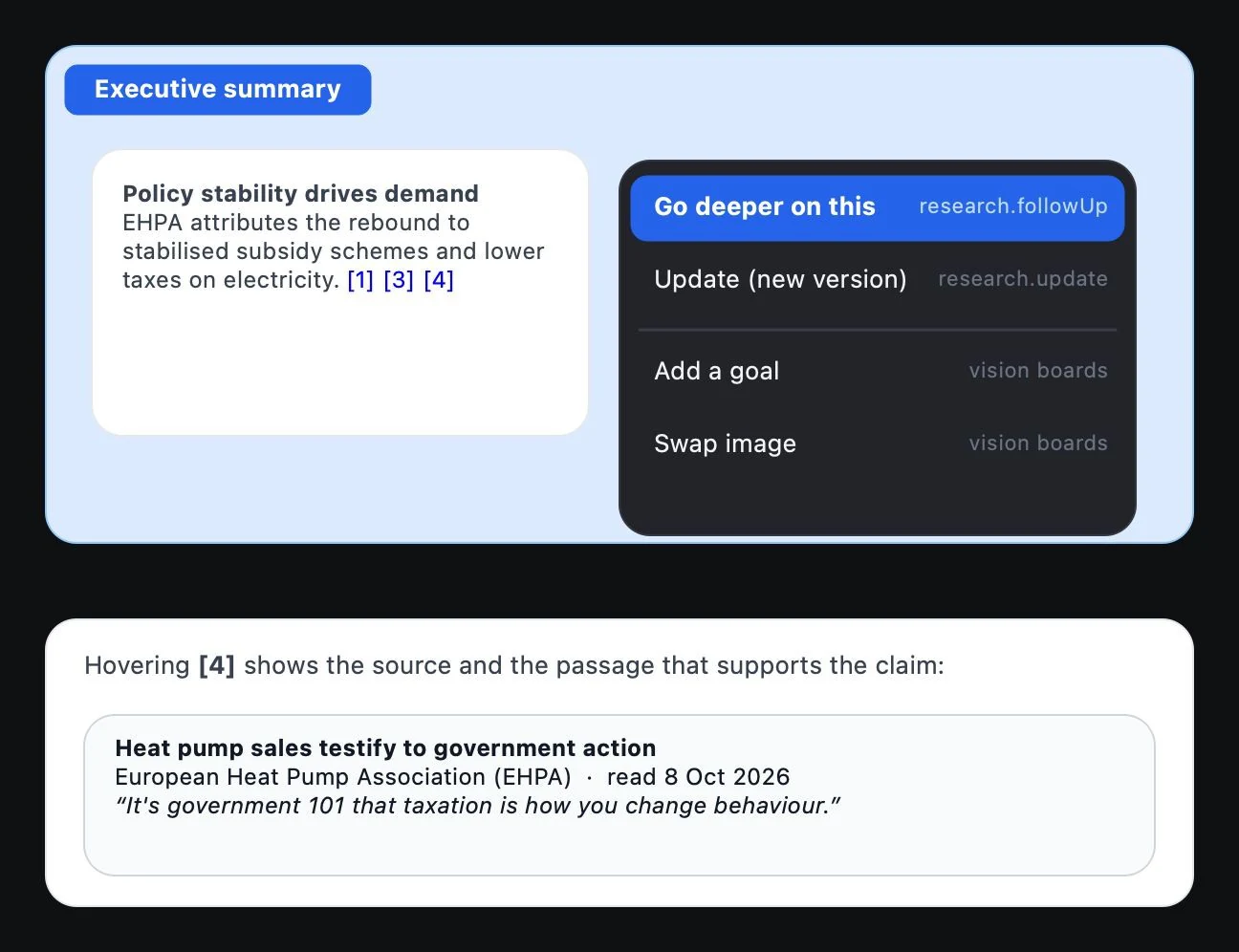
A links a claim to its support. A records the page, the publisher, the URL, the dates and a supporting excerpt. Having a list of sources does not replace checking which one supports each claim.
- Review the citations next to texts, rows and diagram elements. Hover over the citation or open it to read the support and check the original.
- Check the Source columns and the chart references. Tell recommendations apart from the facts that support them.
- Review Unverified, needs a source. Content with no known support is kept apart from the main result. Resolve it or remove it before presenting it as verified.
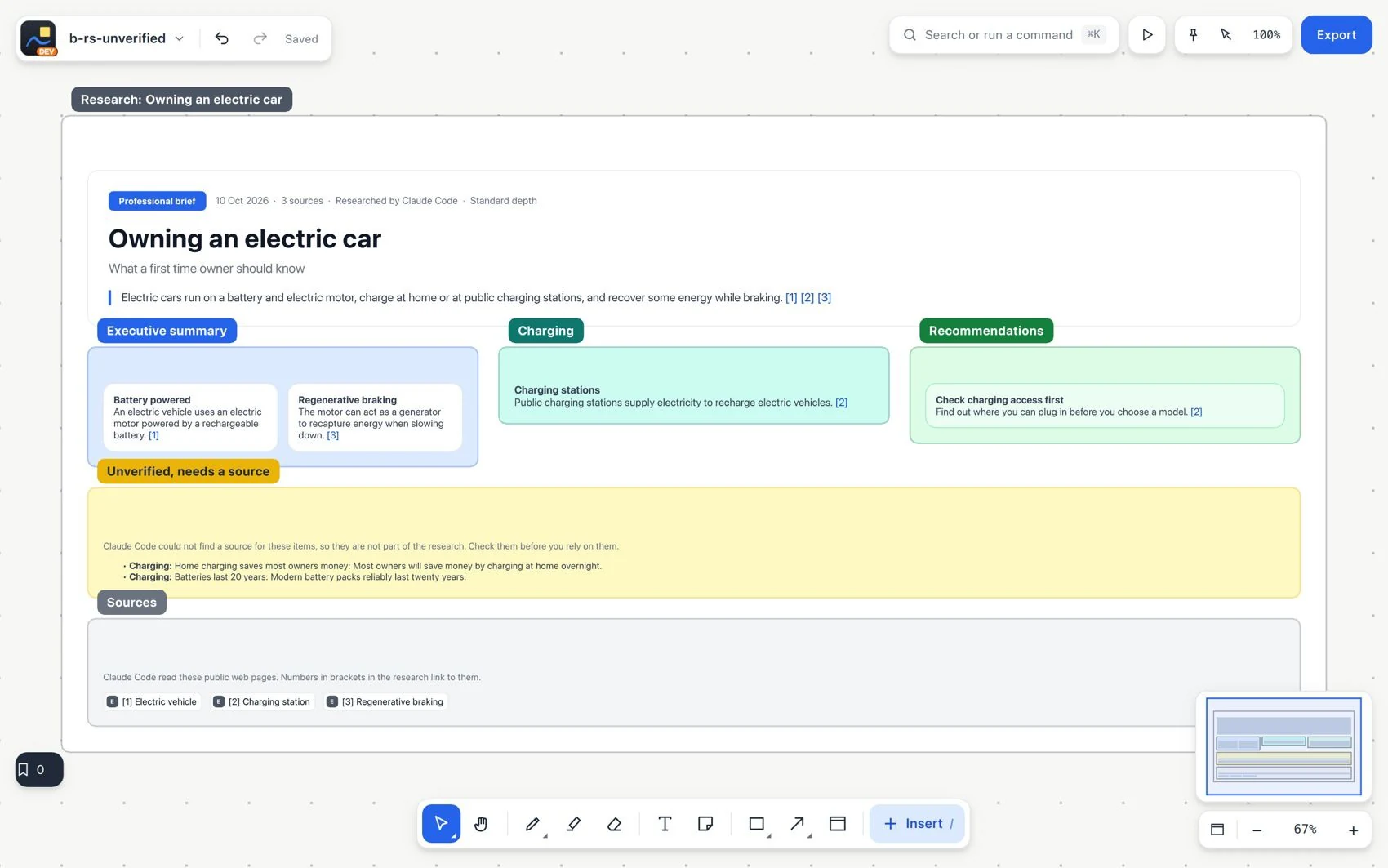
- Choose Go deeper to expand a section. Use Update to add a new version next to the previous one.
- Compare the versions and keep the relevant evidence. Earlier results are not overwritten.
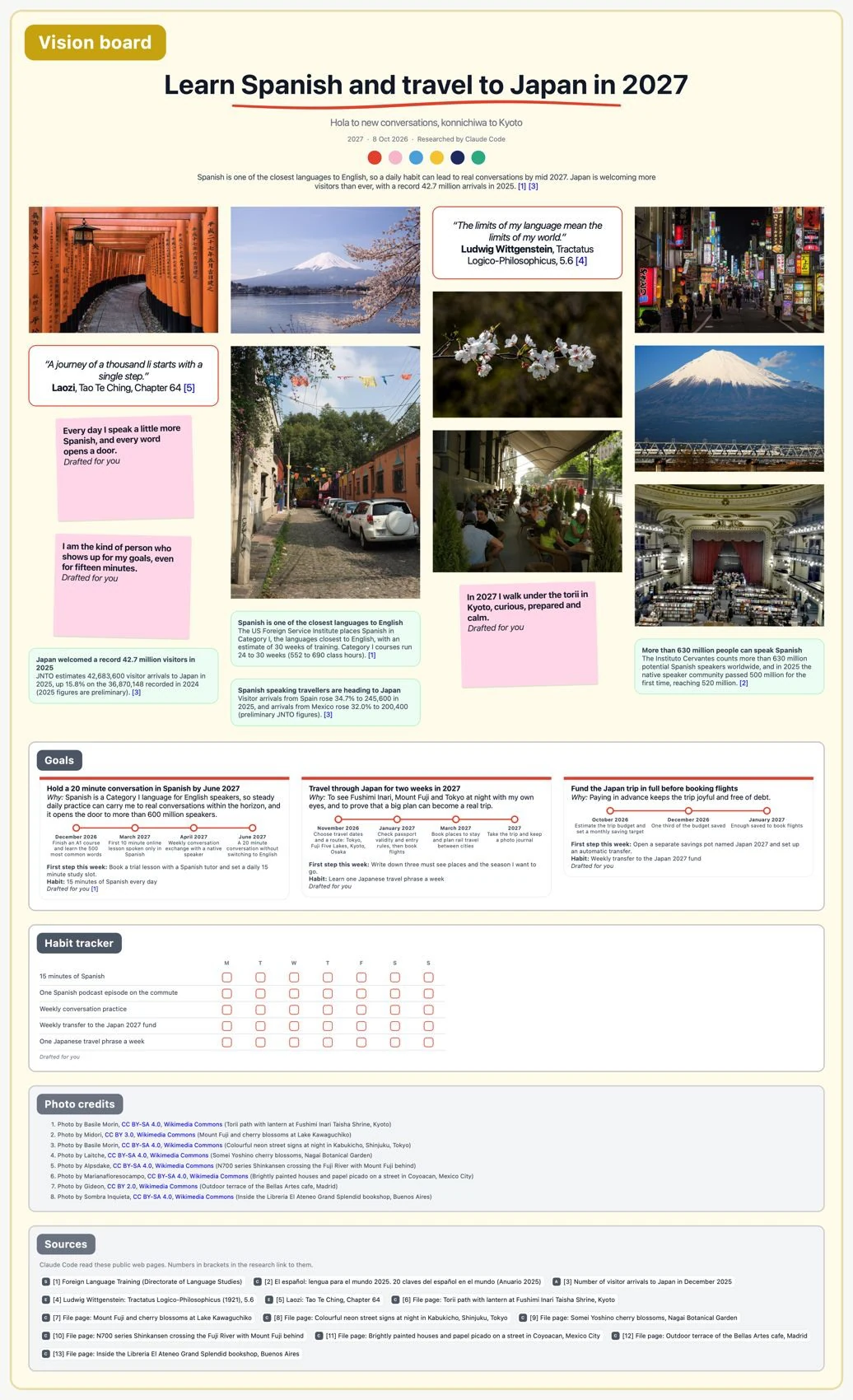
#Vision boards: photos, citations and personal content
Photos come from the supported source providers, with credit, license and a link to the original page. Use Add a goal to expand the board or Swap image to replace a photo while keeping the attribution. Your own photos are placed first. Personalized goals, statements and habits are labeled Drafted for you, not as citations from a public source.