
Every tool on the toolbar
Section
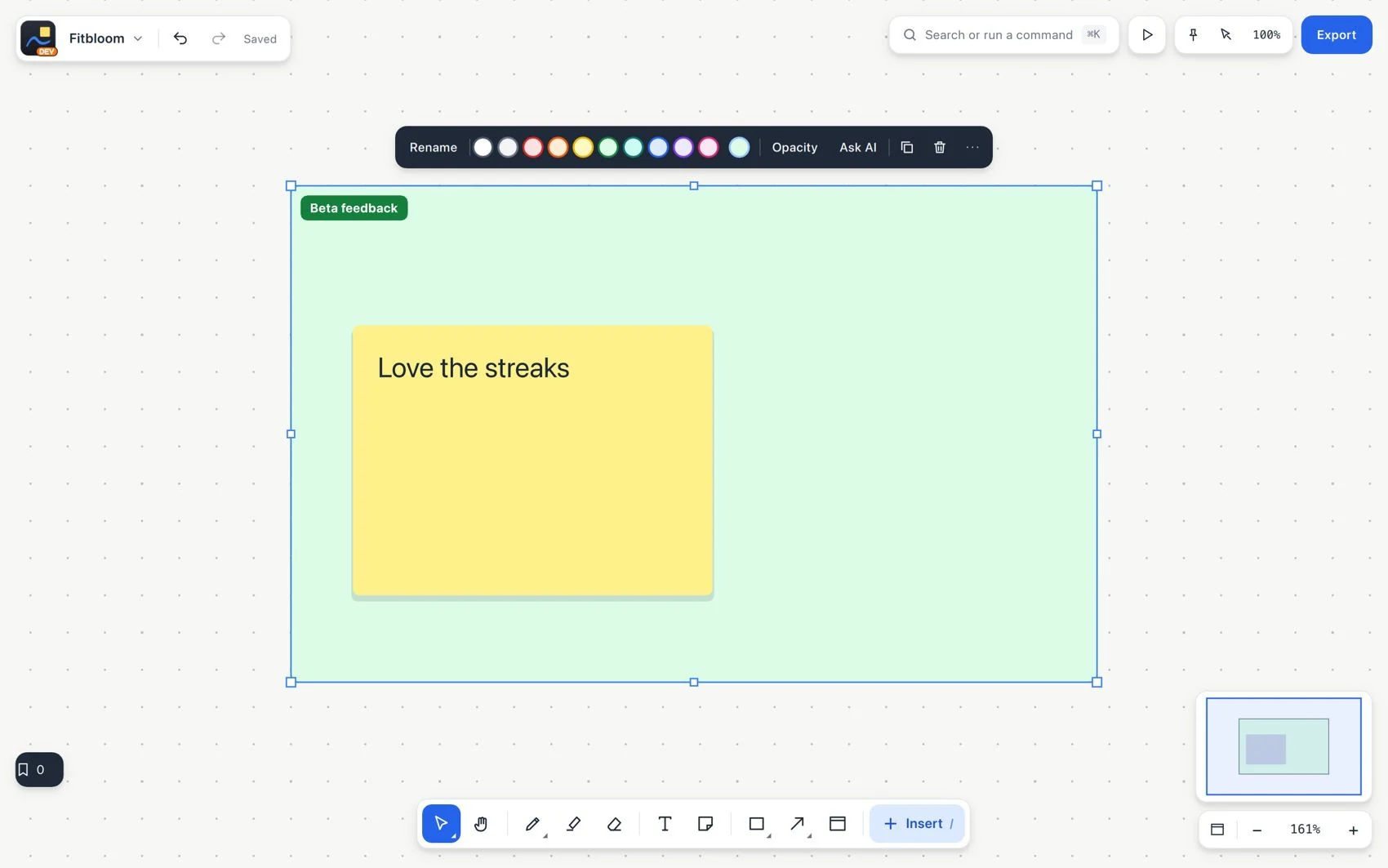
Section creates a named area that holds related work. Use it to organize and delimit content. It can become a slide, a reading chapter, a voting area or the content of a shared link.
#How to use it
- Choose Section and draw an area around related elements, or group a selection inside a section.
- Give it a meaningful title, such as
Research findings. Choose a color if it helps you identify it.
- Drag elements in or out to change what belongs to it. The center of the element determines the smallest section that contains it.
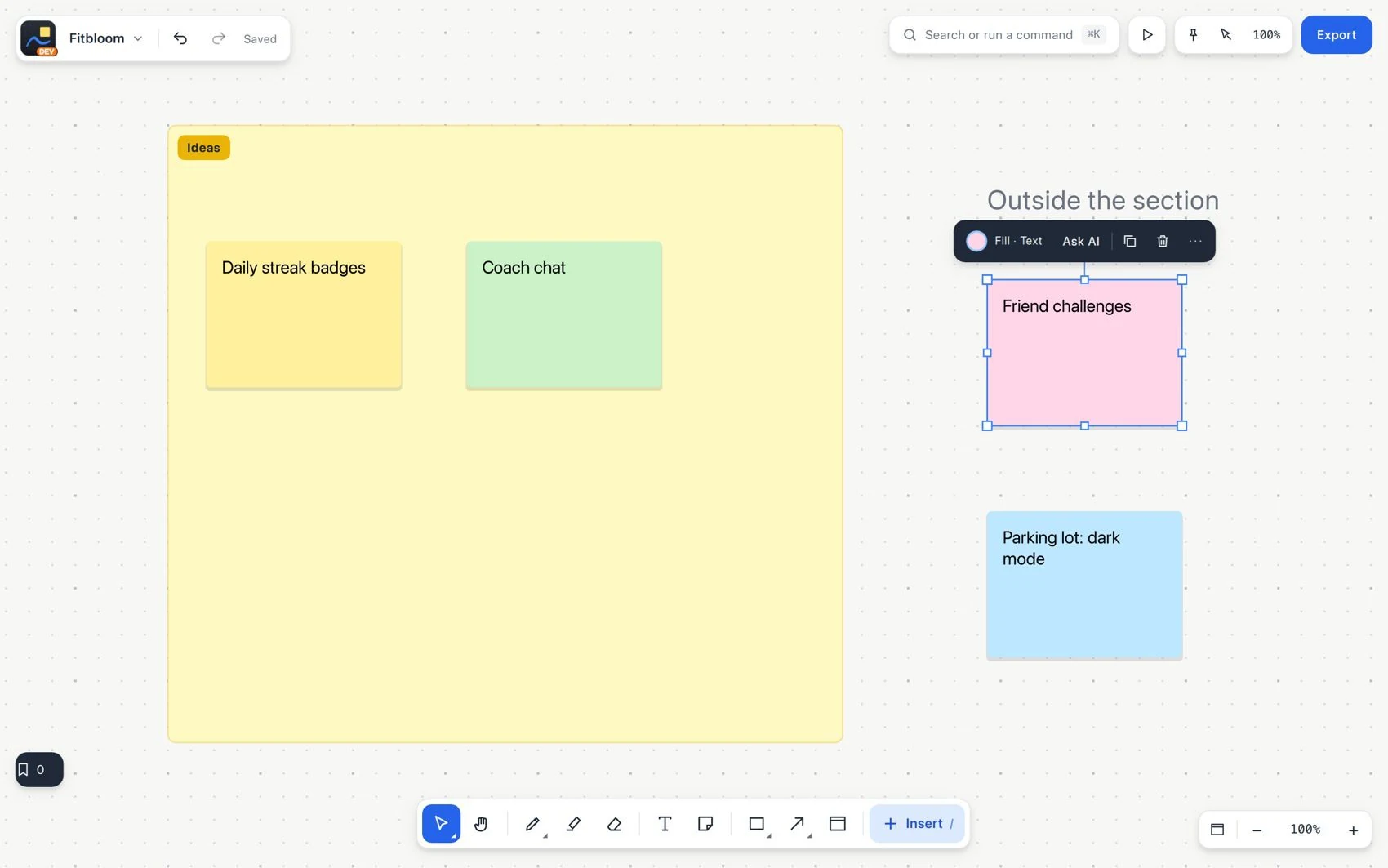
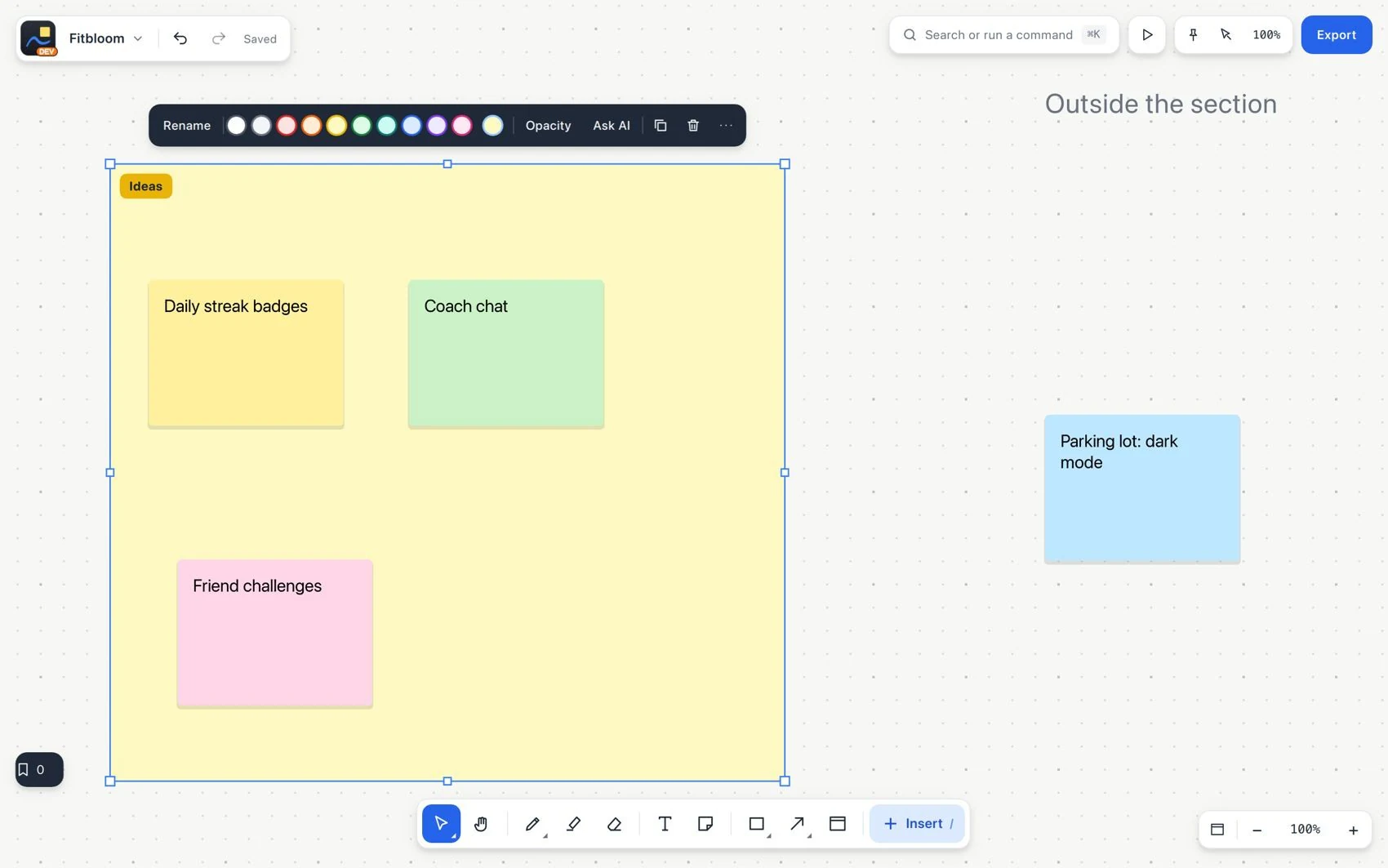
Move the element together with its container
- Move the section and check that its content follows it. Use arrange, fit or collapse to organize how it is presented.
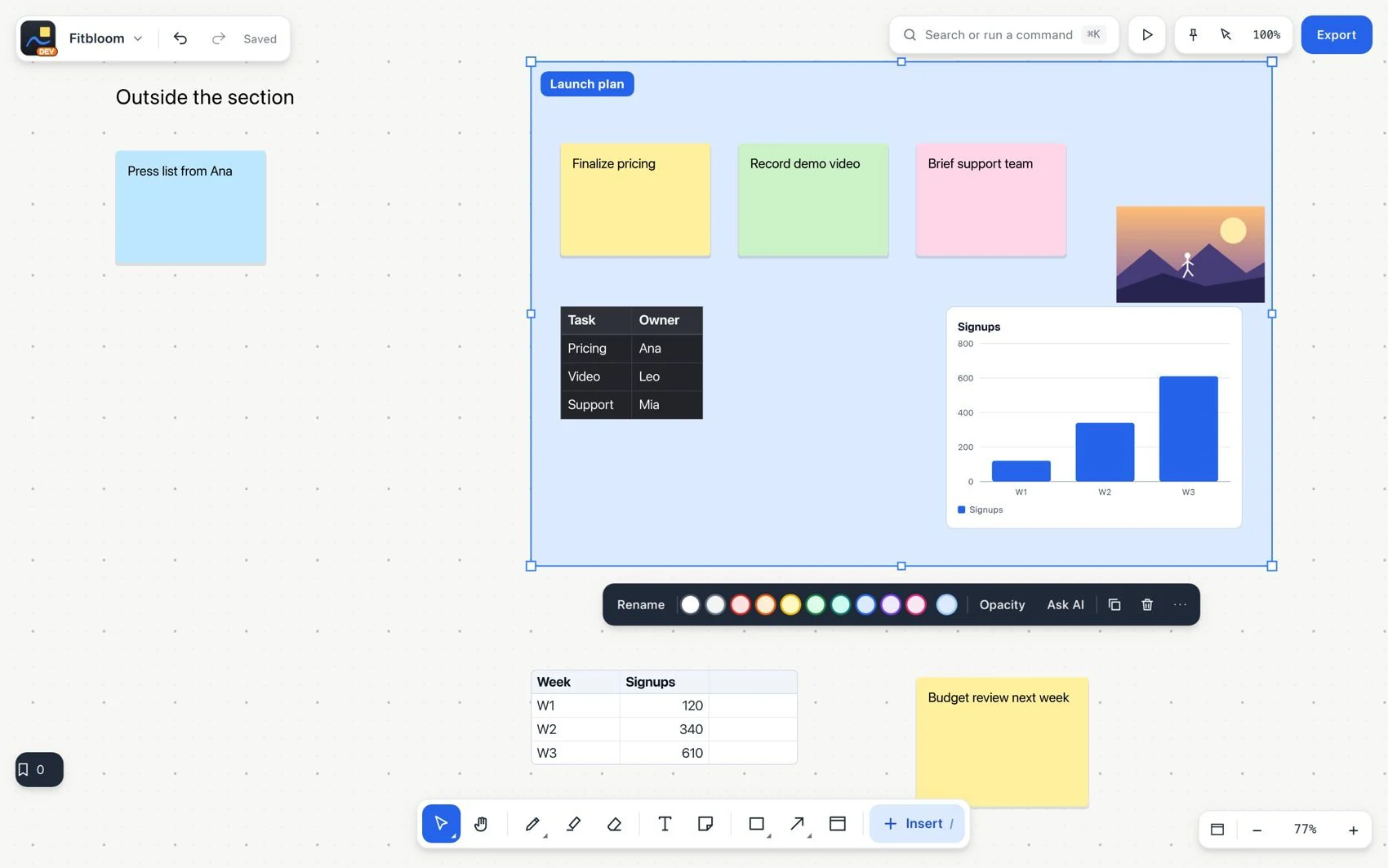
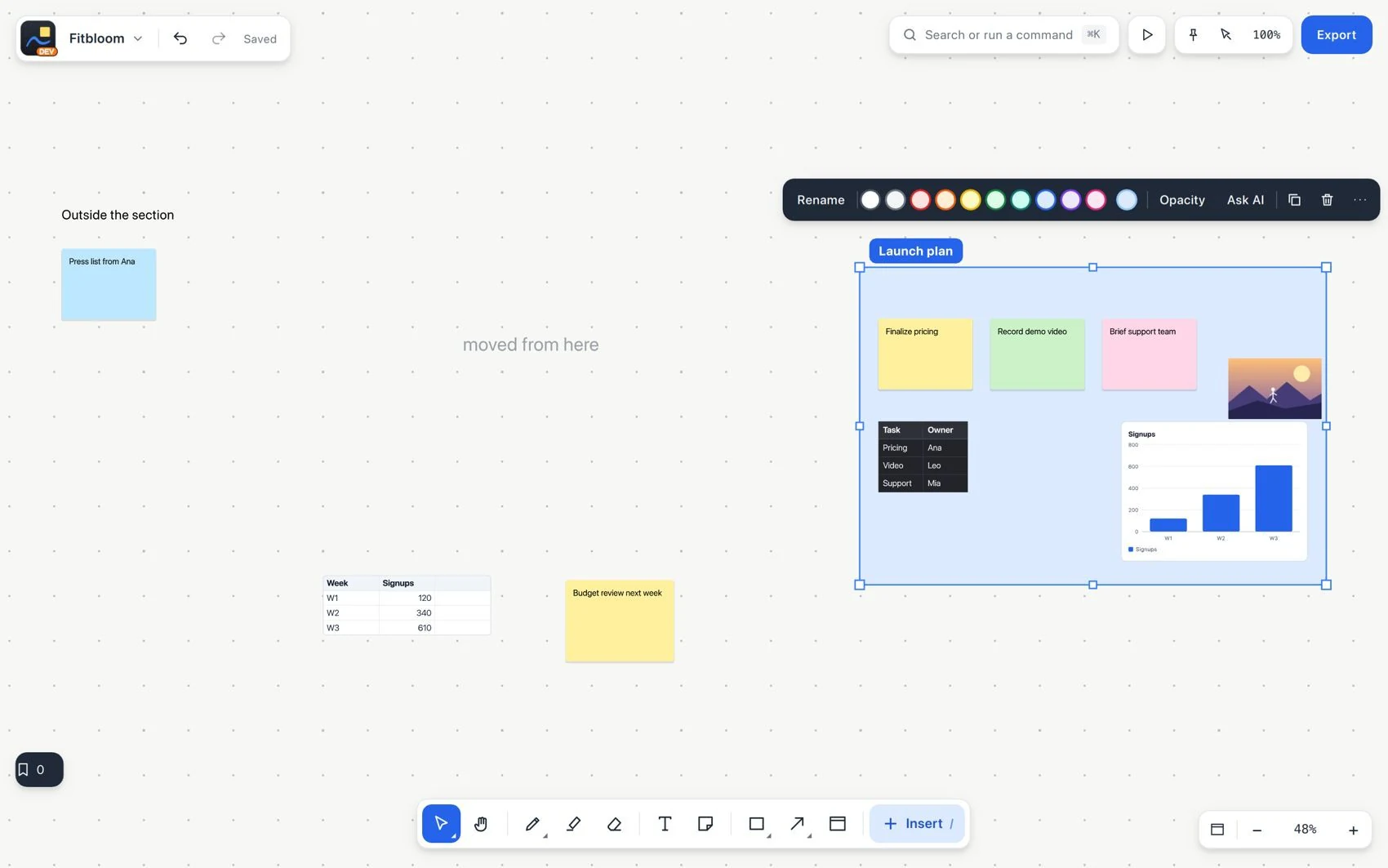
Move an entire line of work at once
#Common mistake and how to fix it
Changing the section border does not scale its content. Deleting a container also deletes its content, except protected locked elements. Check the selection first and use Undo after an accidental deletion.