
Every tool on the toolbar
Hand
Hand pans the view across the page. It changes the part of the board you see without moving the project's objects. Use it to explore a large board, not to edit it.
#How to use it
- Choose Hand.
- Press on the board, drag in the direction you need and release.
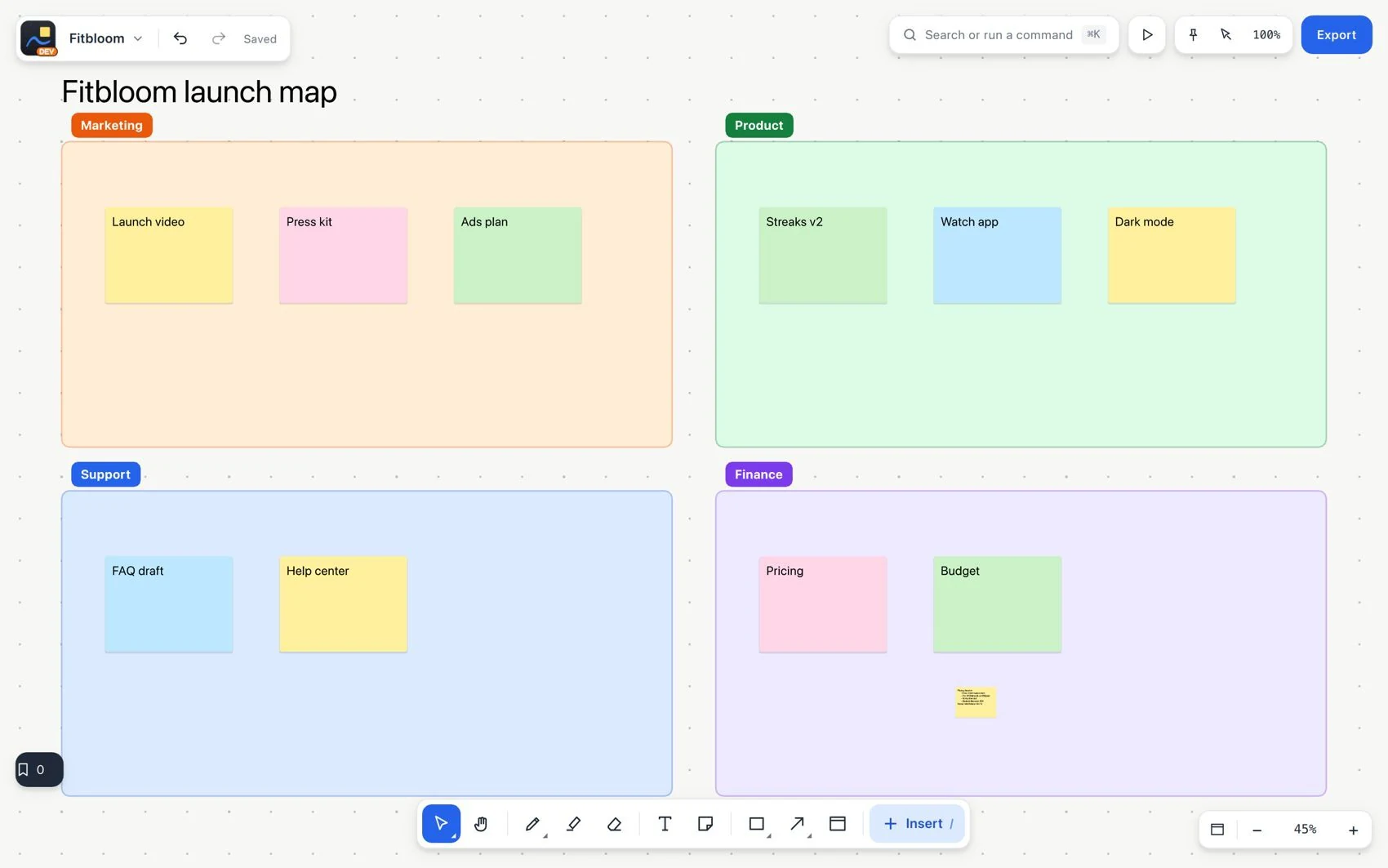
- Change the zoom or fit to content to change the scale of the view.
- Go back to Select before moving an object.
#Common mistake and how to fix it
If the board pans but you cannot edit a note, the Hand tool is still active. Switch to Select. Use the navigation history, not Undo, to return to a previous view.