
Interface design
Create a prototype and export a design
A connects screens through an interactive walkthrough. Use it to test how a person uses a design. A diagram connector represents a relationship. A prototype link defines a screen transition.
- Create the frames for the walkthrough and give them unique names.
- Use prototype links to join the starting control or frame to the destination screen.
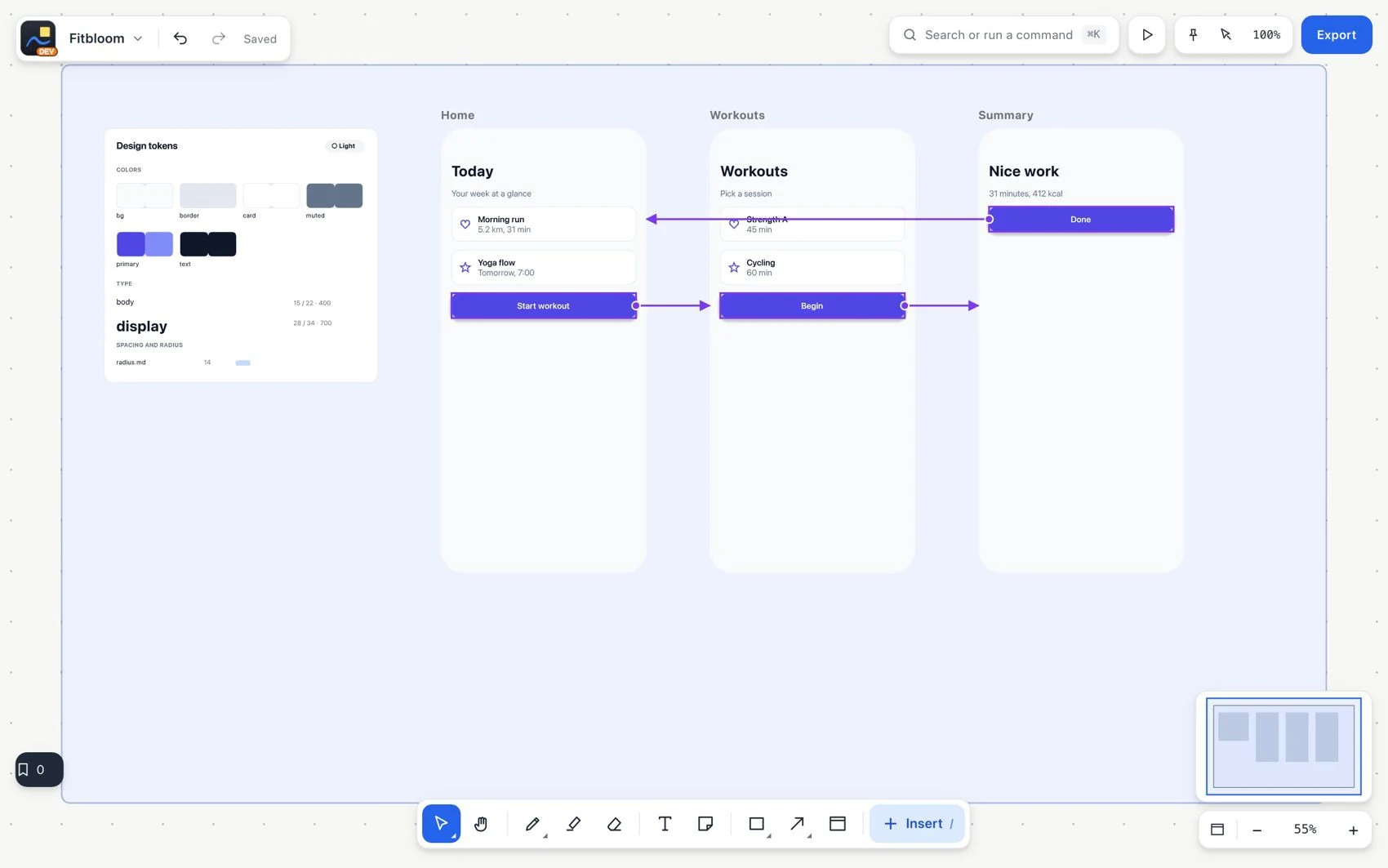
- Complete the walkthrough, including the way back where it applies.
- Choose Play and test the prototype. Check that each action opens the intended destination.
- Import HTML/CSS into frames to reuse a design, or export a frame as HTML or React to hand off code. Review the result separately.