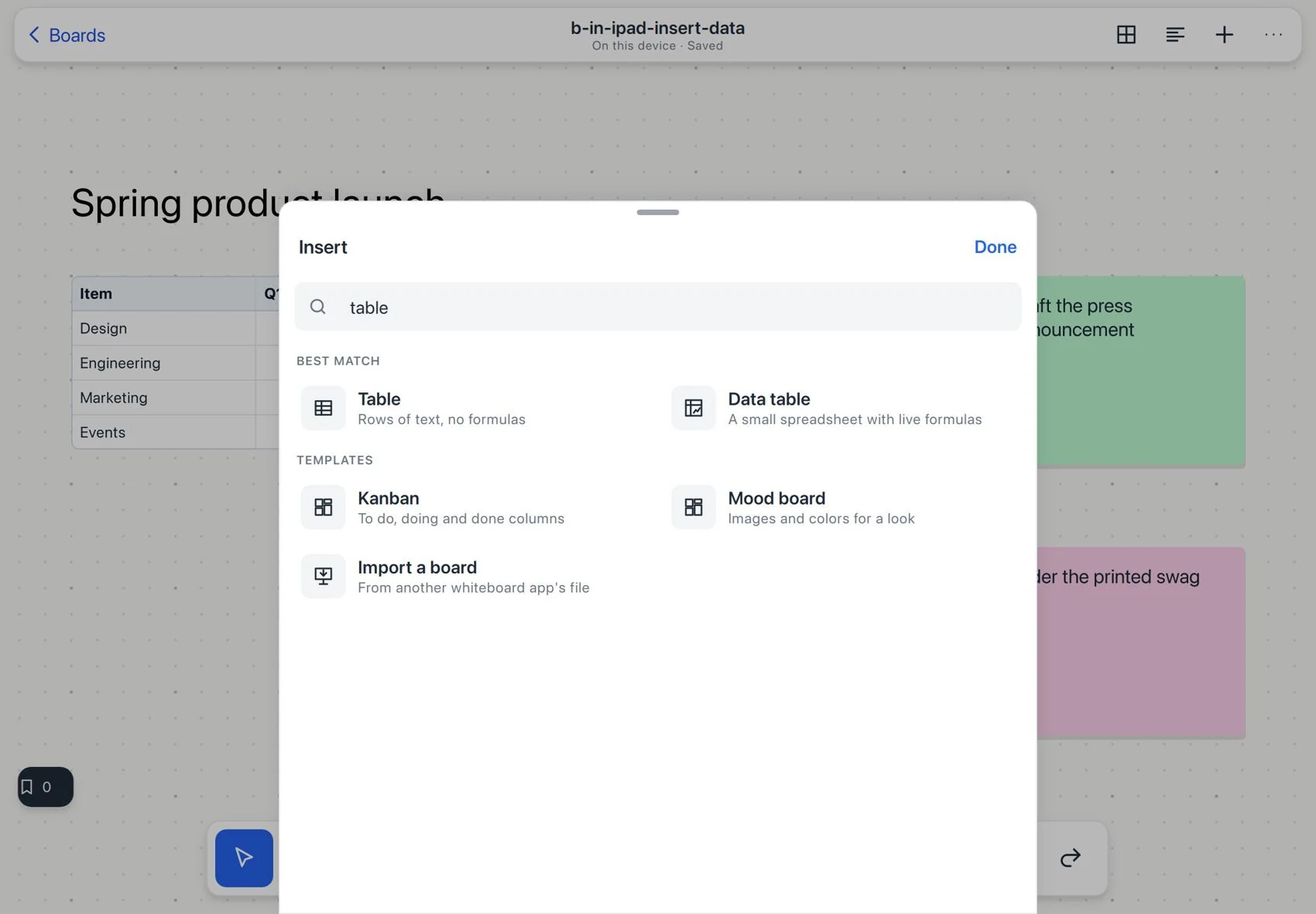
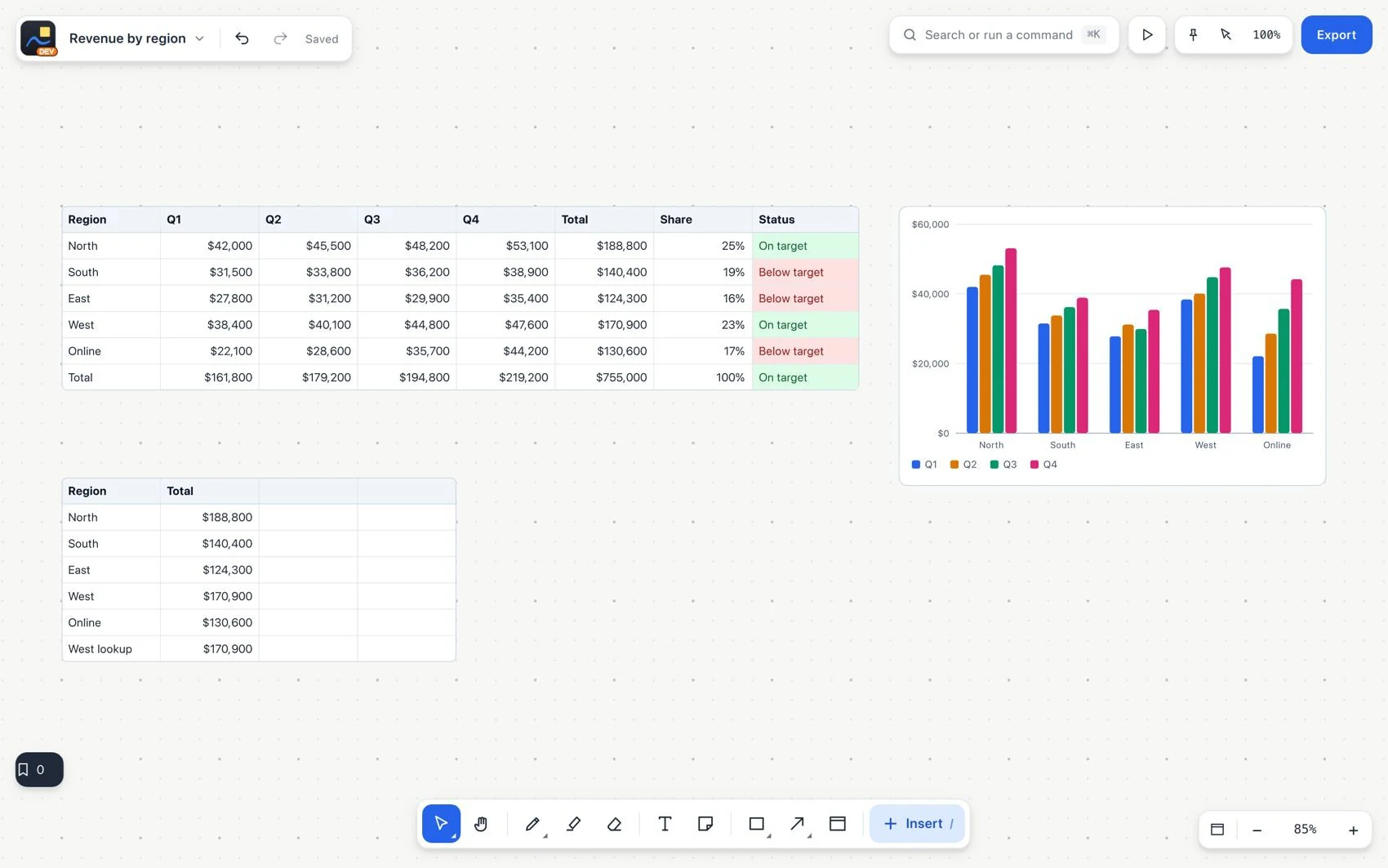
A is a spreadsheet inside the board: it stores values and formulas. A is for static text, lists and comparisons without calculations. Choose the right type before you enter a budget or a task tracker.
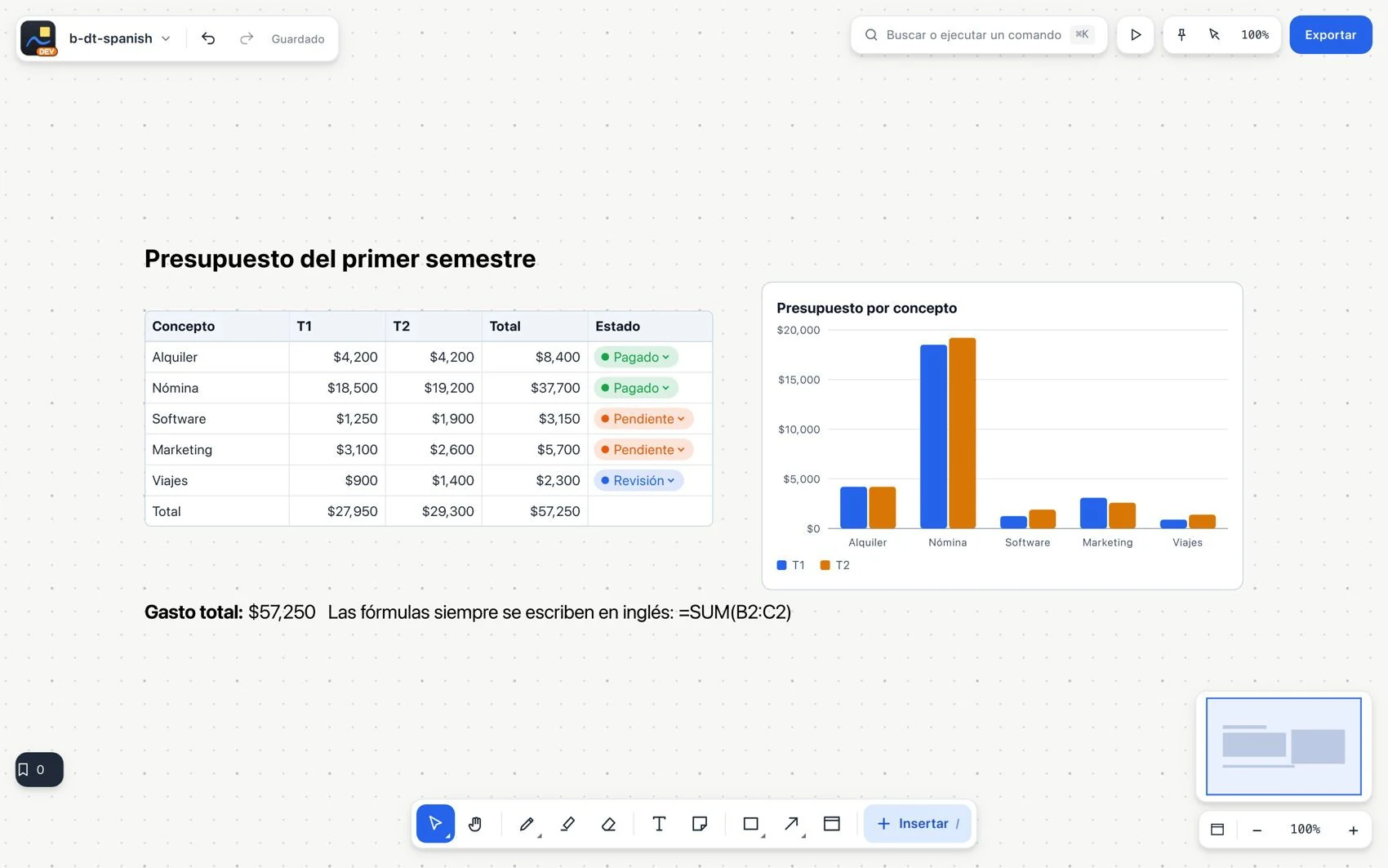
Spanish interface, English formulasWork in your language
iPad: tables and dataFind tables on the touch screen
Give it a unique name, for example Budget. That name lets other formulas refer to it.
Enter headers and values. Select a cell to edit it, or a range to act on several cells.
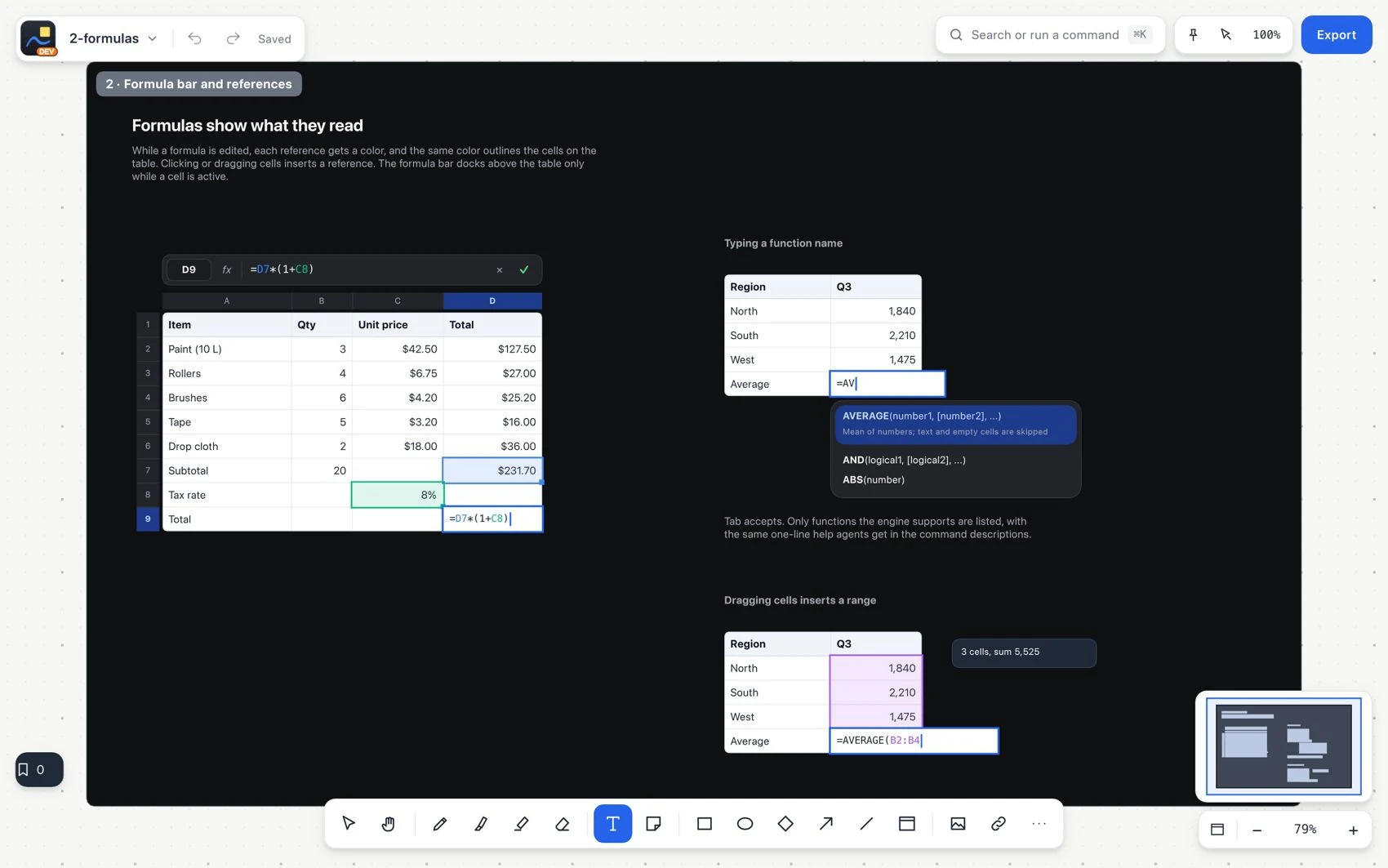
Type a formula that starts with =. If B2 contains quantity and C2 unit price, enter =B2*C2 in D2.
Review the expression in the formula bar and use autocomplete. Extend it to other rows with the fill handle.
Spreadsheet editingWrite formulas with help
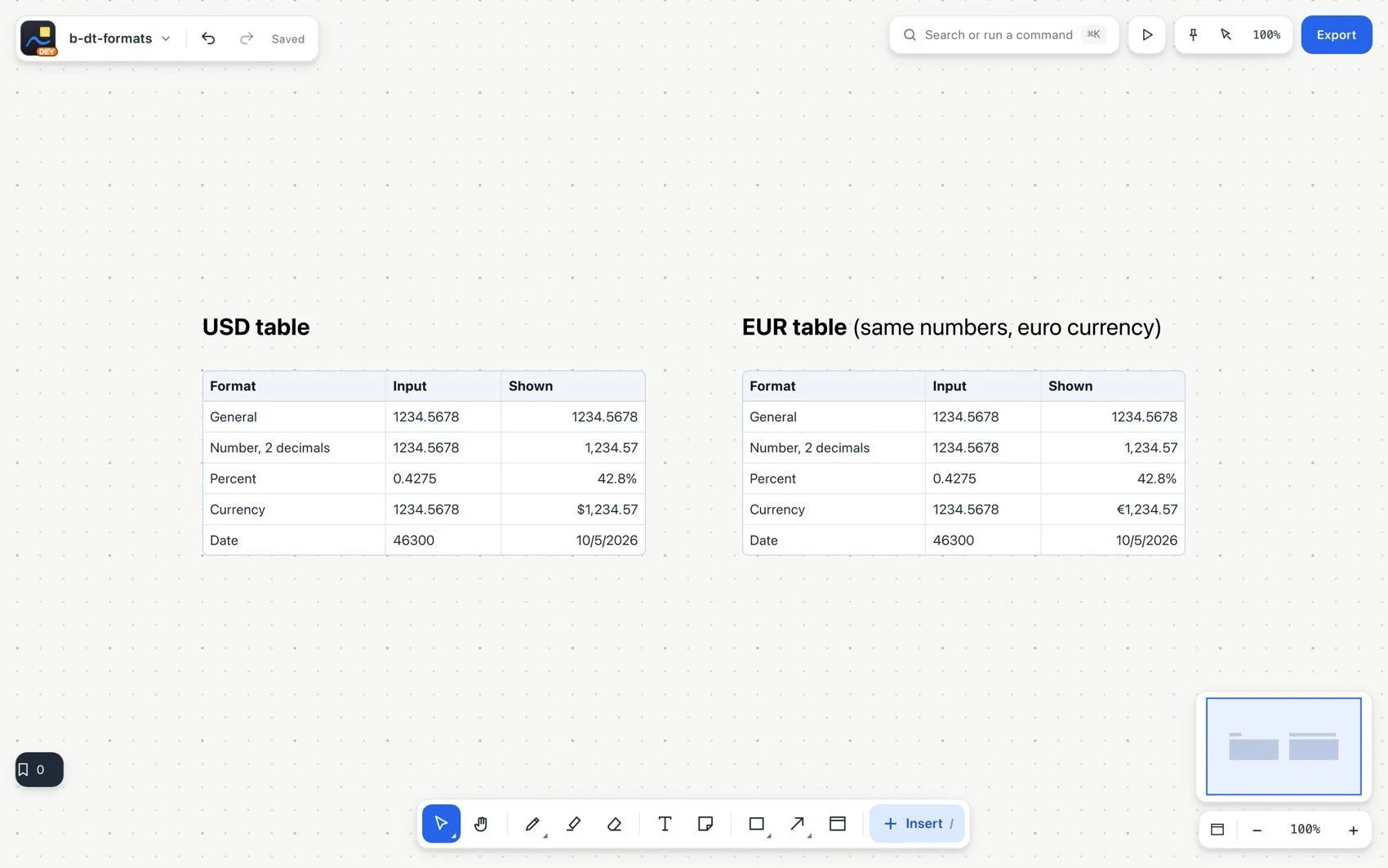
Apply number, currency, percentage or date formatting where appropriate.
Number formats and currenciesShow figures correctlyData tables, formulas and chartsCreate and visualize a budgetWas this helpful?Thanks for your feedback.