
Complete workflows
Design and test a three-screen prototype
Goal: create a flow for booking a workshop. Requirements: the full editor on desktop or iPad. Input: screen names and the transitions that follow. Result: an editable flow that you can play and review next to the requirements.
| Screen | Content | Expected transition |
|---|---|---|
| Workshop list | Title, card and View details control | View details → Workshop details |
| Workshop details | Description, schedule, capacity and Book control | Book → Confirmation |
| Confirmation | Confirmation message and Back to list | Back to list → Workshop list |
- Create the page Design and three frames with the names from the table.
- Build the content with Text, Shape and icons. Define a primary color token and apply it to the repeated actions.
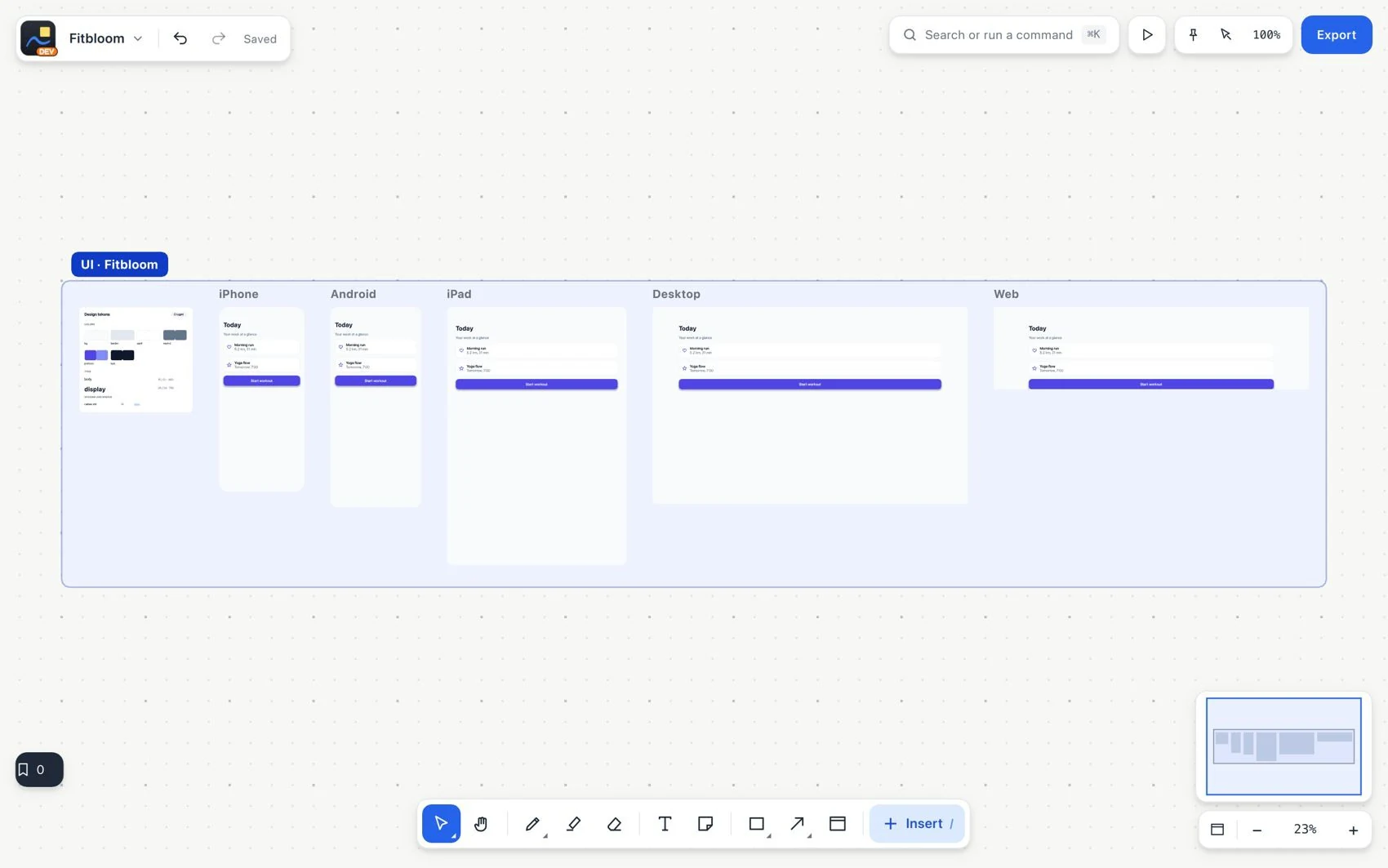
- Create a workshop card component and use instances when it repeats. Keep specific text through overrides when appropriate.
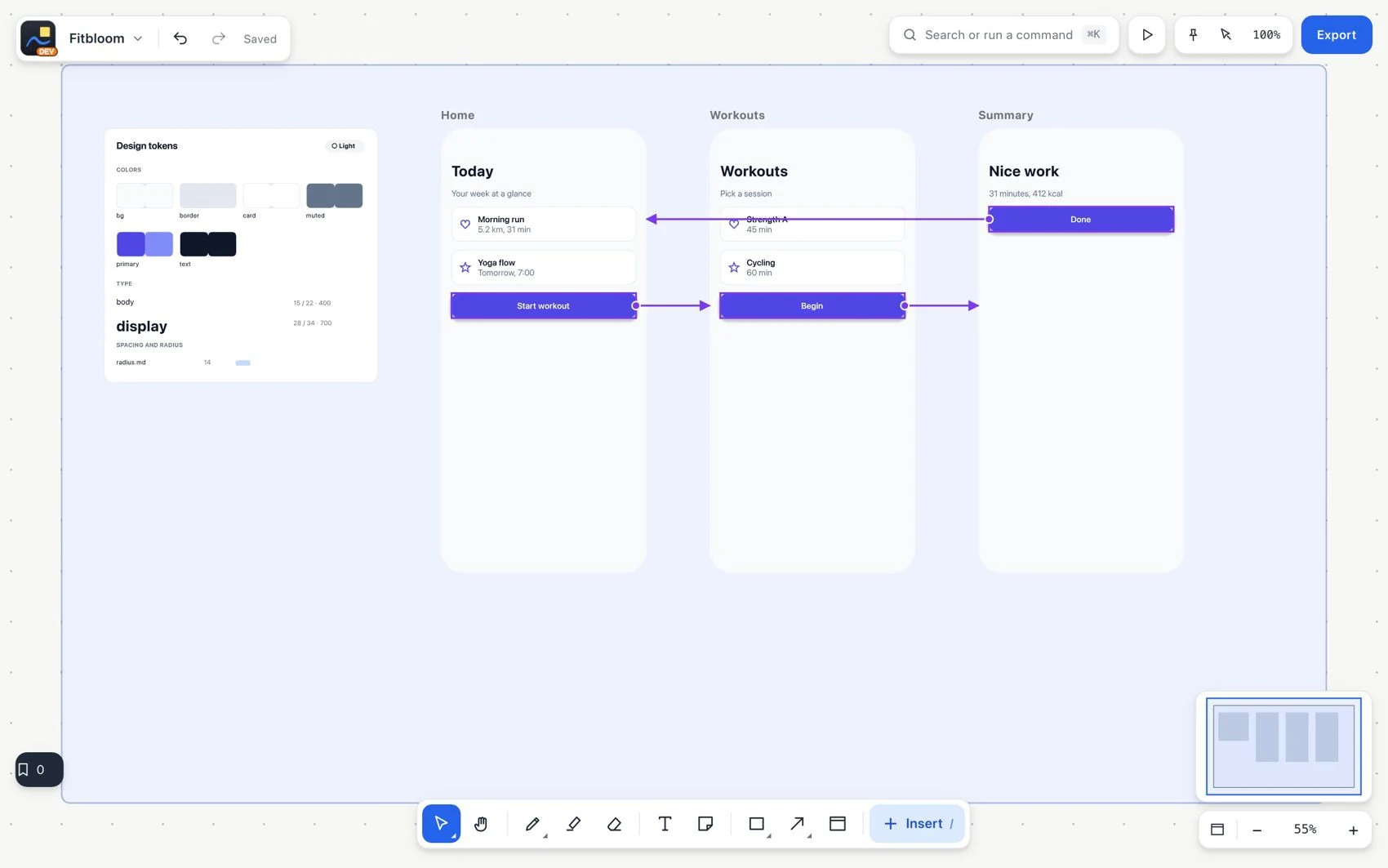
- Set up the three transitions with prototype links, not diagram arrows.
- Start Play on Workshop list. Follow View details, Book and Back to list. Check each destination and the return to the start.
- Duplicate a screen version to explore alternatives without overwriting the chosen one. Keep the annotations linked to the frame.
- Export the frame as HTML or React when you need to hand off code. Review the file separately; the real behavior of the service is added in the application environment.