
Documents and PDF
Read and annotate a PDF
When you import a PDF, its pages are placed on the board as objects. PDF markup adds highlights, strokes, notes and shapes over those pages. It lets you review a specification or an article without rewriting the original document.
- Drag the PDF onto the board or add it with Insert. Choose a column, row, grid or separate board pages layout.
- Open the PDF pages panel to navigate with thumbnails and find the passage you need.
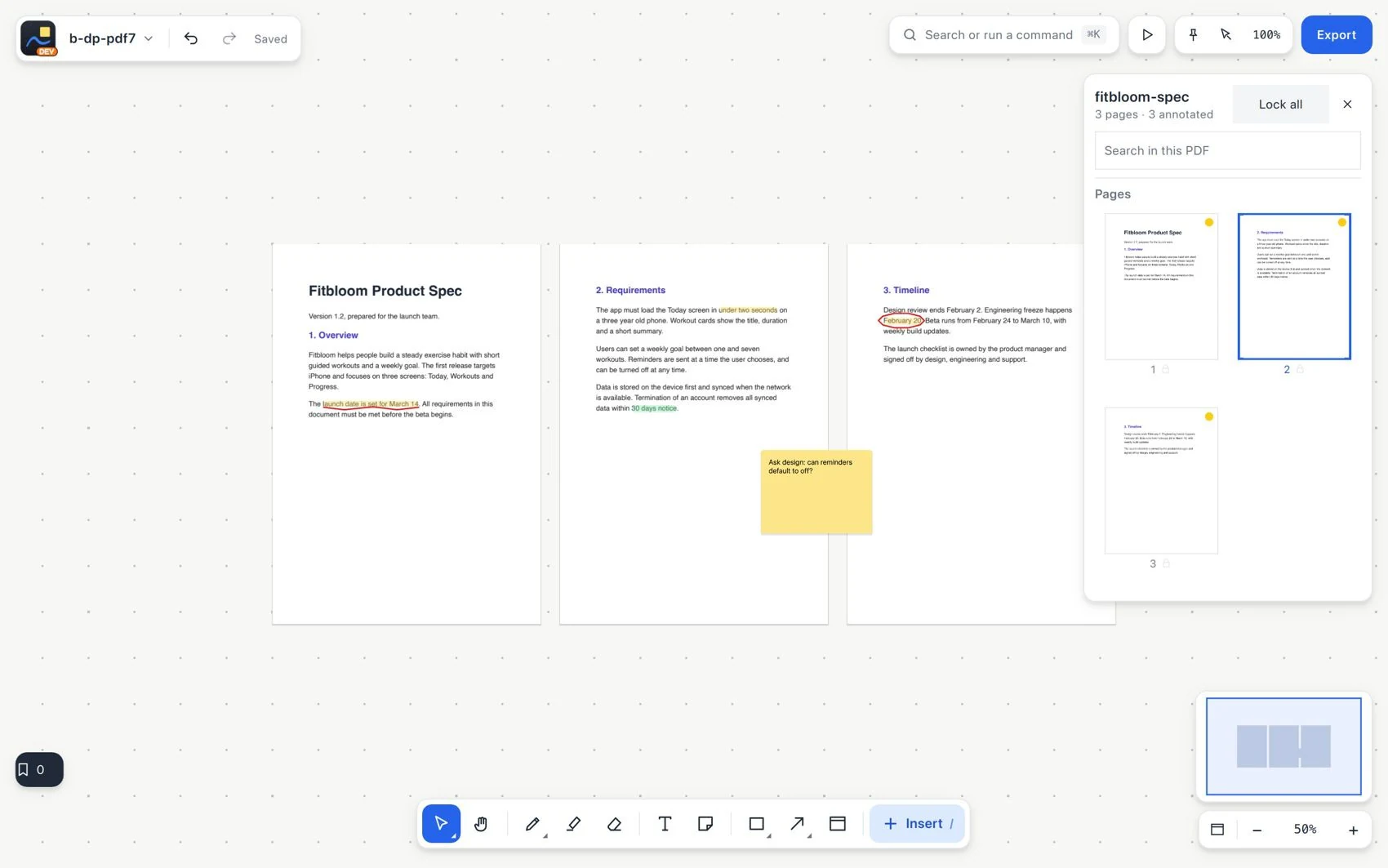
- Select or copy the text when it is available. Highlight words with Highlighter and add handwritten marks with Pen.
- Place a note or another annotation on the page. Move the page to check that the annotations follow it.
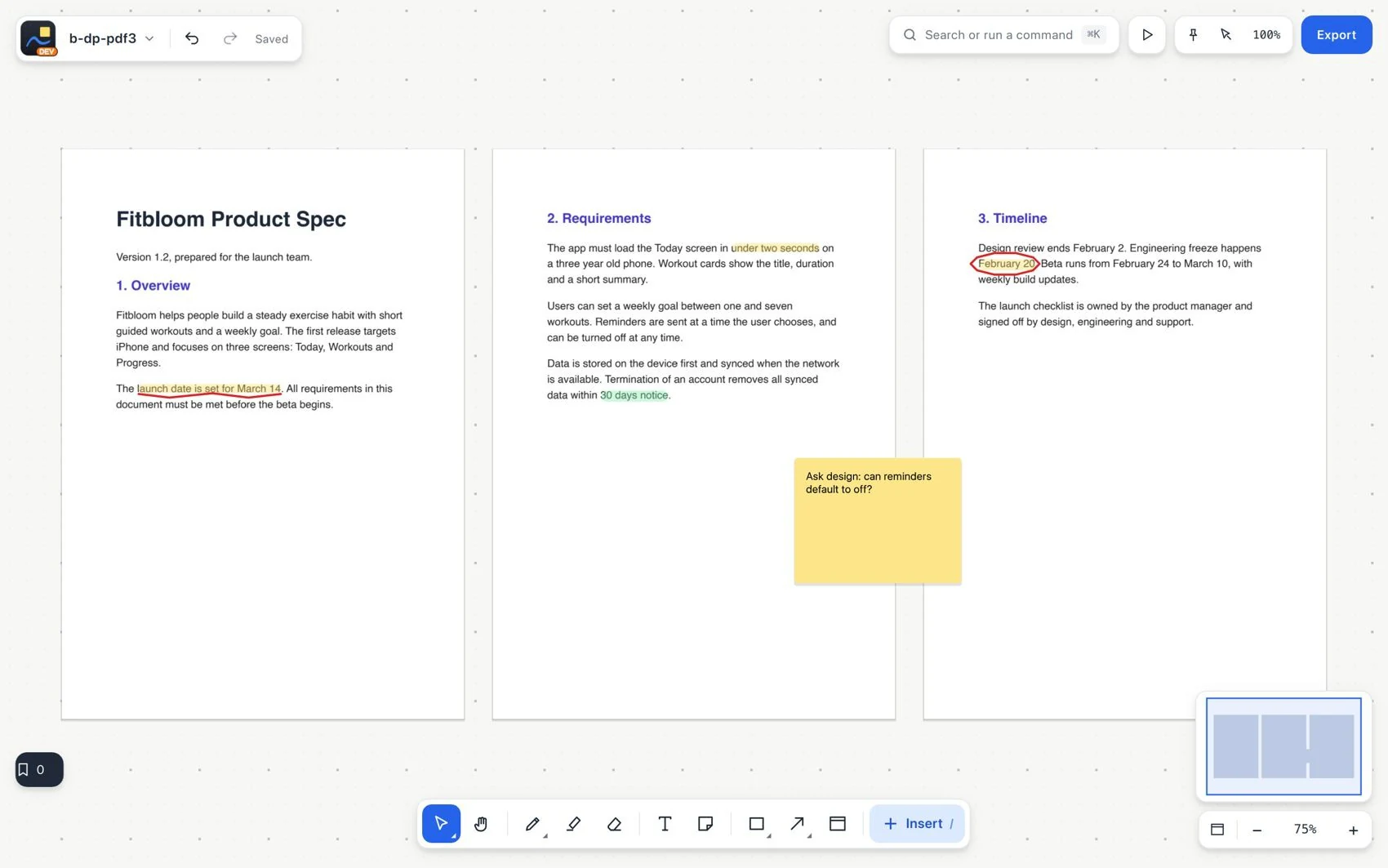
- To understand a passage, select it and choose Ask AI. Check the document and page cited in the answer.