
Complete workflows
Create a plan from a blank board
Goal: organize a community workshop from the first questions to an action plan. Use manual tools; you do not need AI or paid collaboration. Input: the practice content below. Result: a saved board with structure and links between ideas and plan.
| Section | Practice notes |
|---|---|
| Questions | Who is it for? / What should they learn? / What place is suitable? |
| Decisions | Audience: beginners. / Format: two-hour workshop. / Maximum: 20 people. |
| Actions | Confirm the venue. / Prepare materials. / Send invitations. |
- Create a blank board called
Community workshop. Add pagesPlan,ResearchandBudget. - Create the sections Questions, Decisions and Actions with Section (F). Add each practice item as a Sticky note (S).
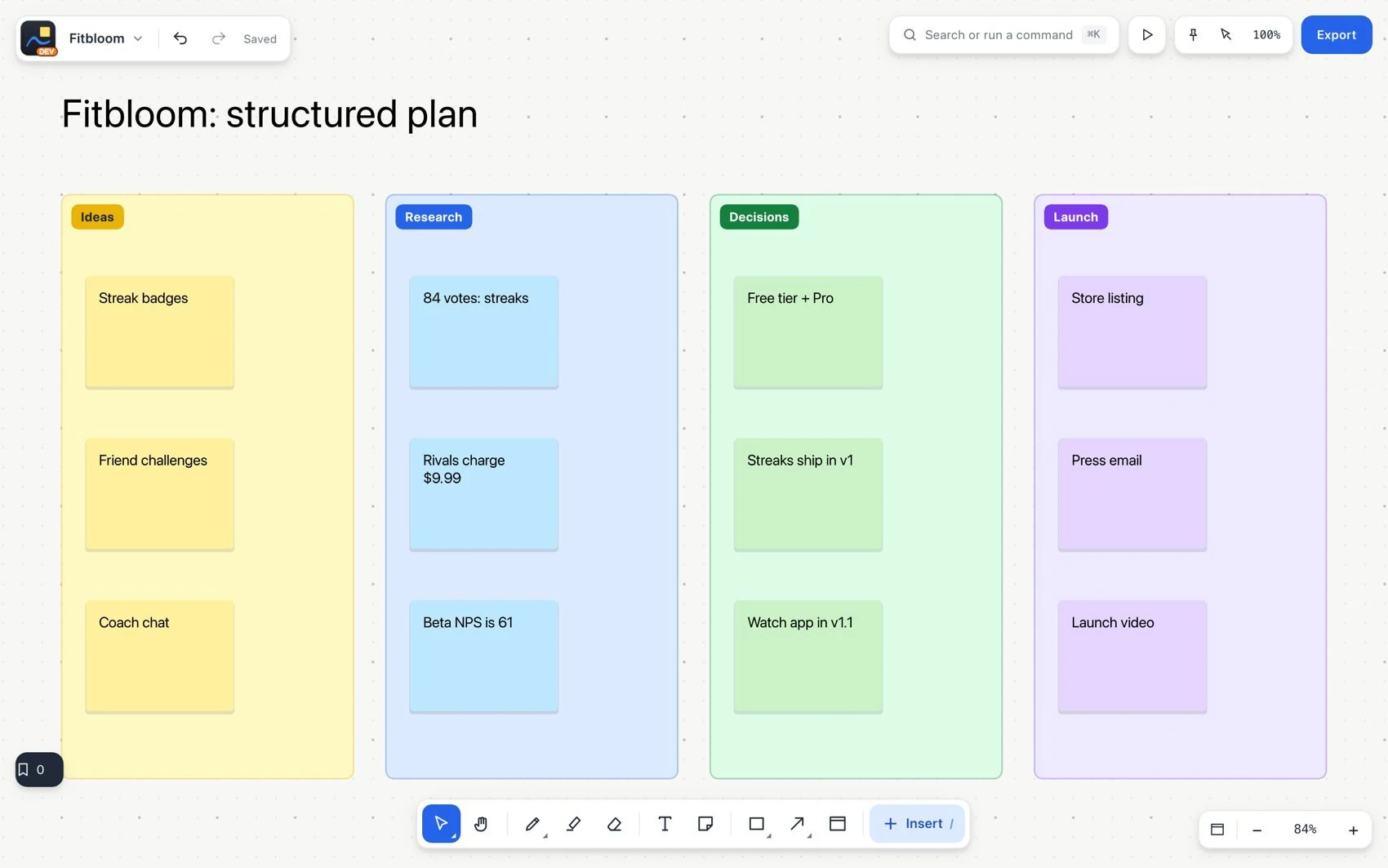
- Switch to Hand (H) to pan. Fit content to see the three sections. Check that you are navigating, not moving notes.
- Open Insert and add a Data table called
Tasks. Create Task, Owner, Due date and Status. Add the three actions; leave unknown owners and dates empty.
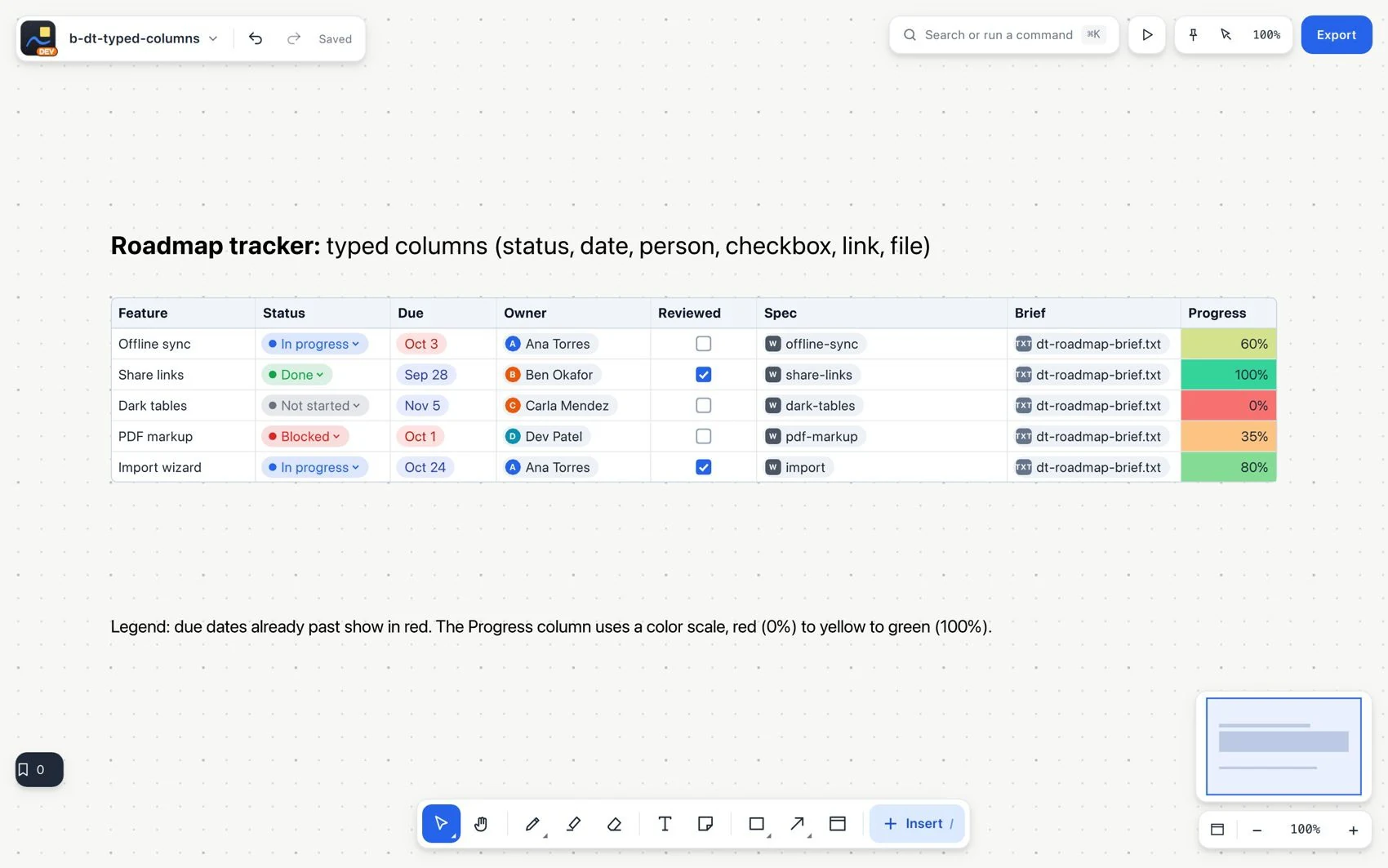
- In each action, insert a link/locator to its original note. Open one to check the destination.
- Save a bookmark for Decisions, check that it saved, go back to Home and open the board again.