
Capture and import
Import a board from another tool
Import converts supported content into VectorBoard elements so you can keep editing it. It includes Excalidraw, tldraw, Miro, FigJam and Mermaid. Figma designs and FigJam boards are not interchangeable source types.
- Open board import and choose the supported source.
- If it uses a file, select the source export. For Miro or FigJam, complete the connection and authorization it asks for.
- Review the preview and the destination board/page.
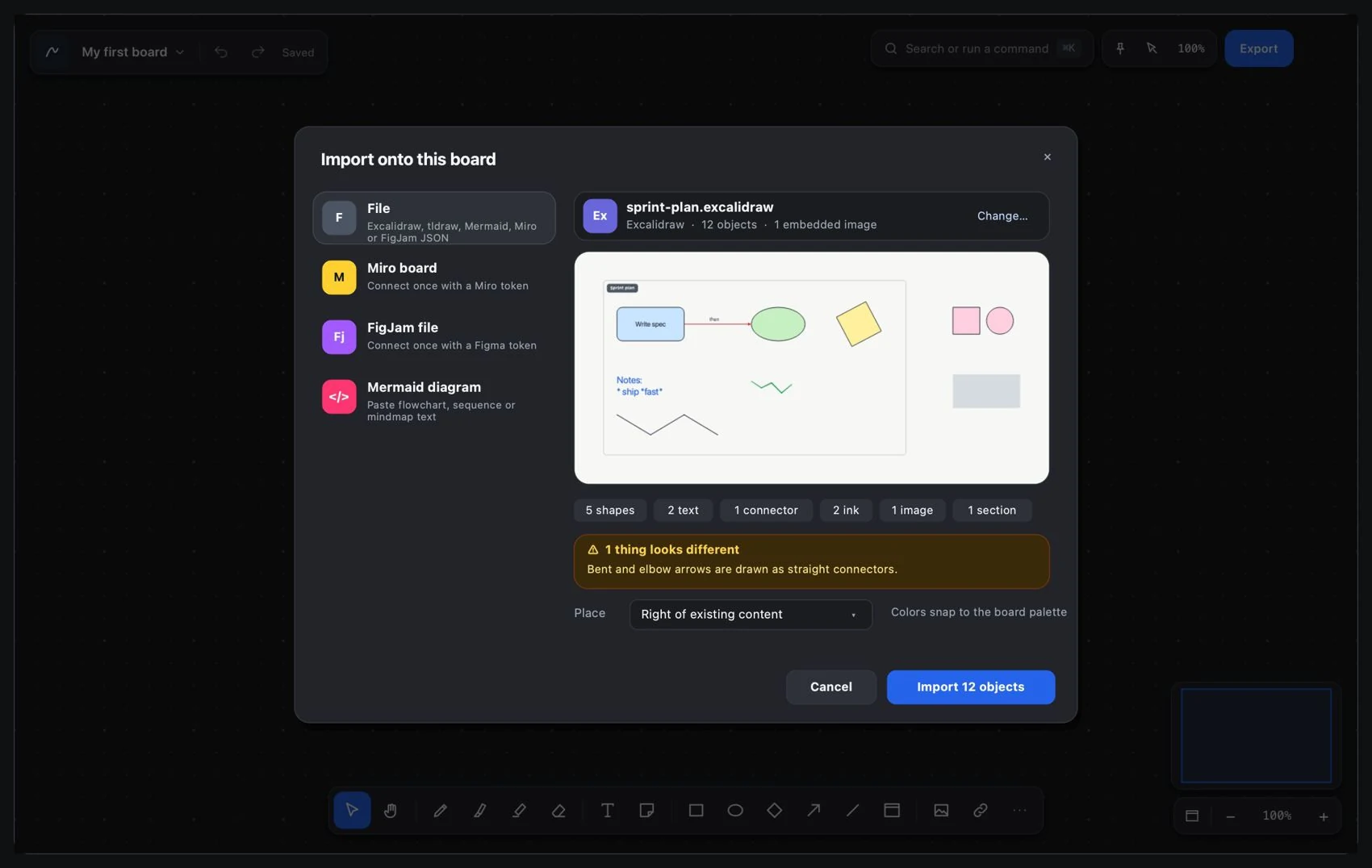
- Import and check notes, text, shapes, connectors, images, strokes, sections and groups.
- Compare important parts with the original: labels, relationships, groupings and images. Fix source-specific differences before you continue.