Organize and create
Set up drawing, handwriting and color
Drawing settings control how strokes behave and look. They are separate from the object tools. You can use graphics tablets, Windows Ink and Apple Pencil. On a Mac, an iPad can work as a drawing tablet through Sidecar.
- Choose your device in the initial or input settings. Try a few strokes before you work in detail.
- Adjust the available smoothing, stabilization, size and style controls. Test pressure and tilt with a compatible pen.
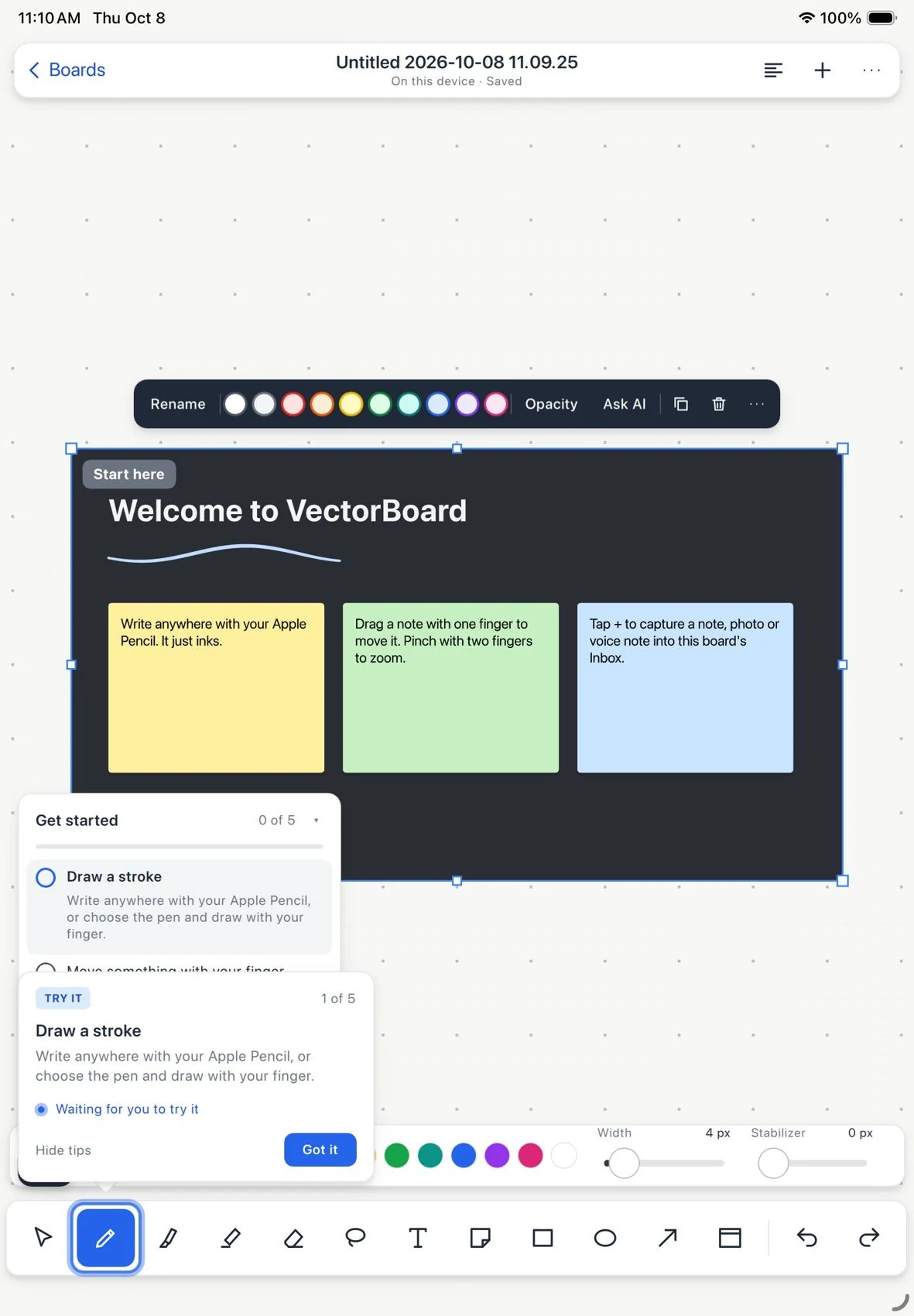
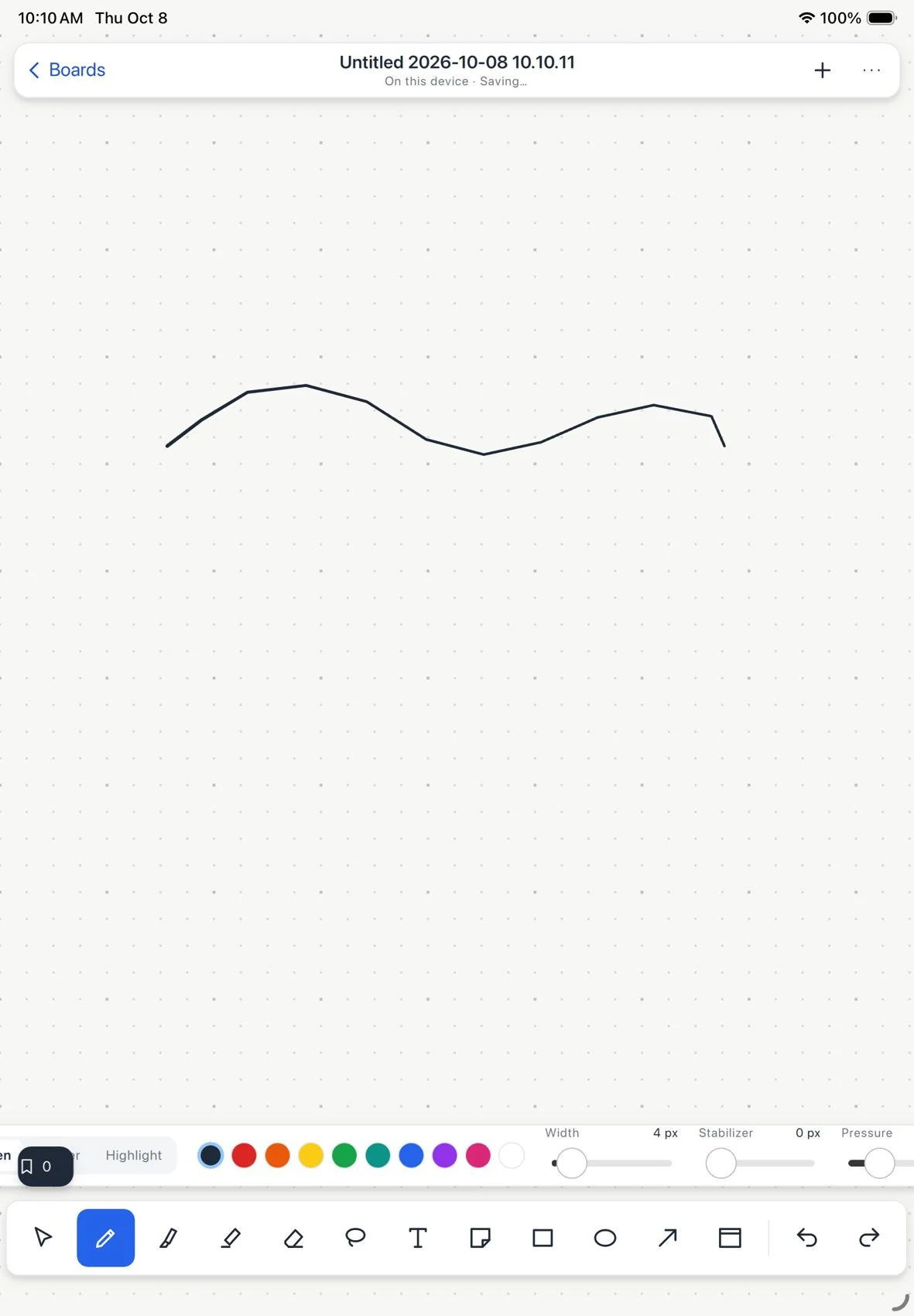
Draw with Apple Pencil
- Choose a color by HEX, RGB, HSL, name, saved swatch or eyedropper.
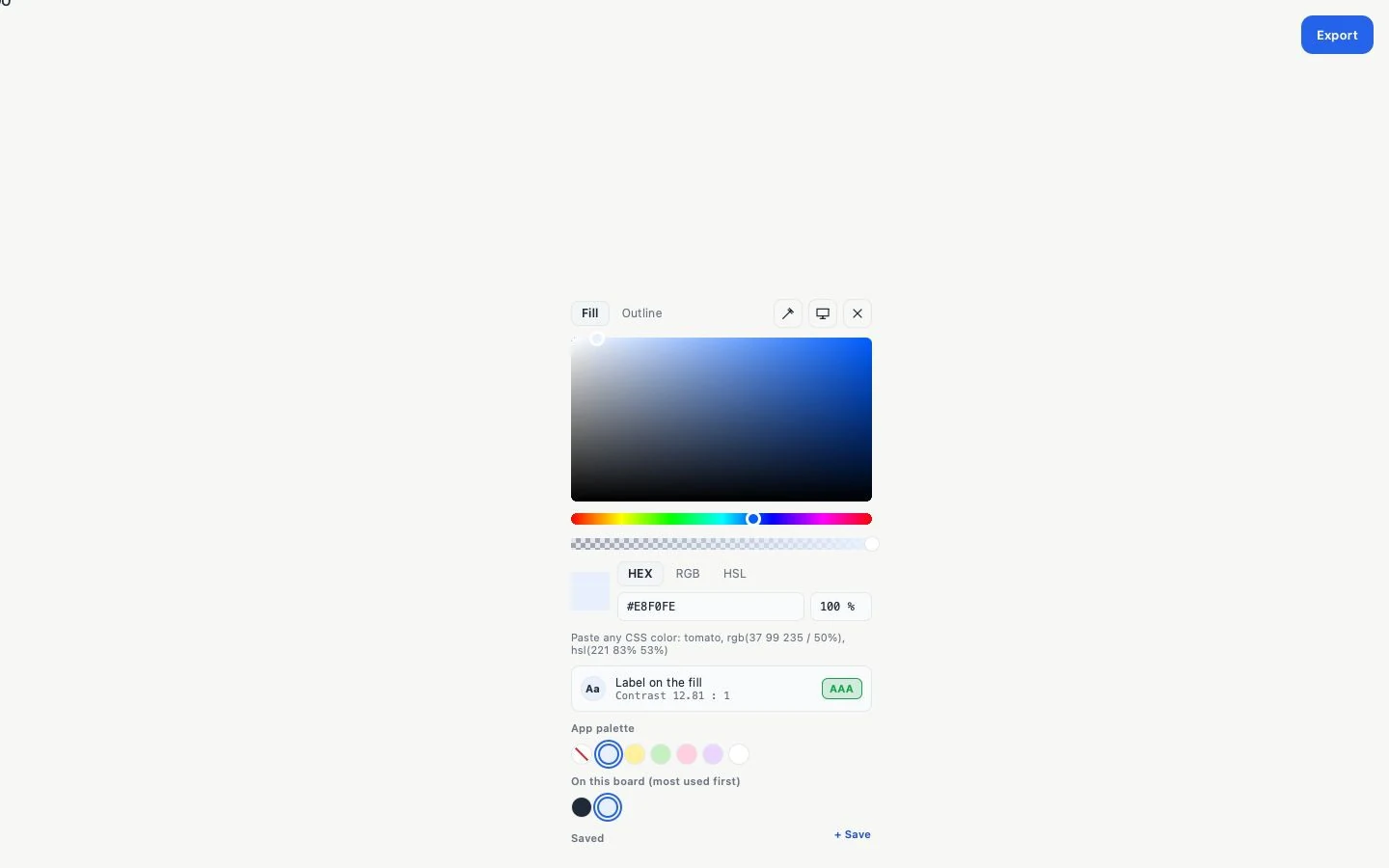
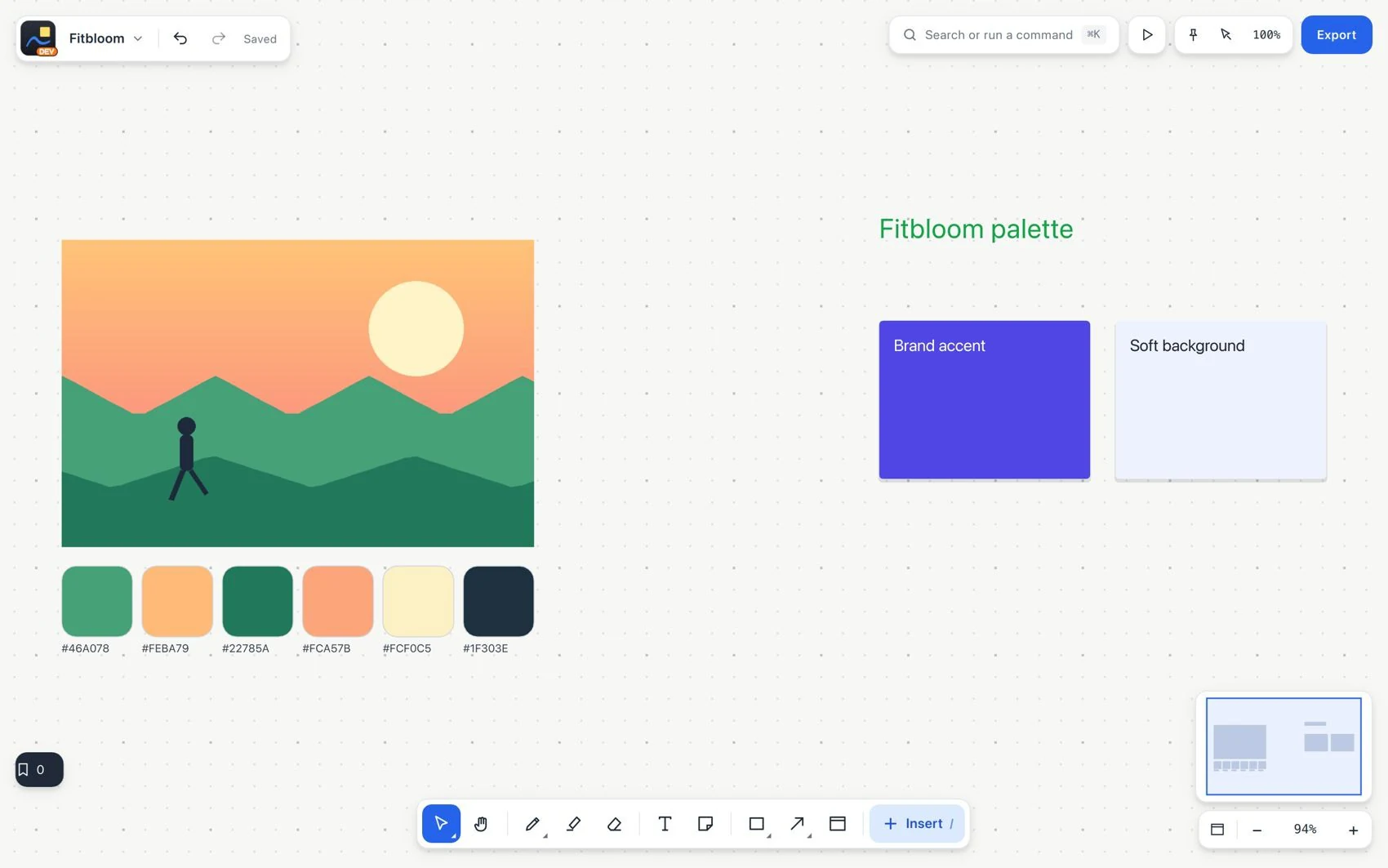
- Save the colors you use often, or extract a palette from an image. Check text contrast, and do not rely on color alone.
- To reuse handwriting, select the strokes and use convert to text or copy as text. Check names, figures and punctuation after recognition.
Recognized handwriting is searchable. Recognition runs on your device through the platform's own features. Palm rejection helps prevent accidental input when the pen is close. On a compatible iPad and Apple Pencil, double tap and pressure trigger the shortcuts you have set up.