
Every tool on the toolbar
Text
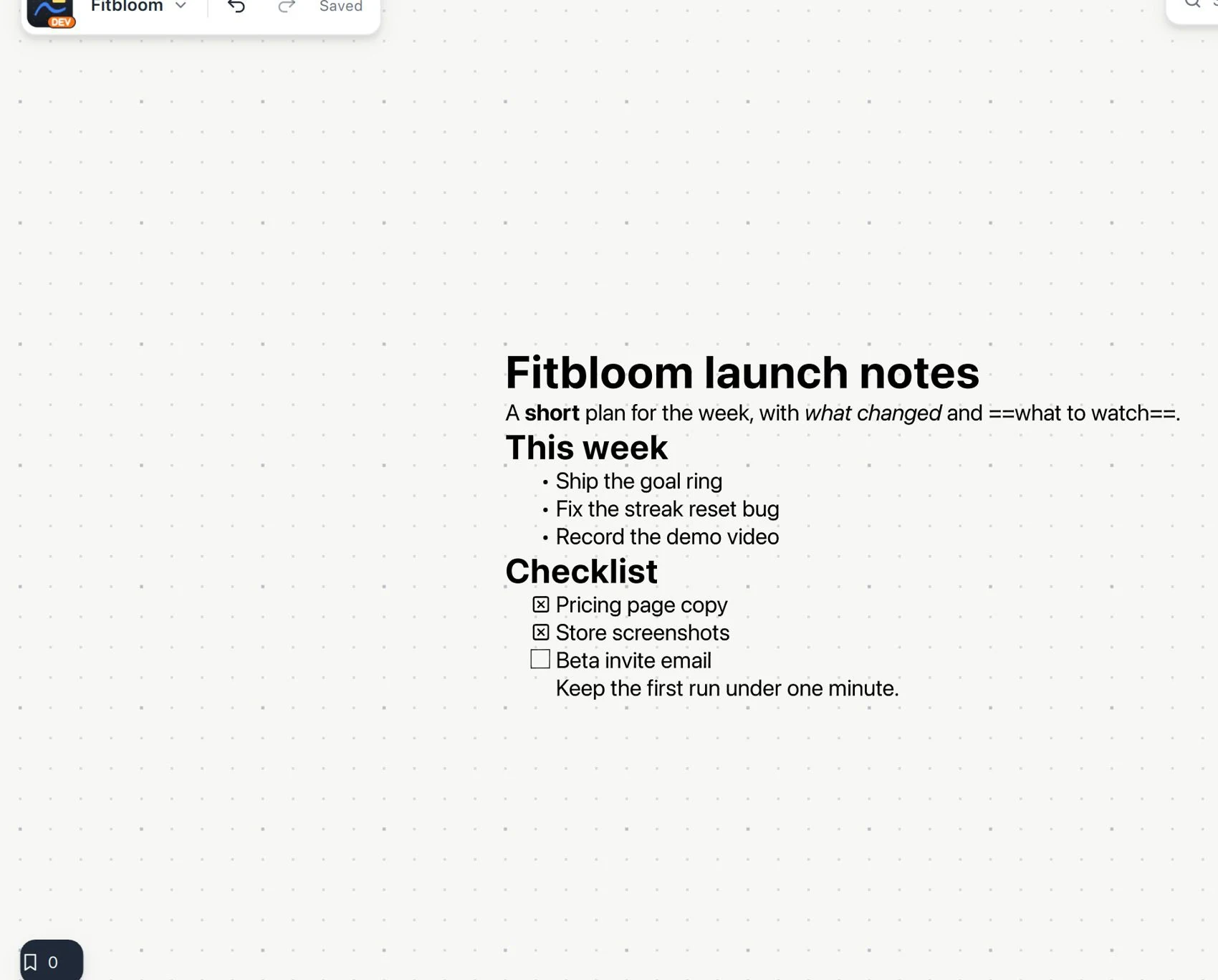
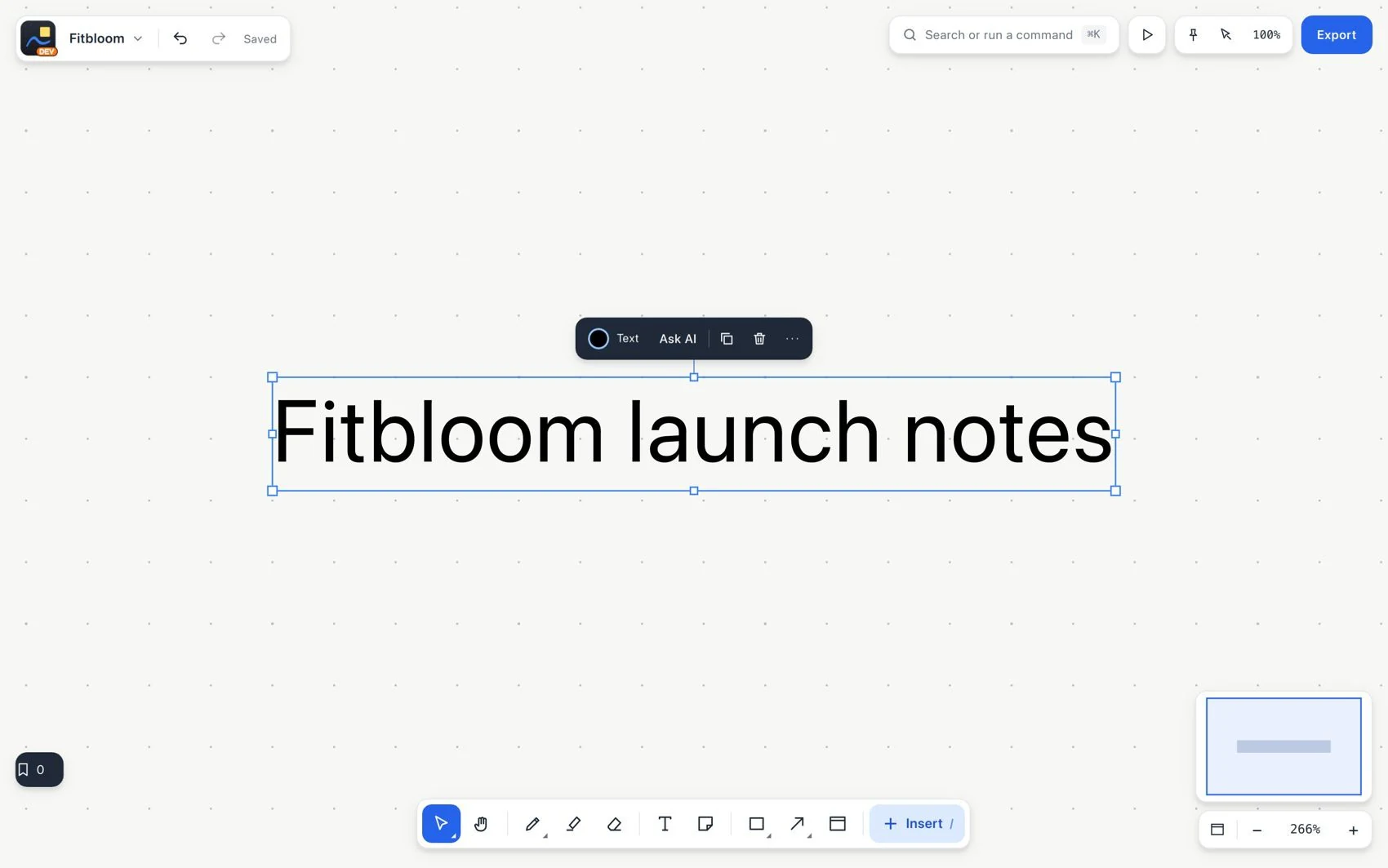
Text creates an editable box. Use it for titles, explanations, instructions and notes you want to edit with the keyboard. Unlike strokes, it stores characters that you can format and search directly.
#How to use it
- Choose Text, click where you want to place it and type.
- Select the text or open its editor to change the words.
- Use the context bar to change font, size, color and alignment, and rich formatting for headings, lists or emphasis.
- Leave editing and choose Select to move or resize the box.
#Common mistake and how to fix it
If pressing V types the letter v, you are still editing the text. Finish editing before using a shortcut. Resizing the box and changing the font size are different operations.