
Complete workflows
Capture on your phone and continue on the desktop
Goal: keep the material from a meeting in the same project across devices. Requirements: the same account, Pro or Team sync, and permission to capture the material. Result: organized sources and a summary ready to present.
- On iPhone, open the destination board and use quick capture. Photograph the whiteboard, record or dictate a permitted note, and add the relevant link.
- Check that they arrive in the board's Inbox. Review names, figures and decisions in the transcript.
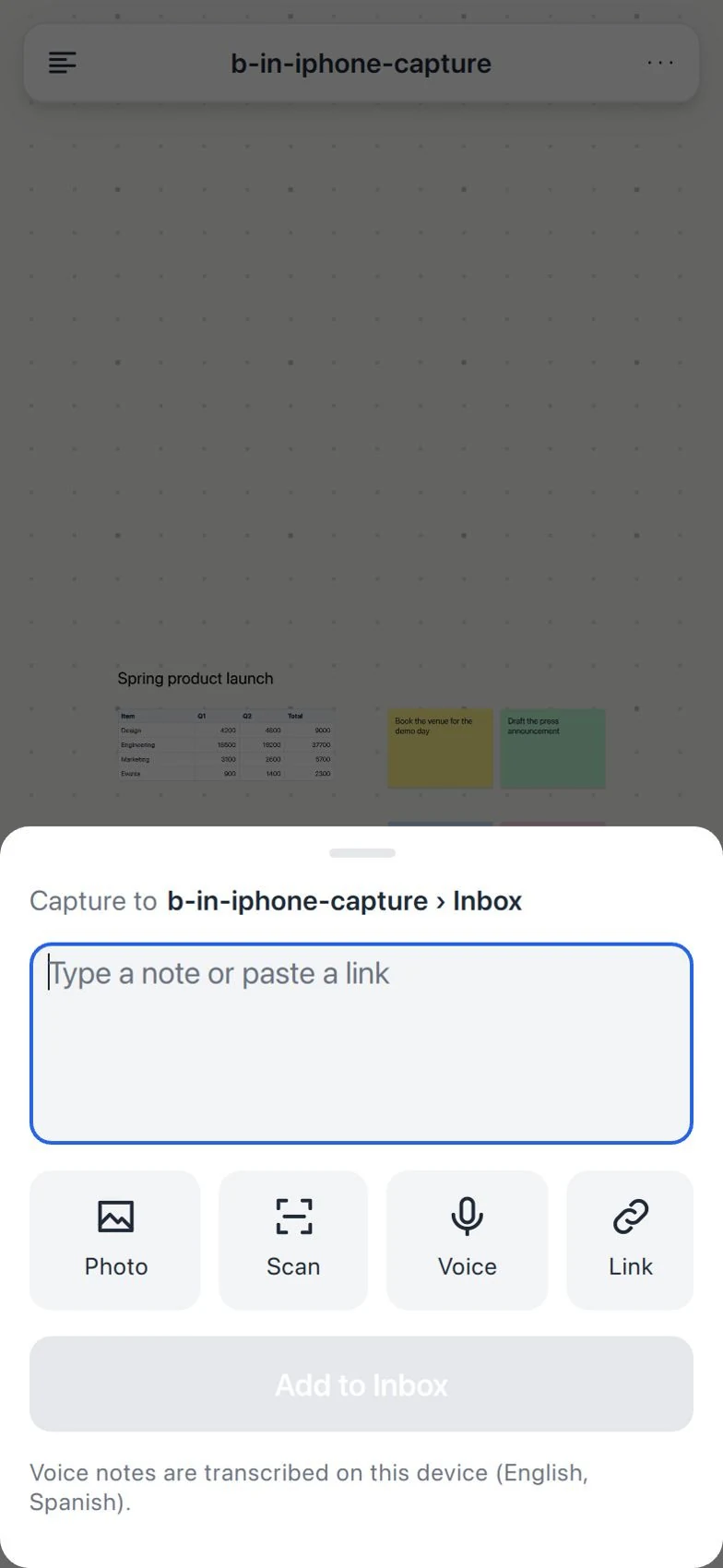
- Wait for sync and open the board on iPad or desktop. Confirm the captures before you continue.
- On iPad, use Pencil to mark the important area of the photo. Keep the unannotated source when you need it.
- On the desktop, move the captures to Sources. Add Decisions and a task table.
- Link the actions to their note or image. Do not turn an ambiguous conversation into a commitment without confirmation.
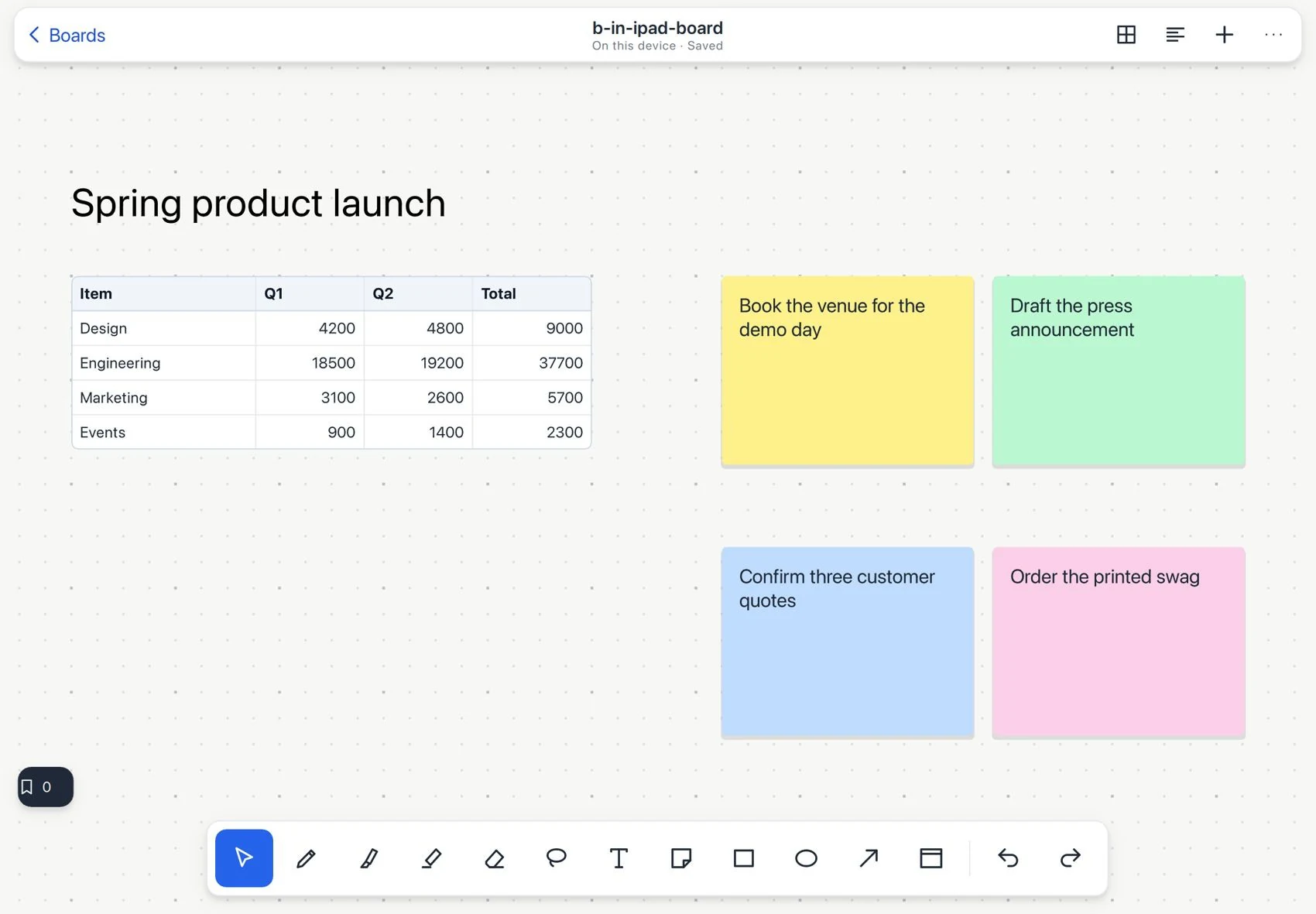
- Create a presentation with Summary, Decisions and Actions. Present from the right device or export a PDF.