Research
Use Research & Learn
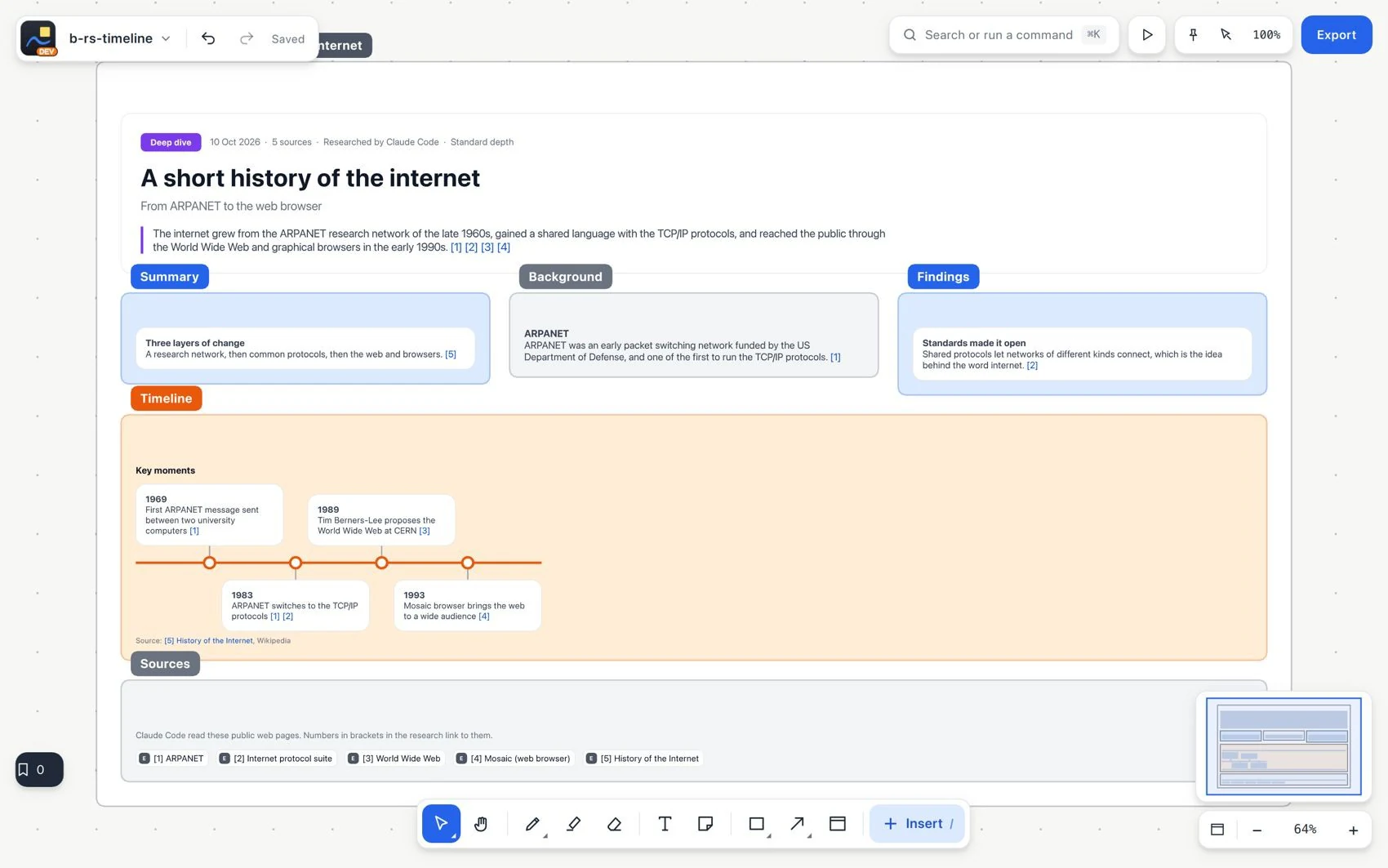
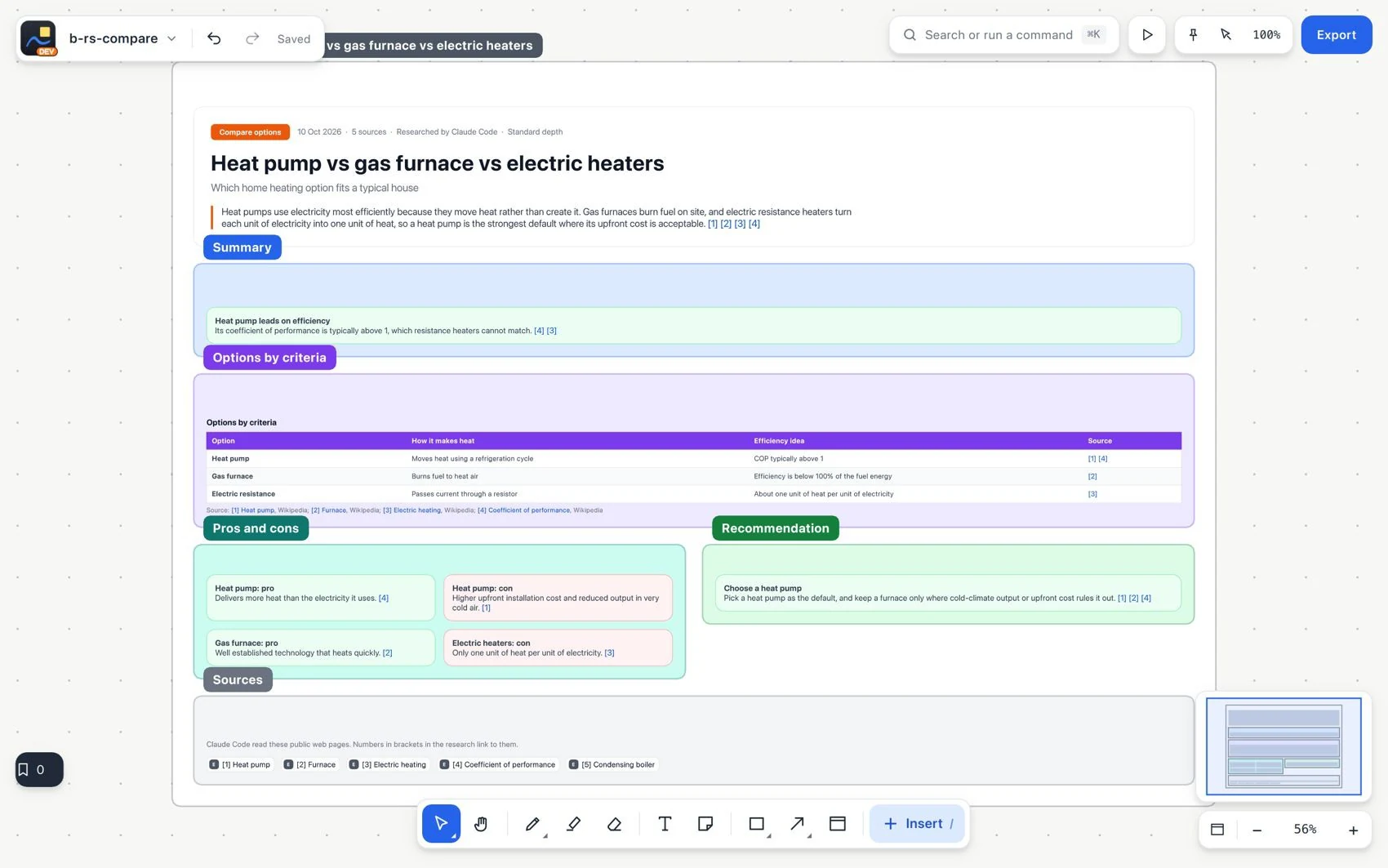
Research and Learn is a feature you open to research a question. A connected agent consults public web sources and places the answer on the board as editable text, tables, diagrams and charts with references. It is not the board's text search or an AI request limited to a selection.
#Before you start
You need an internet connection and a connected agent that can research, or the hosted research credits that come with Pro or Team. Define the question, audience, language and depth. Your own agent and hosted credits are different ways to run the task.
- Open the command search and choose Research and Learn.
- Type the question and choose the result type, depth and language. Add only the context you need.
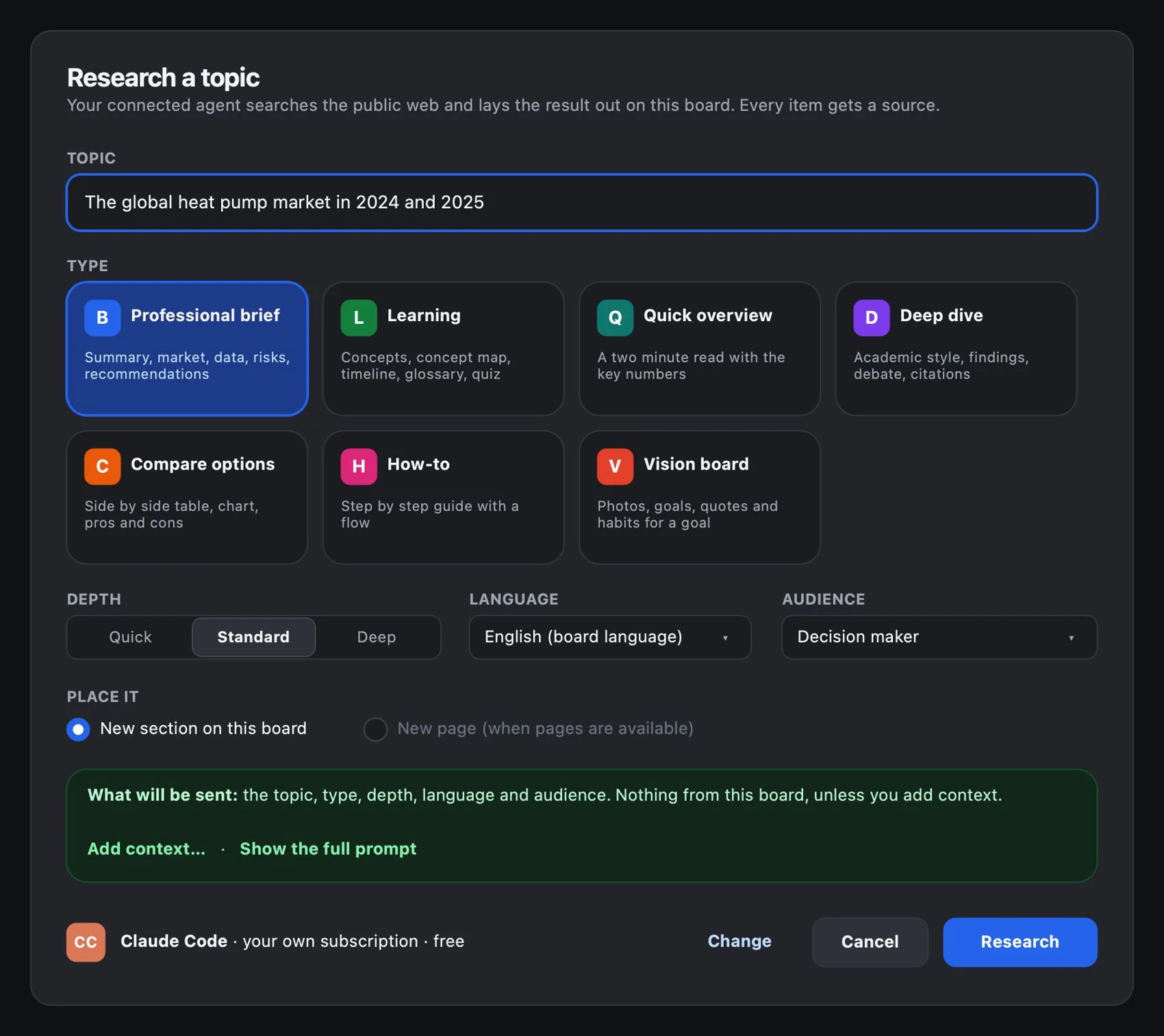
- Review the preview of what will be sent. The rest of the board is not automatically part of the question.
- Start the task and follow its stages: search, read, write and build. You can cancel and keep the list of sources consulted.
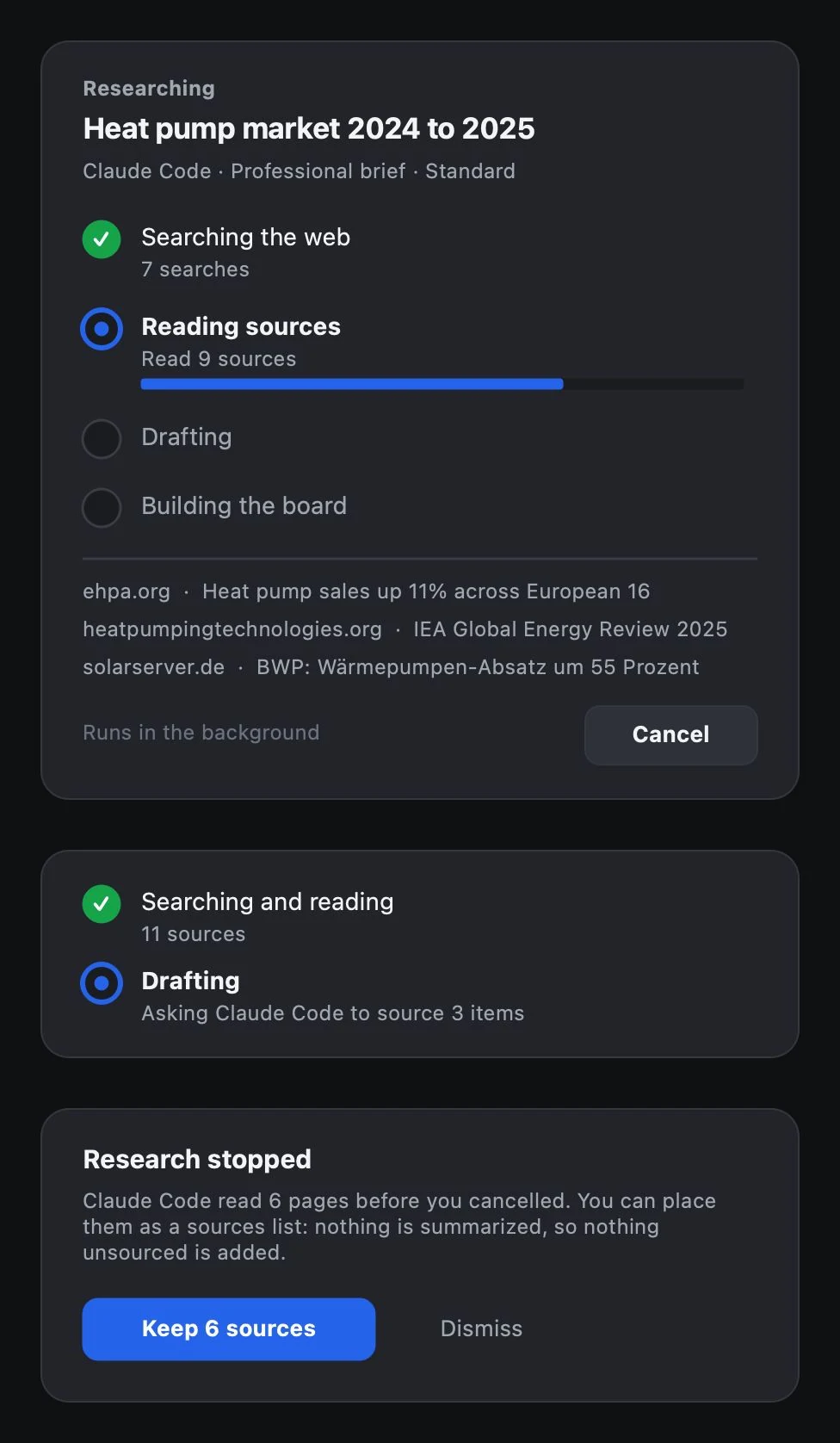
- Review the section that was created. Open the citations, check the source list and examine the unverified elements.
- Edit, move, comment on or link the result like any other element.
#Professional report
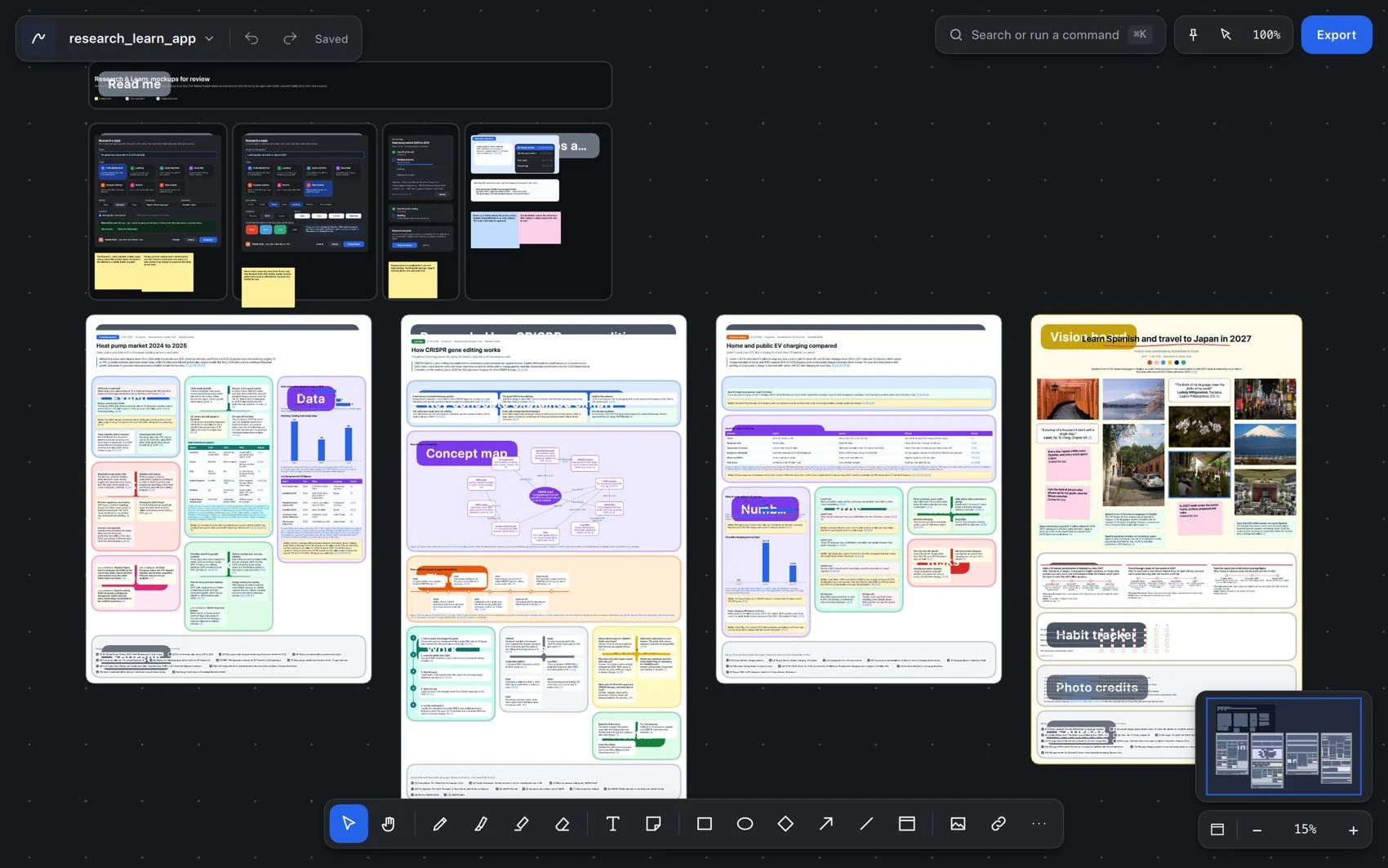
A document for deciding, with findings, comparison, risks and sources.
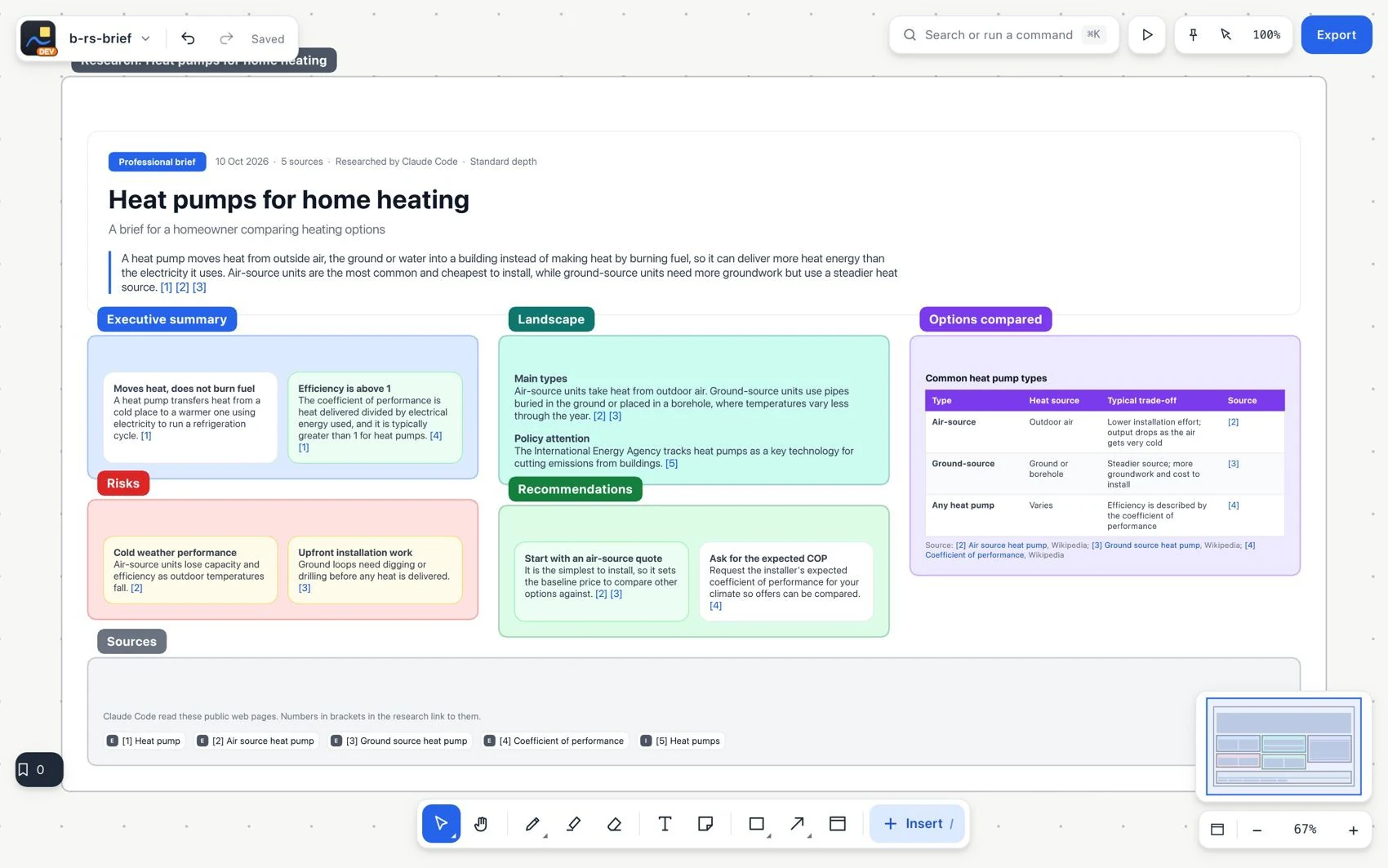
#Learning
Concepts, study plan, terms and resources.
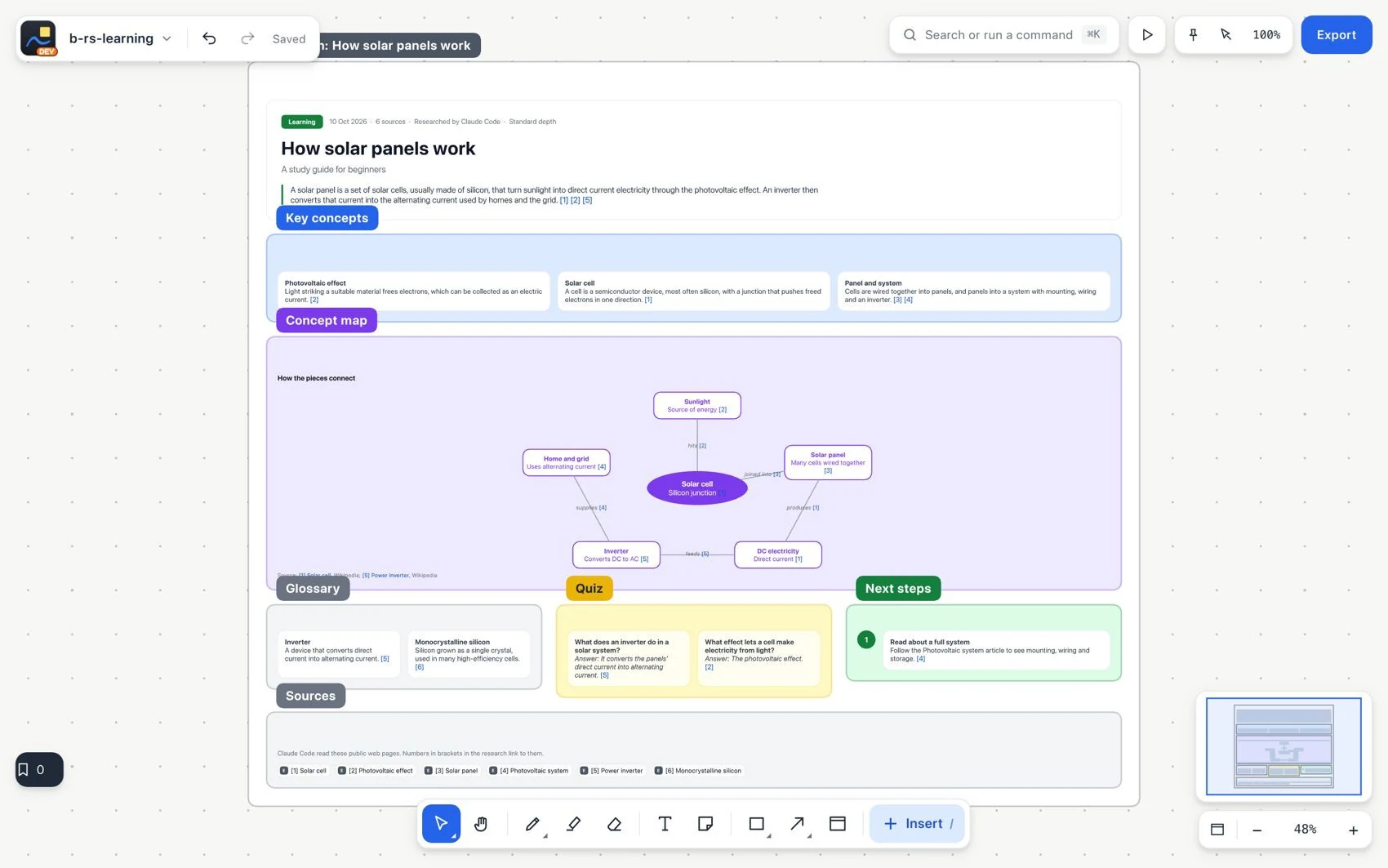
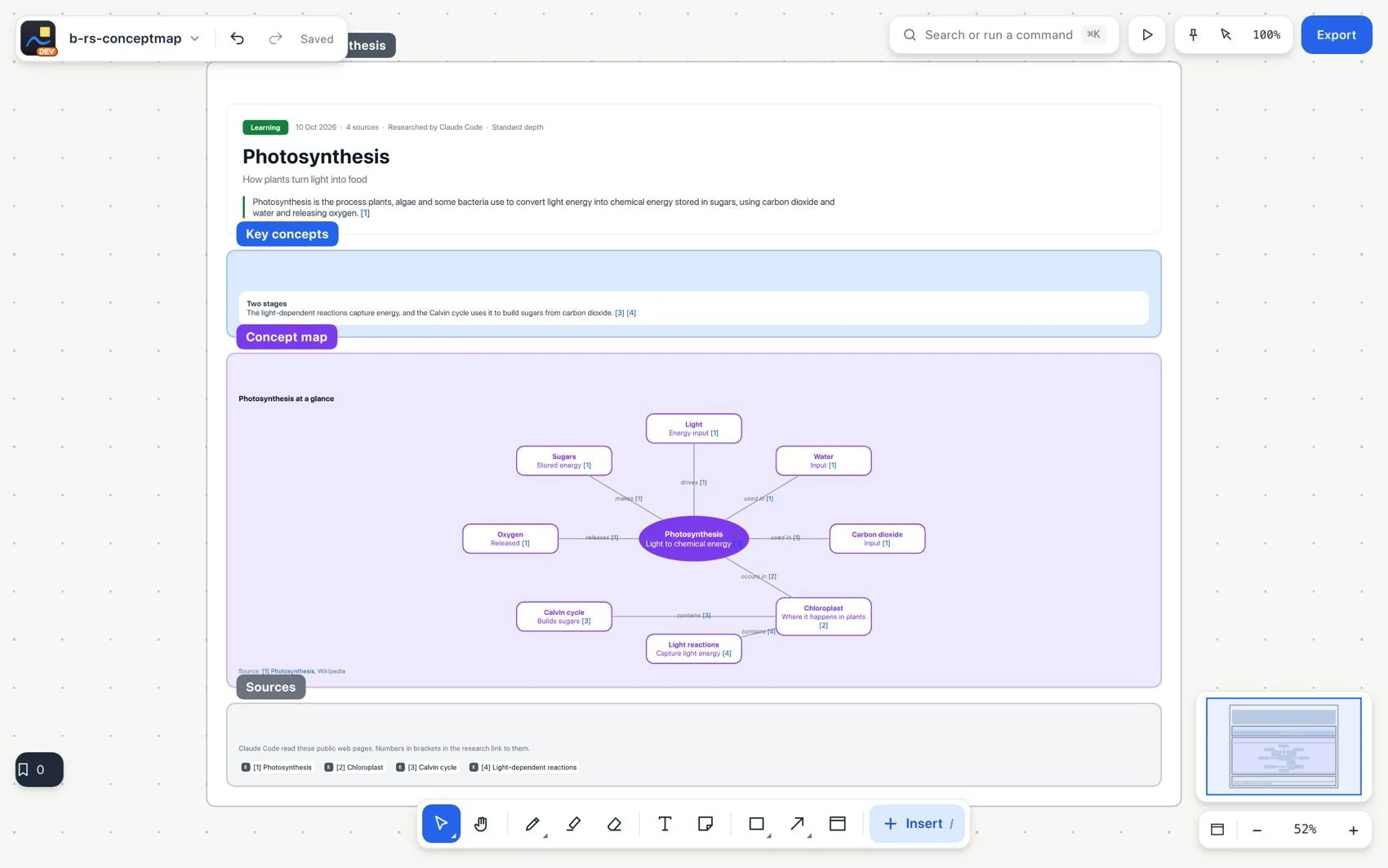
See how the ideas connect
#Quick summary
A first orientation on a topic.
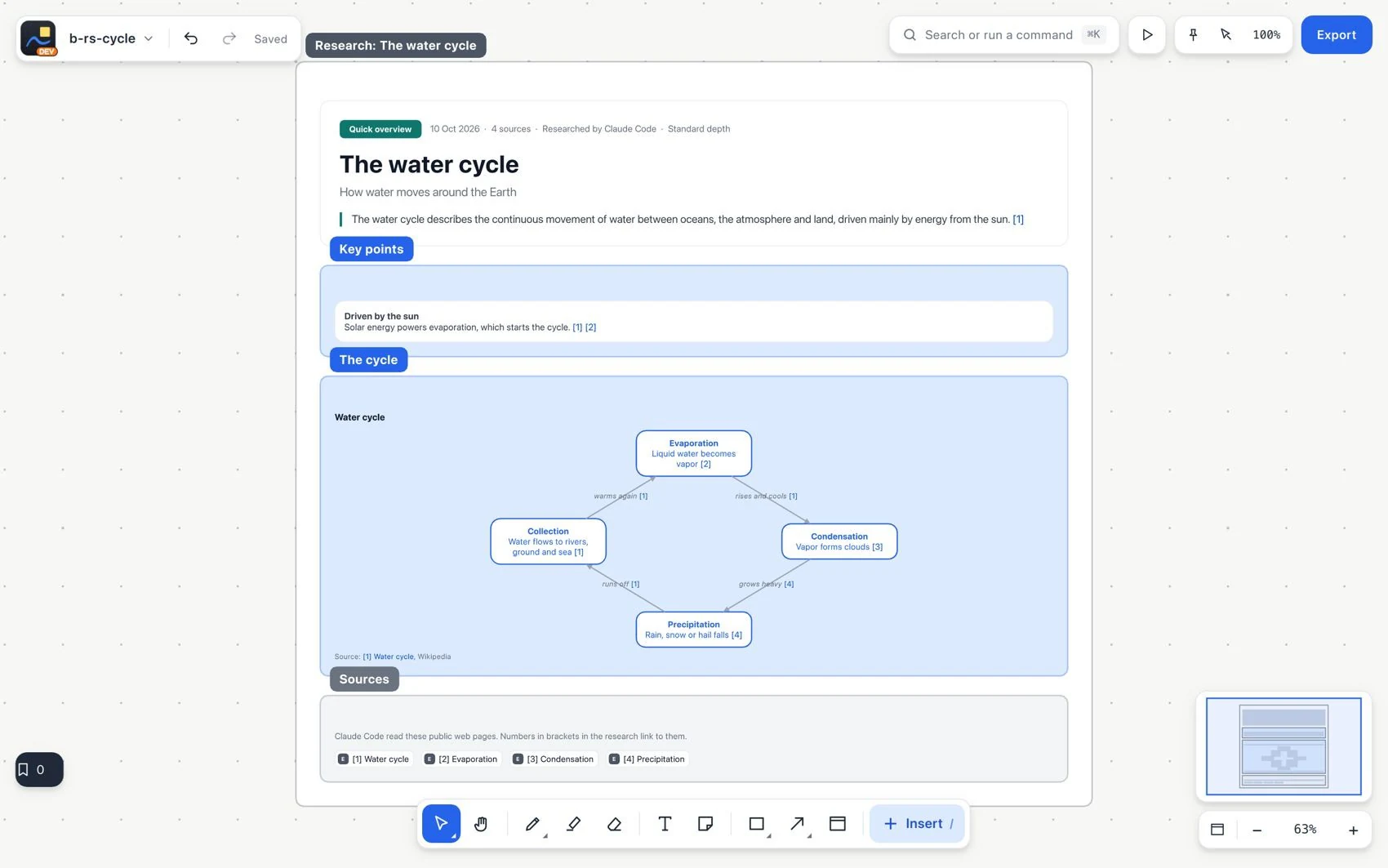
#In-depth analysis
Detailed explanation with sections, citations and diagrams.
#Compare options
A comparison by criteria with evidence.
#Practical guide
A procedure, what you need and common mistakes.
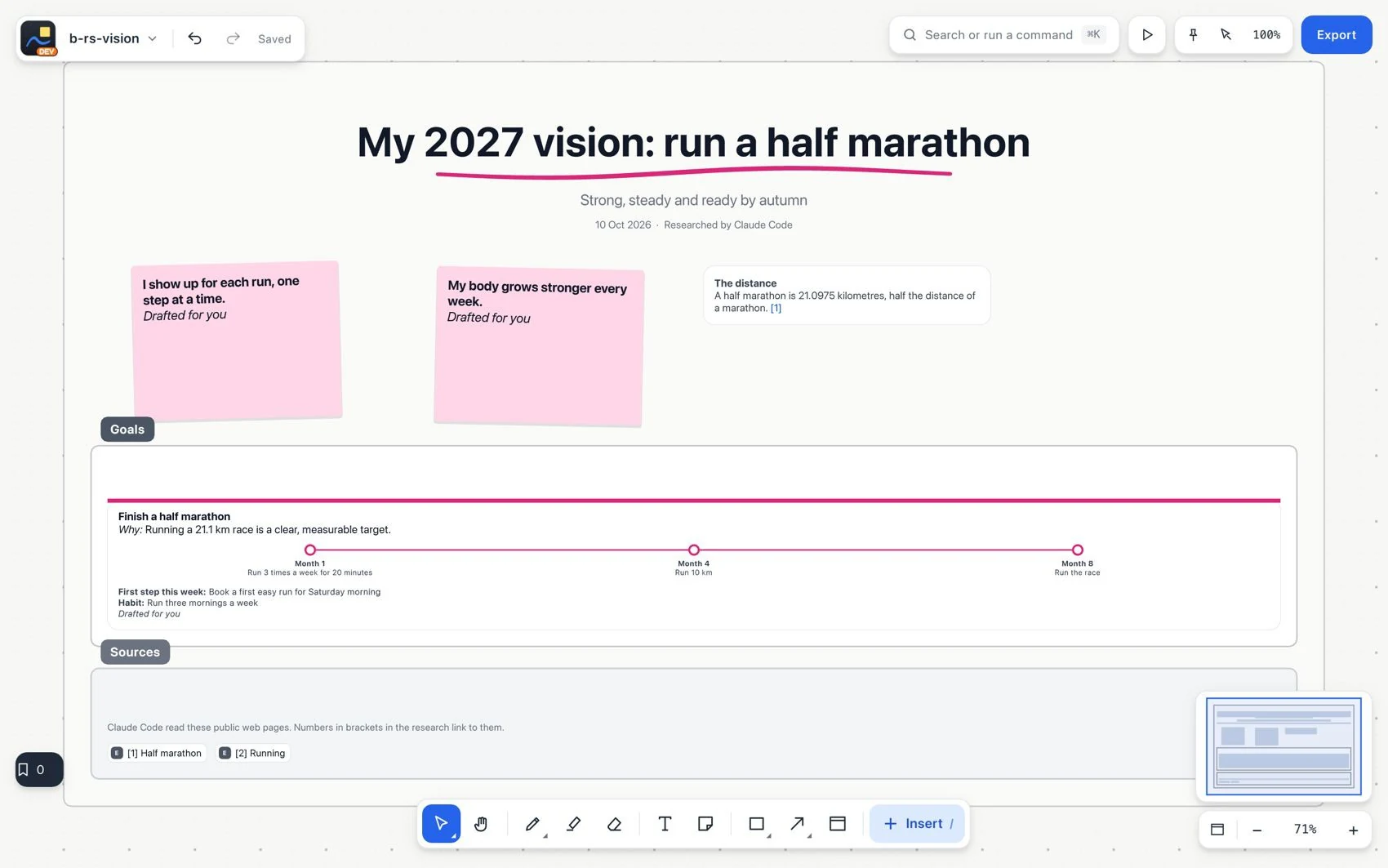
#Vision board
Goals, licensed photos, milestones and habits.