
Collaboration
Run a working session
Session tools help you generate ideas, track time and set priorities. They do not replace conversation or decision-making. You can use them on your own in every plan; working with other people requires collaboration. Team adds coordination for large groups.
| Tool | What it does | When to use it |
|---|---|---|
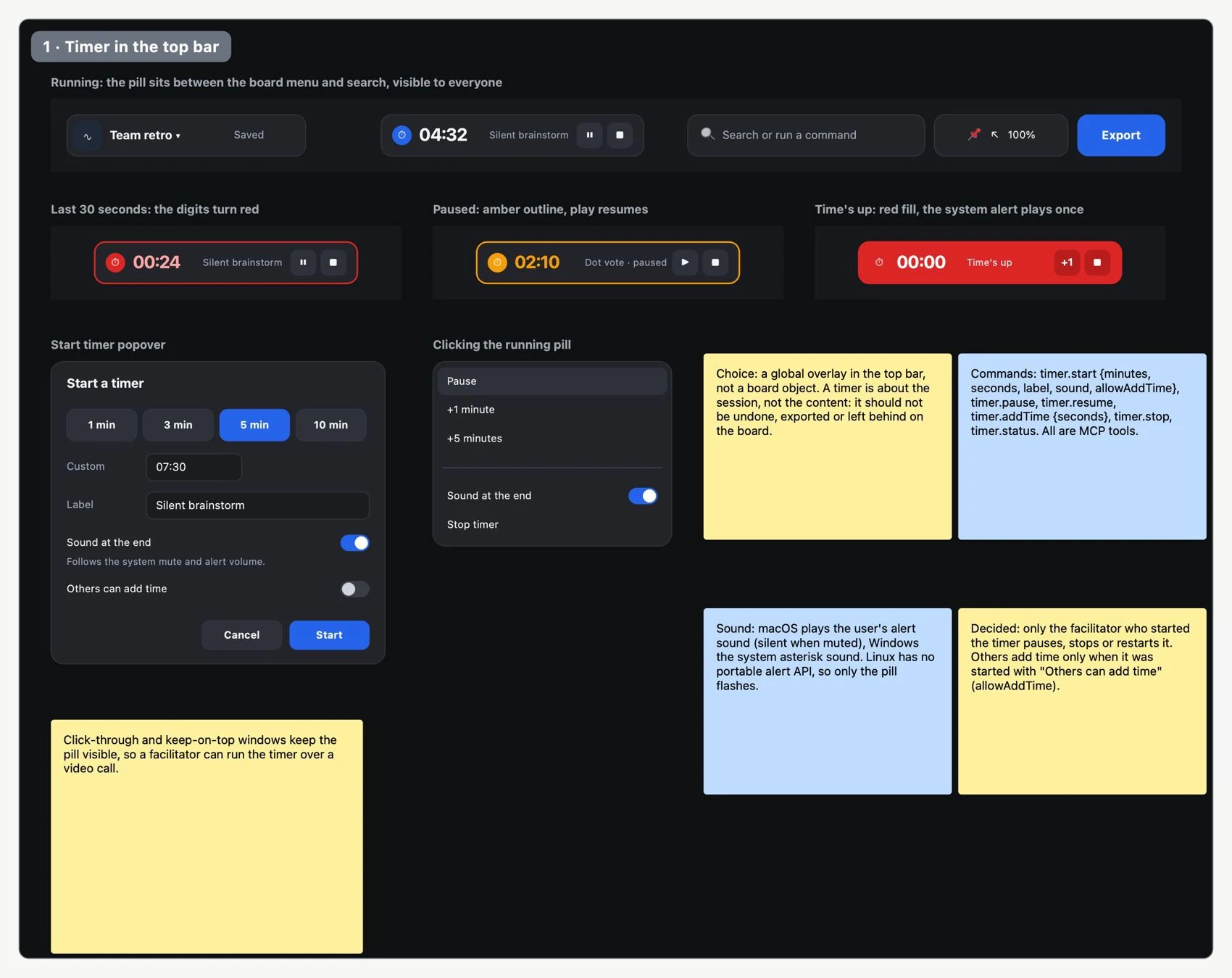
| Timer | Counts down; lets you pause, resume and add time. | Limit the duration of an activity. |
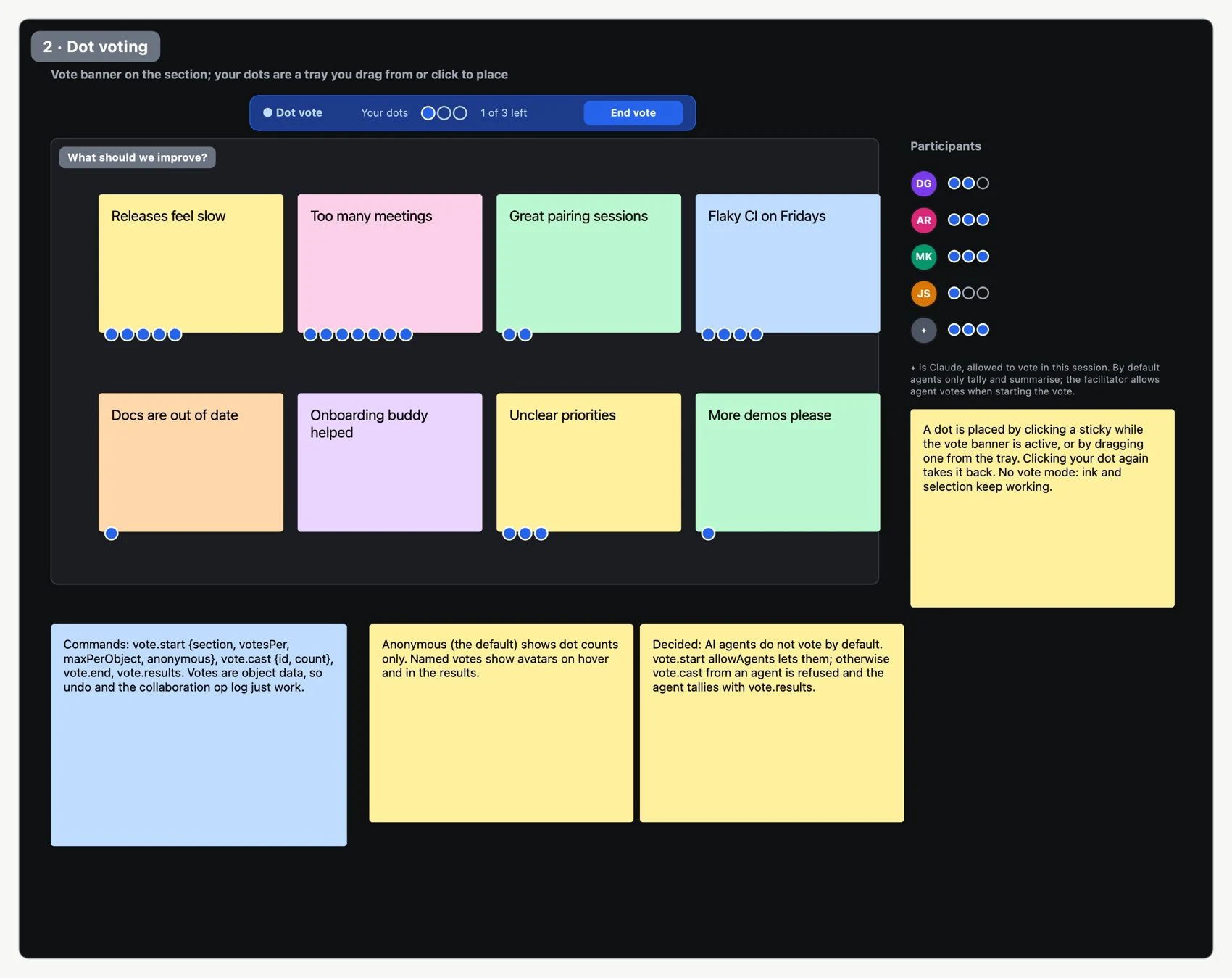
| Dot voting | Opens a round on a section and shows results. | Prioritize the ideas you gathered. |
| «Silent | Hides the notes until the facilitator | Collect independent ideas before |
| brainstorm» | reveals them. | discussing. |
| Reactions | Adds quick responses with emojis. | Signal a reaction without interrupting. |
| Random pick | Chooses an item at random. | Pick a turn or an example without preference. |
| Facilitator follow/summon | Directs attention to a shared view and makes it easy to return. | Keep the group in the right area. |
- Create a section with a clear question and the material needed. Invite the group and check access.
- Open Insert → Working session and choose the tools.
- Start a timer and a silent brainstorm. Explain that the notes stay hidden until they are revealed.
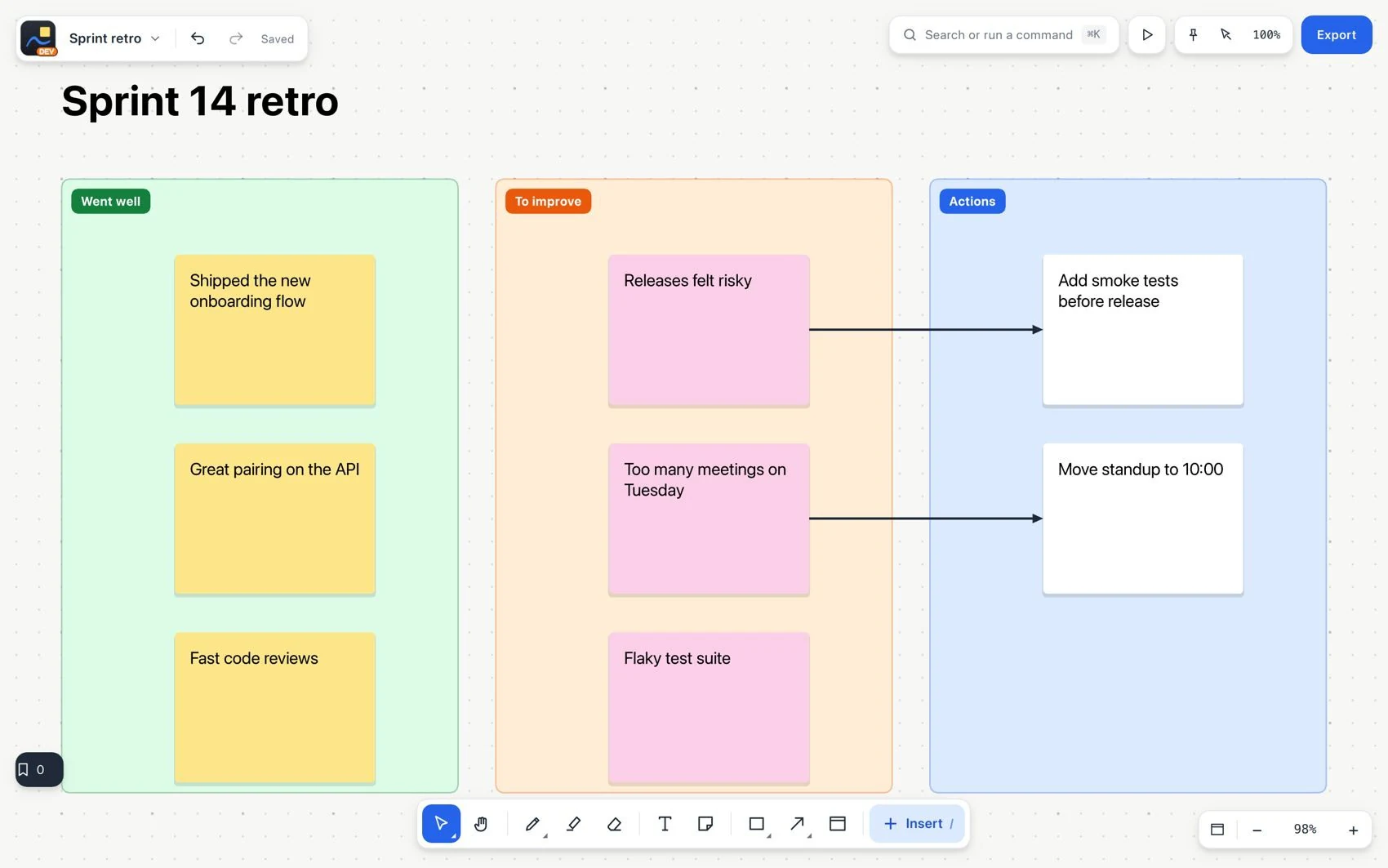
- Reveal the notes, clarify their meaning and group related ideas. Hidden notes are also not visible to agents.
- Open a vote in the right section, review the results and write down the decision explicitly.
- Turn the agreements into tasks with owners and dates; leave unresolved questions visible.