Interface design
Design screens with frames
A represents the boundaries of a screen. Its content forms an interface, such as an app page or a website page. You design on the same board as the research and the plan, without switching to another document mode.
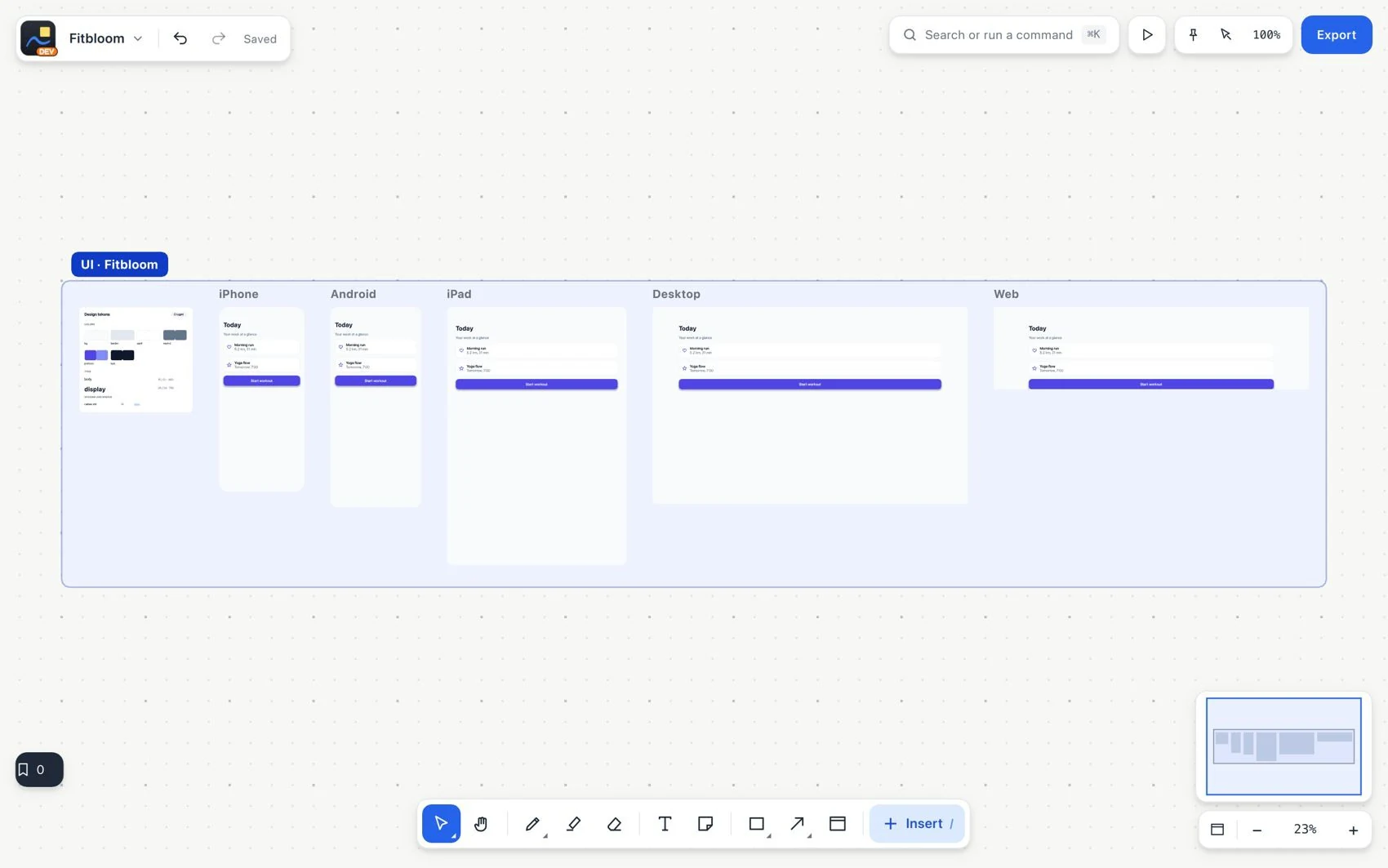
- Open Insert and choose an interface design frame. Select an iPhone, Android, iPad, desktop, web or custom size.
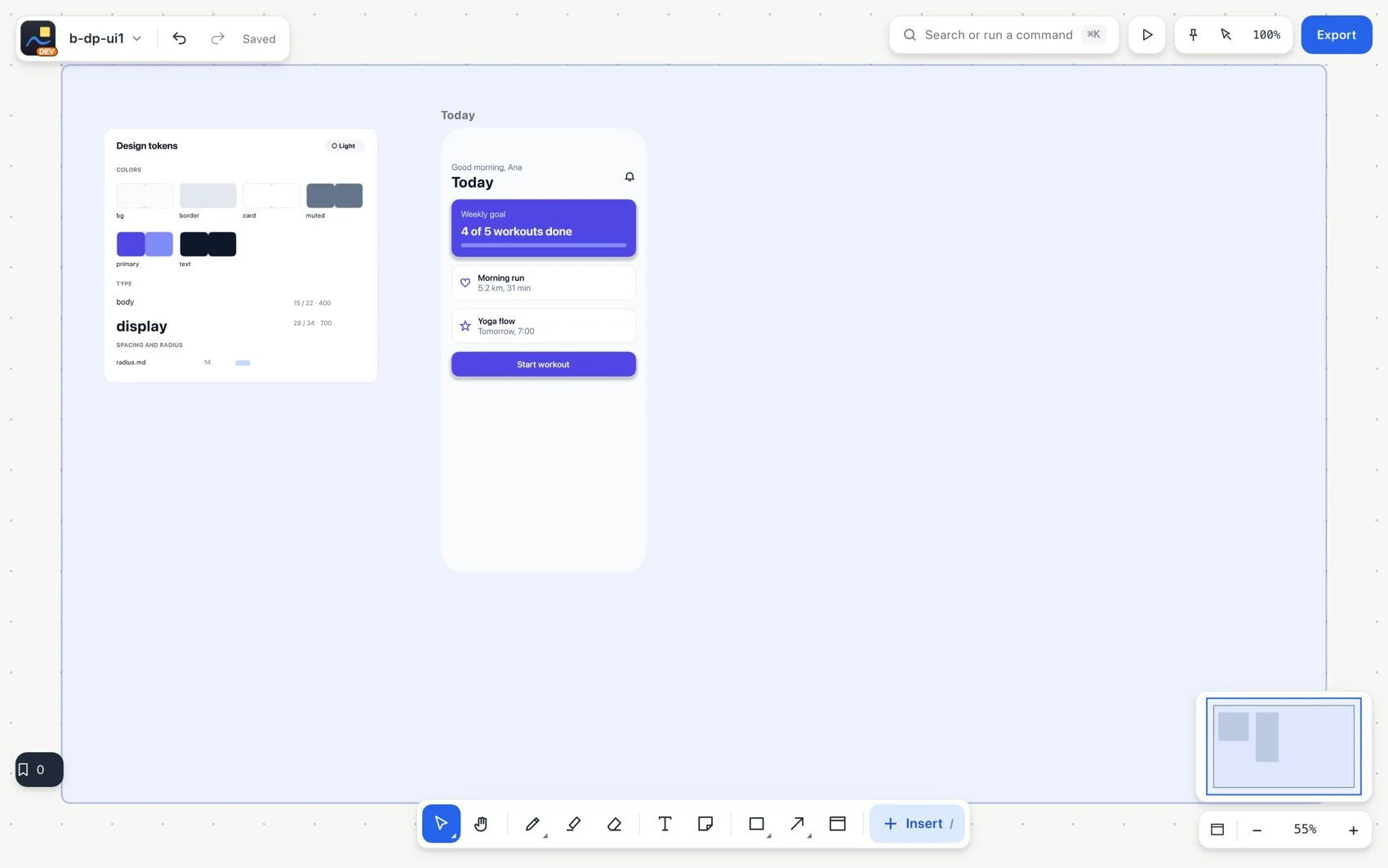
- Add rectangles, text, images, icons and lines. Name the frame after the function of the screen.
- Use auto layout to organize content in rows or with wrapping. Choose whether an element fits its content or fills the available space.
- Keep annotations linked to the frame: notes, strokes, arrows and comments go with it when you move it.
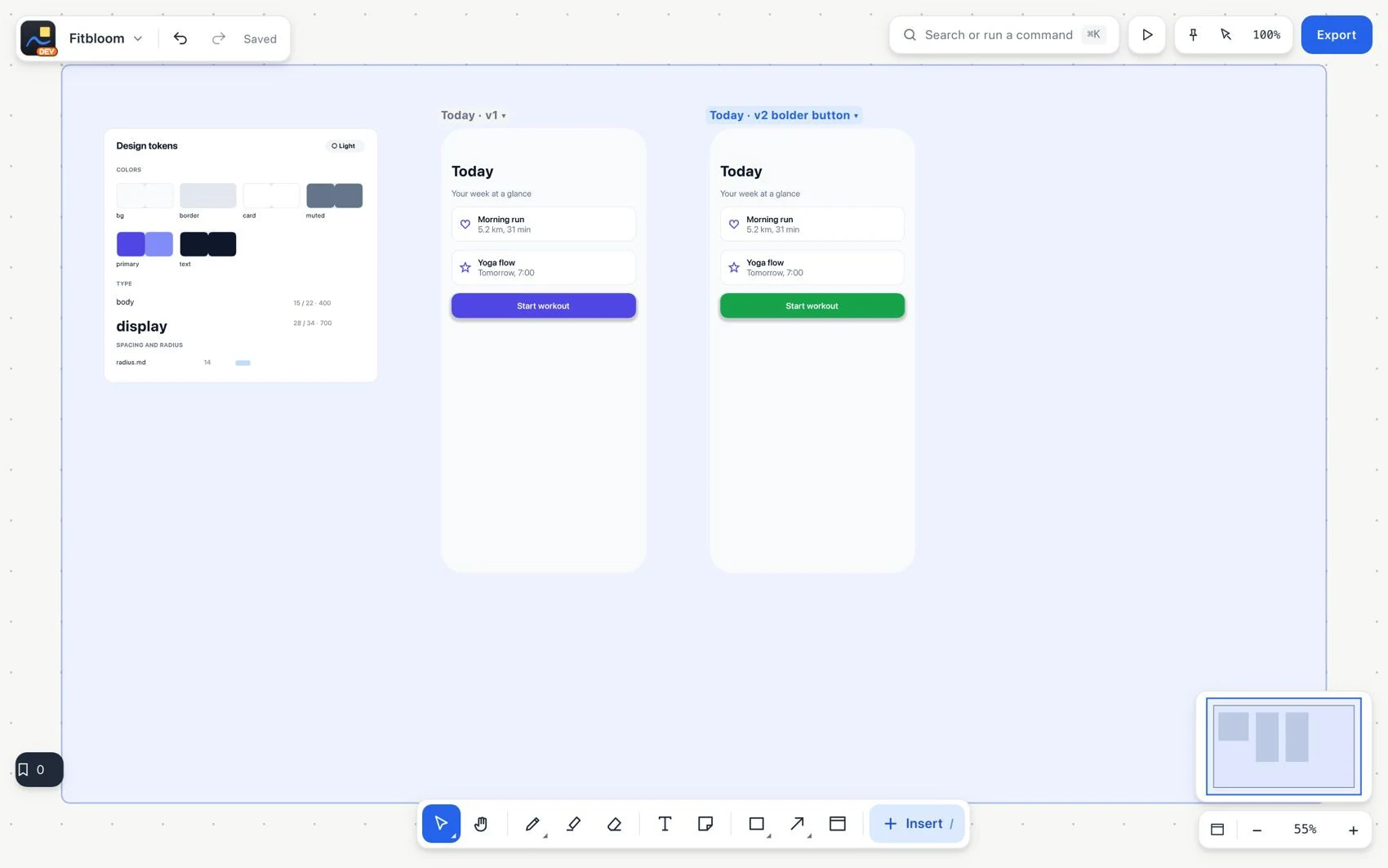
- Use screen versions to compare alternatives or to collapse the ones you are not using.