
Every tool on the toolbar
Marker
Marker is a drawing option in the Pen family. Use it for bold strokes, underlines and expressive sketches. It still creates strokes. Use Highlighter when you need a transparent mark over existing information.
#How to use it
- Open the Pen family and choose Marker.
- Adjust the available thickness, color and style.
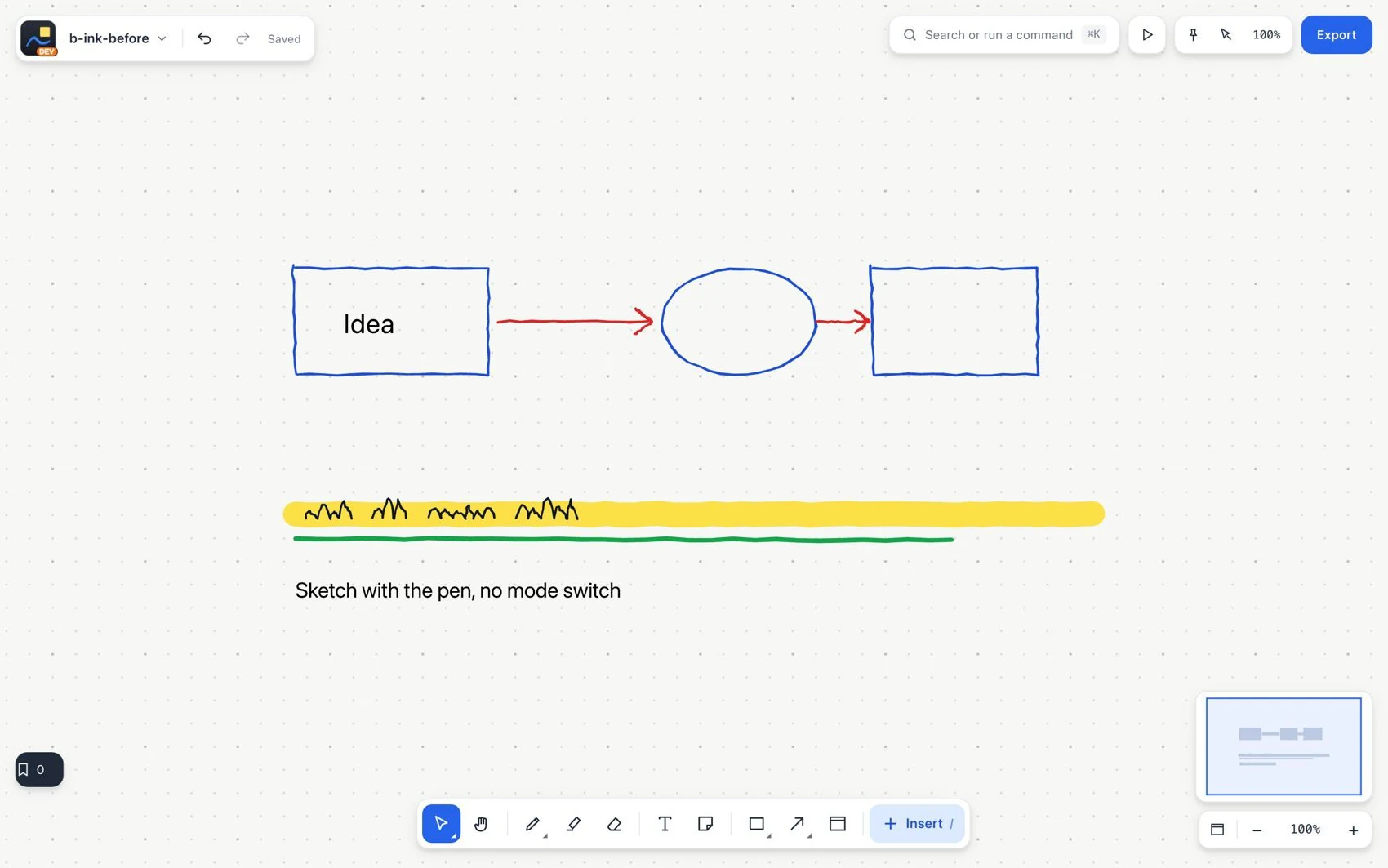
- Draw the underline, mark or sketch. Check it at the zoom you will use for reading.
- Use Eraser or Undo to correct it.
#Common mistake and how to fix it
A marker stroke does not select text or create links. If it covers information, reduce the thickness, change its position or use Highlighter.