
Every tool on the toolbar
Select
Select is for working with objects that are already on the board. It lets you pick them, move them, resize them, select several at once or open their context controls. It does not create notes or draw strokes.
#How to use it
- Click Select and then the object. Check the selection outline.
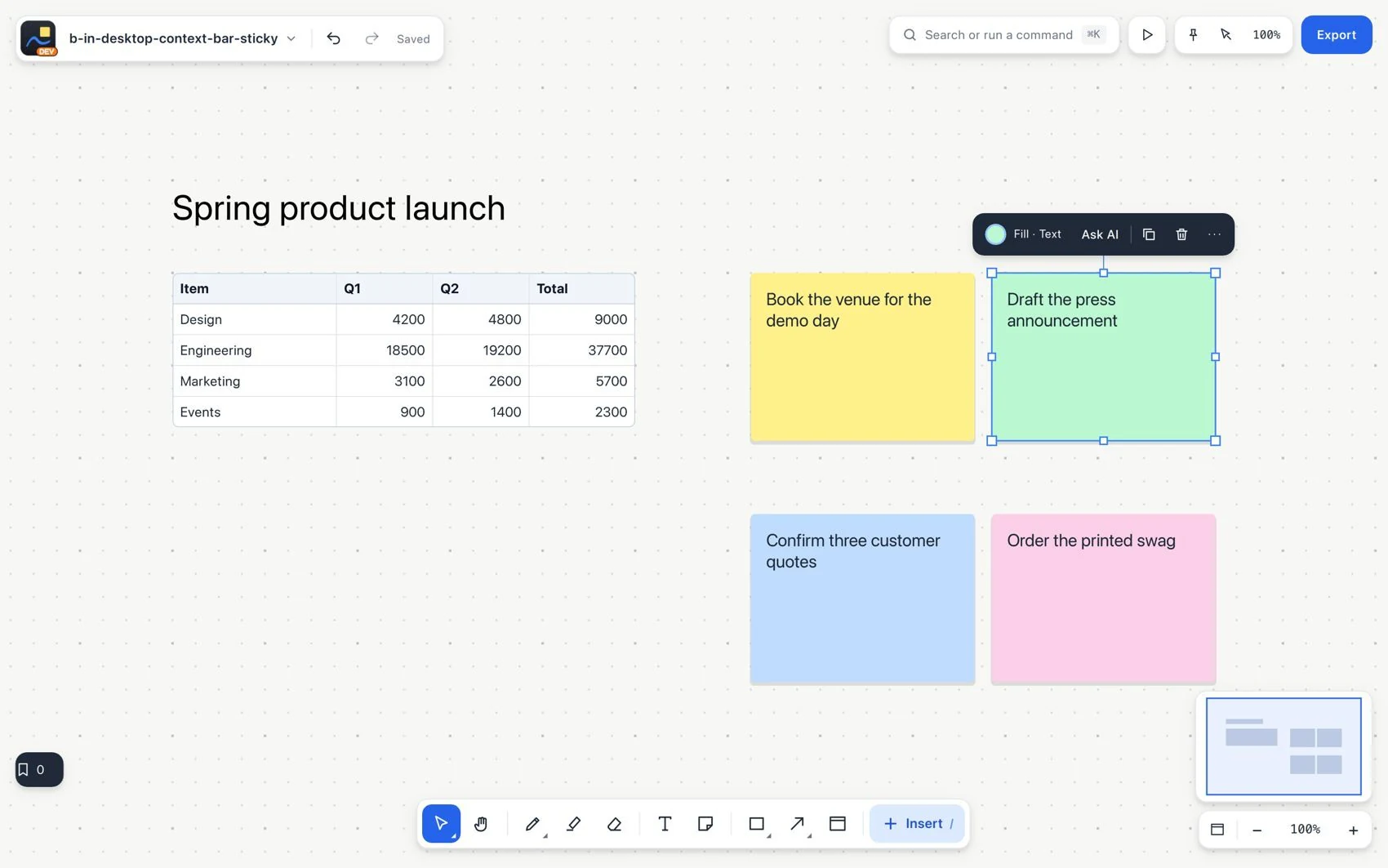
- Drag the object to move it, or use the controls to resize it.
- For several elements, drag a selection area from an empty space. Use the context bar to act on the group.
- Click an empty space to clear the selection.
#Common mistake and how to fix it
If dragging moves a note when you wanted to pan the view, undo the change and choose Hand. If an object does not move, check its lock and whether you selected the section that contains it.