
AI and Orin
Understand the AI features
An generates and interprets information. An AI agent uses a model and tools to make progress on a task. A tool is an action, such as reading a selection or creating a table. The model, the agent and the connection to an app are not the same thing.
| Feature | What it is | Starting point |
|---|---|---|
| Analyze | An action to request analysis of the selected content. | The content and the question you want to examine. |
| Ask AI | A request to interpret or transform a selection and | A selection and a specific |
| review the result. | request. | |
| Research and Learn | A research with public web sources. | Question, audience and type of |
| result. |
| Feature | What it is | Starting point |
|---|---|---|
| Ask Orin | Access to VectorBoard's own AI agent. | Selection, task and answer |
| mode. | ||
| Agent map | A view to supervise agents and requests. | Connected agents or active |
| work. | ||
| MCP | A protocol that connects an external AI app to authorized VectorBoard tools. | A compatible client and an authorized connection. |
#Analyze the selected content
- Select the notes, table, document content or section that provide the context.
- Choose the action Analyze. You can find actions by name in the command search. Write what you want to find out instead of simply asking it to "analyze everything".
- Review the context and the AI connection before you run it. Examine the proposed answer before you keep or apply it.
#Transform a selection with Ask AI
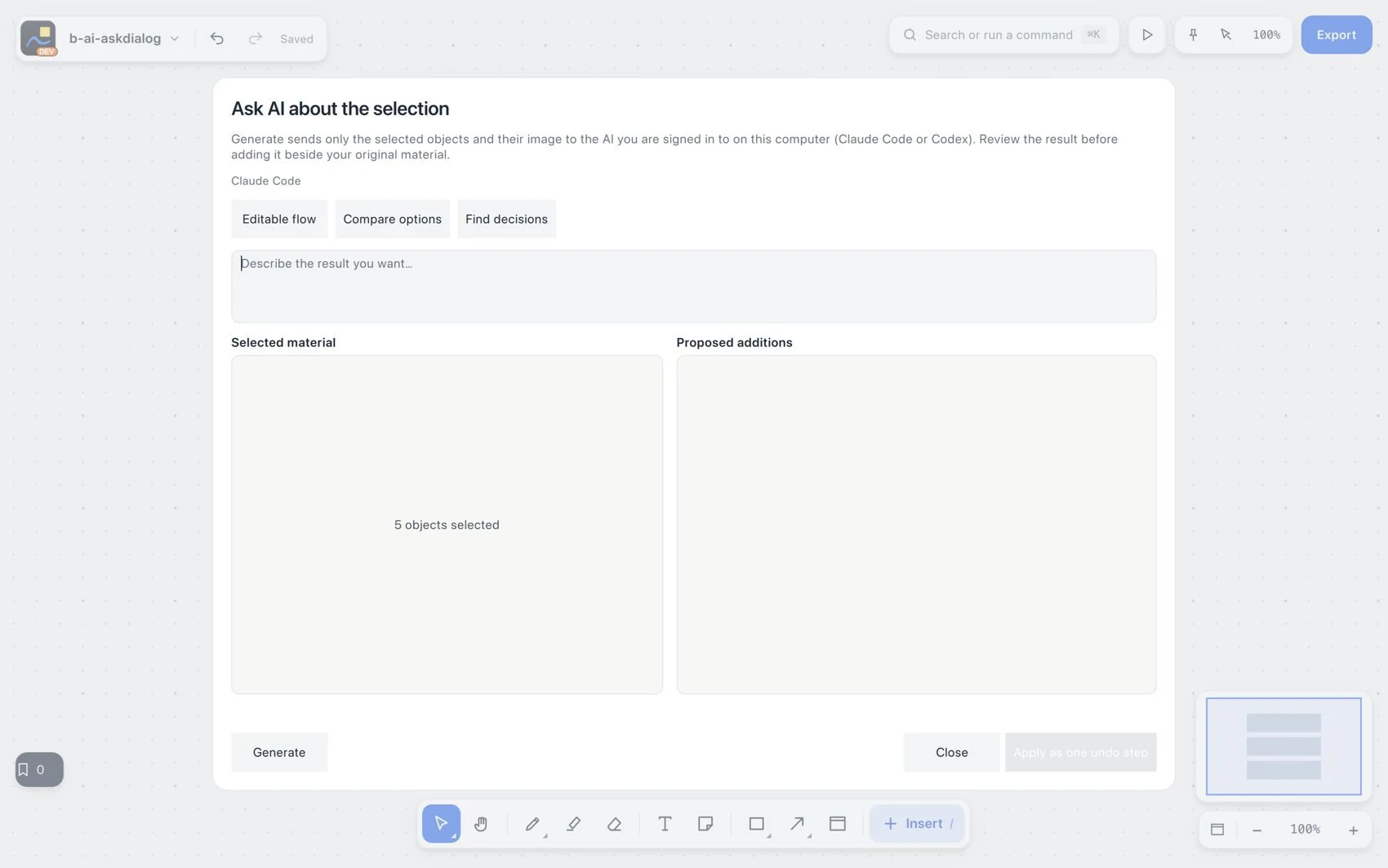
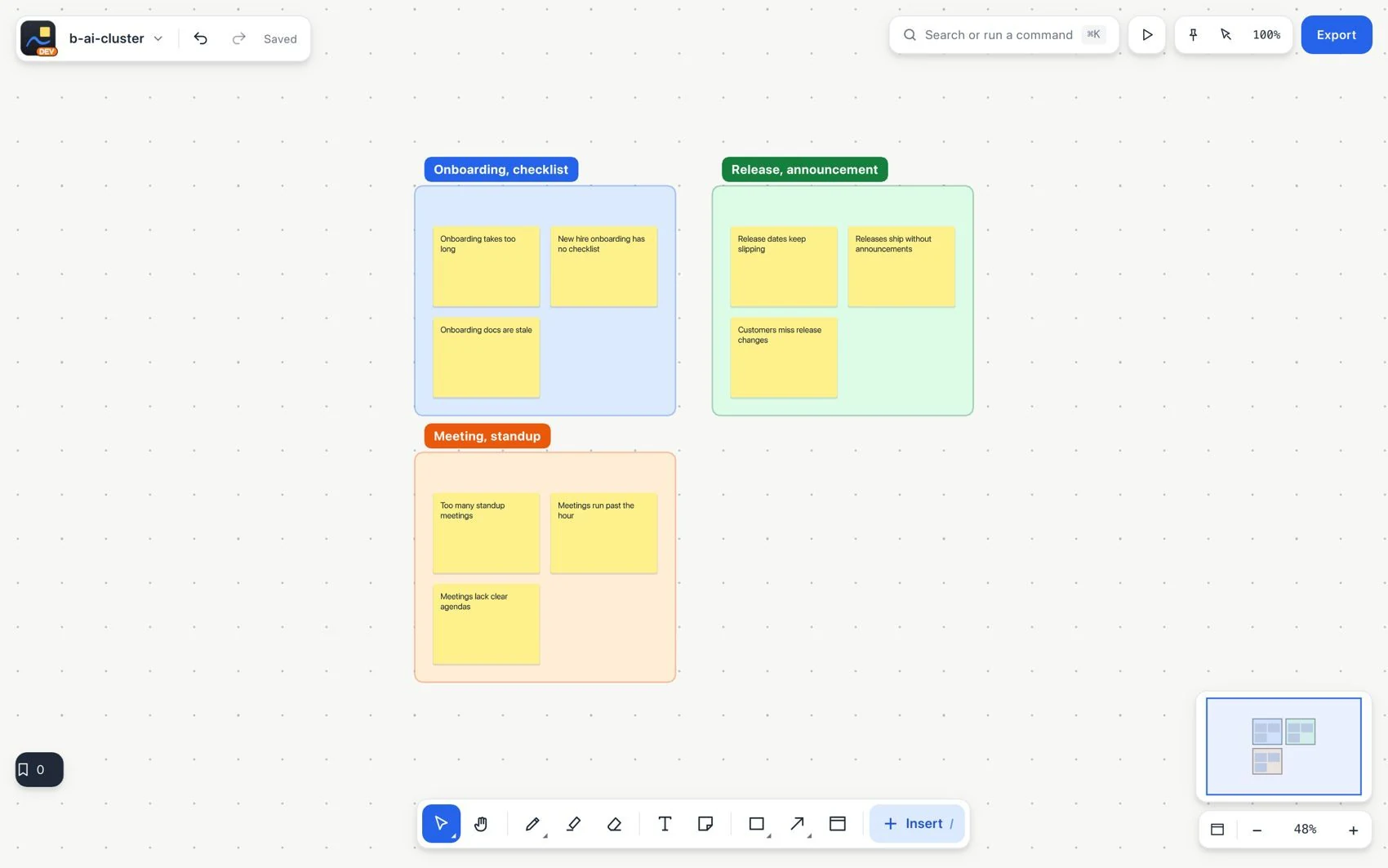
Choose Ask AI and describe the change. Editable content is proposed next to the original selection so you can review it and apply it as a step you can undo. The actions include grouping by topic, summarizing, converting to a table, sorting, removing duplicates, translating and showing sources. The fast local modes run the supported actions without AI.
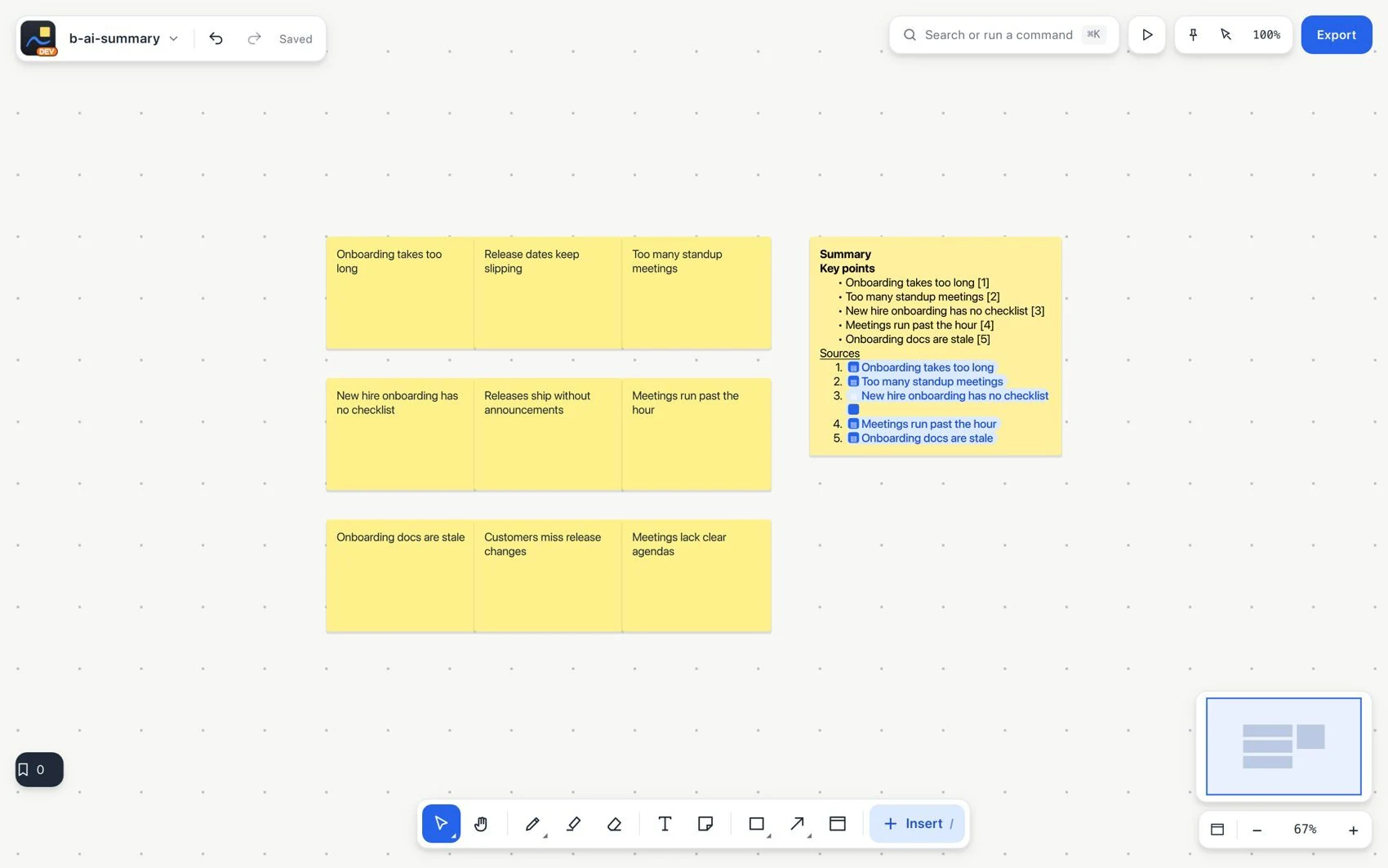
Create a summary with sources