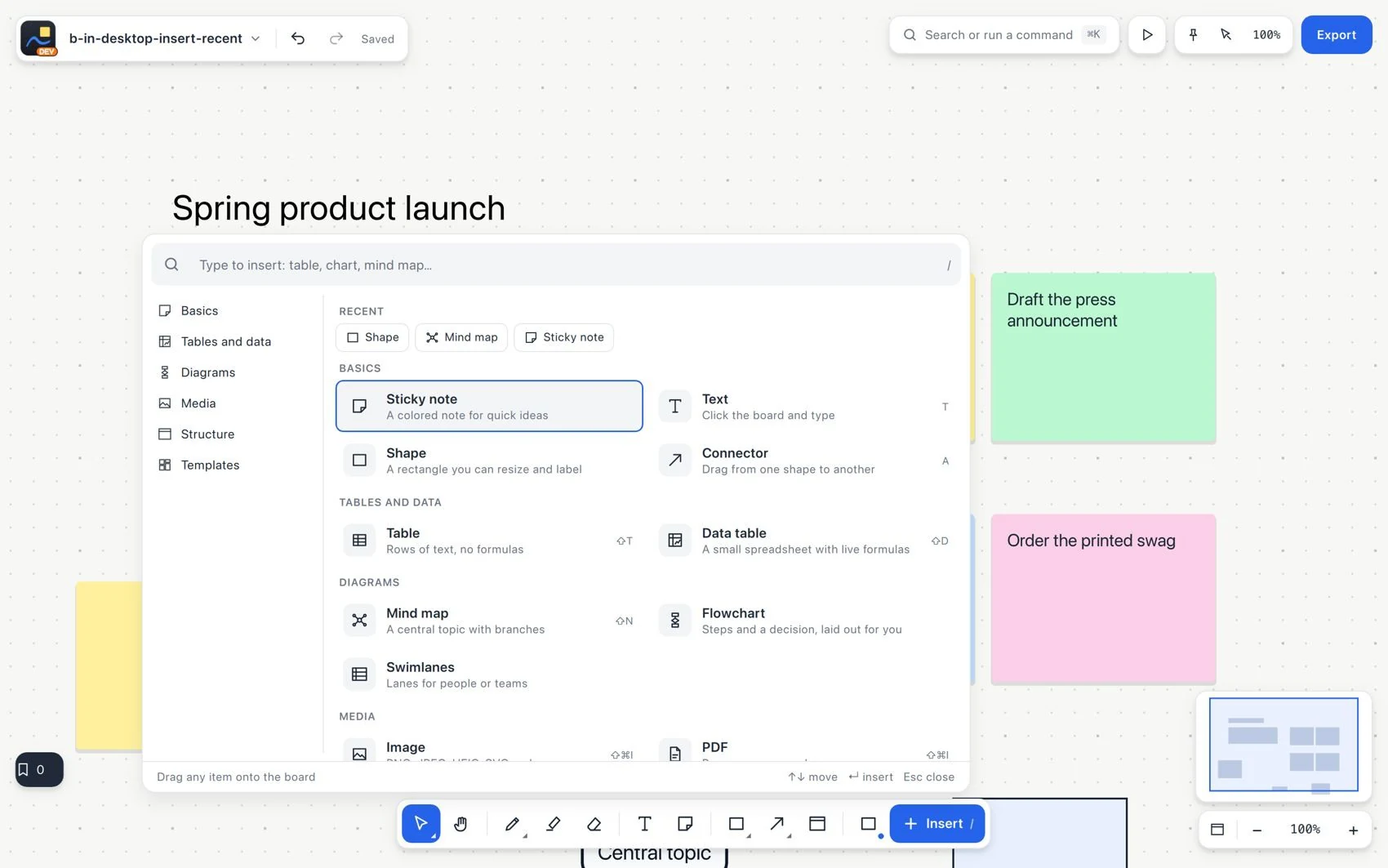
Every tool on the toolbar
Insert
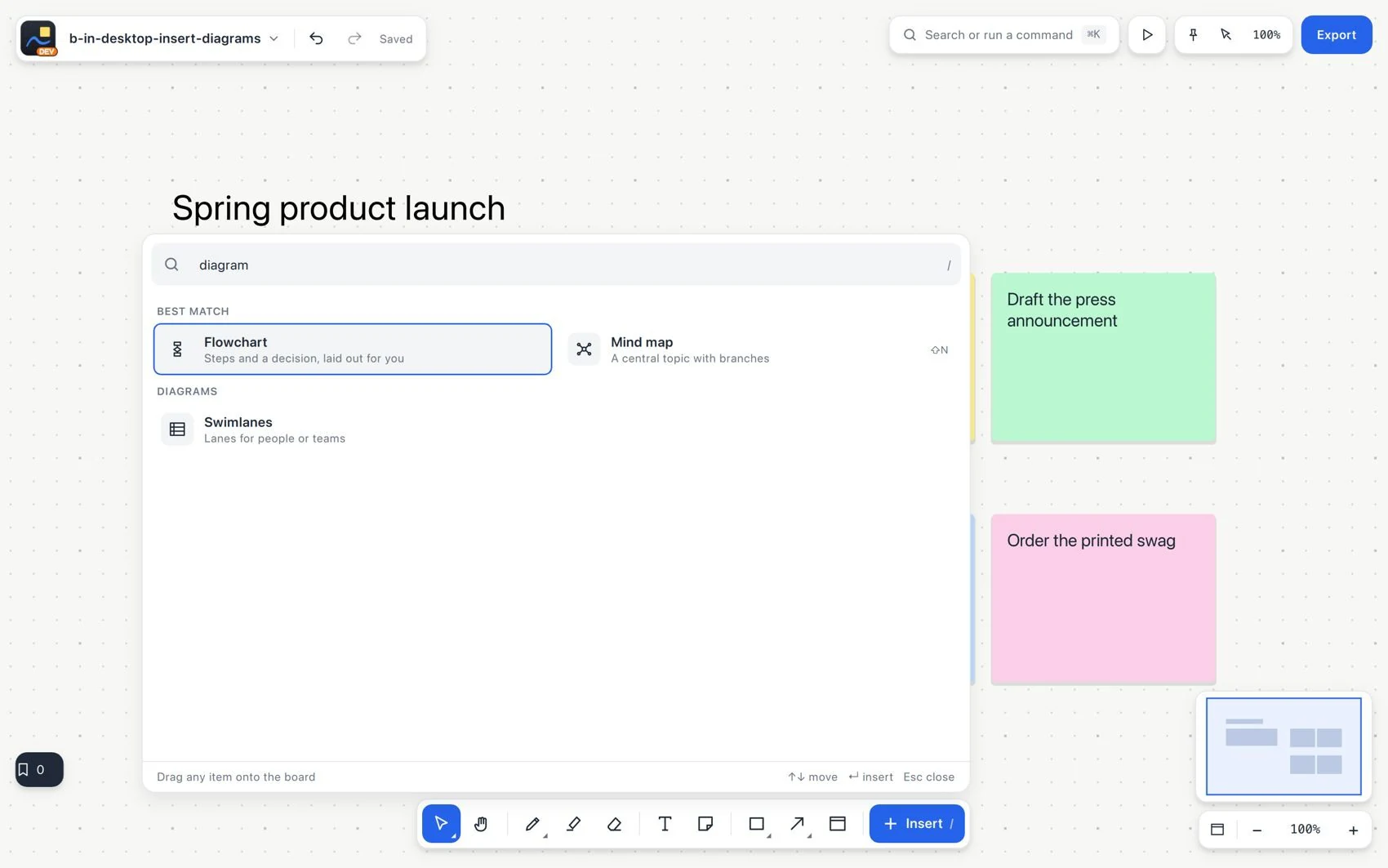
Insert opens the catalog of elements you can add. It covers tables, charts, images, PDFs, diagrams, documents, frames, templates and session tools that do not have a permanent button.
#How to use it
- Click Insert at the end of the toolbar, or press
/when focus is on the board.
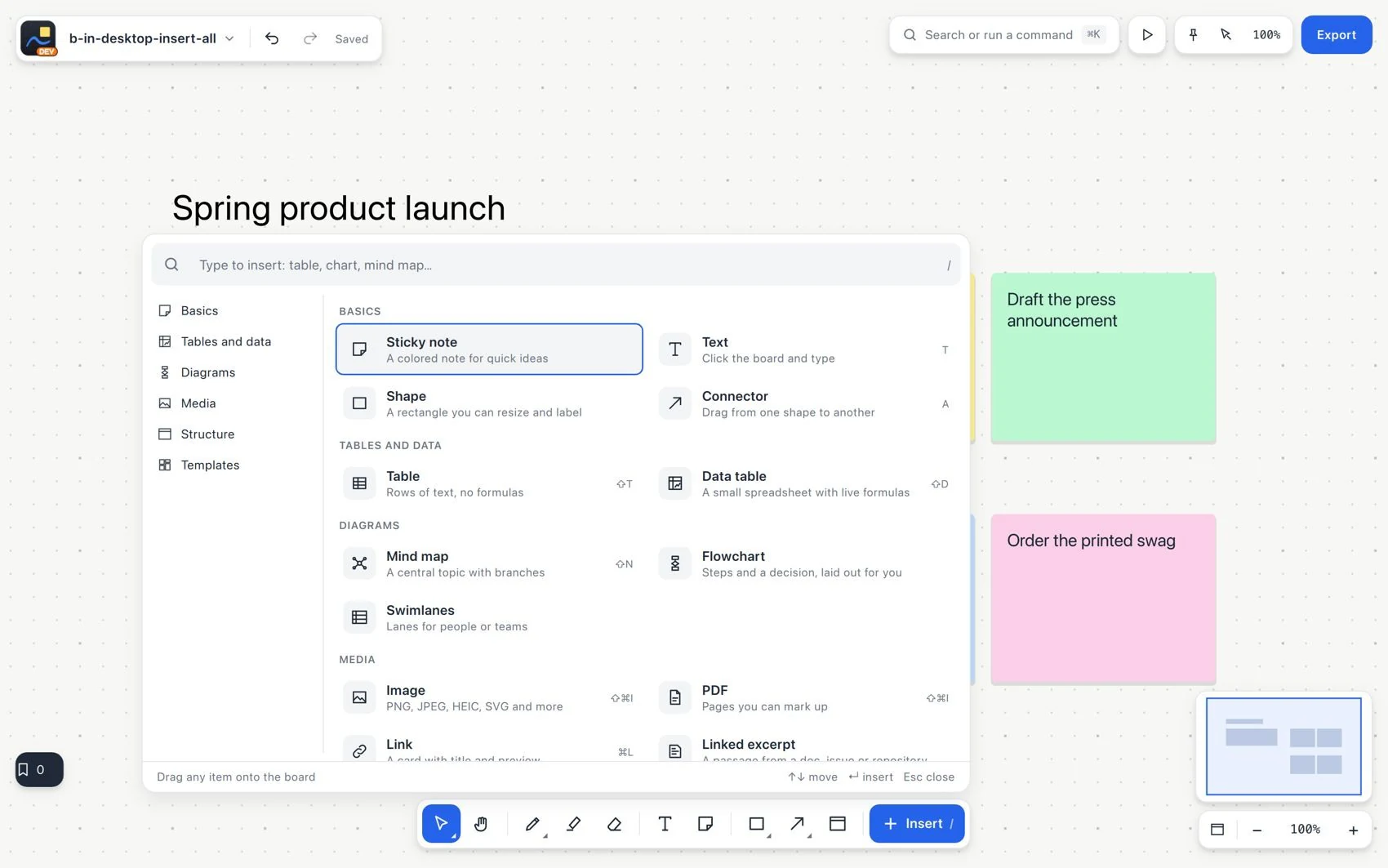
- Search by name or browse a category. You can search in English or Spanish, regardless of the interface language.
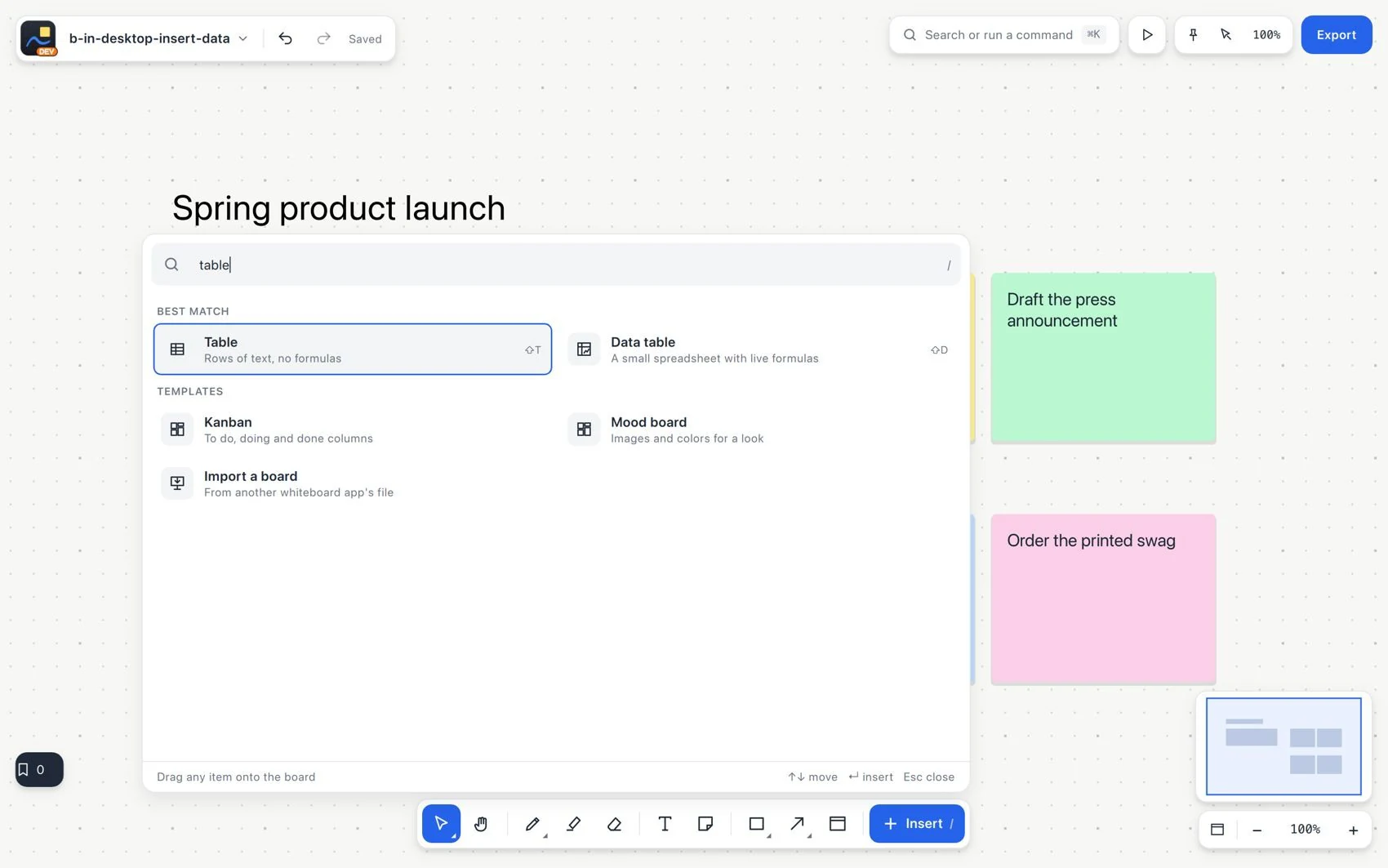
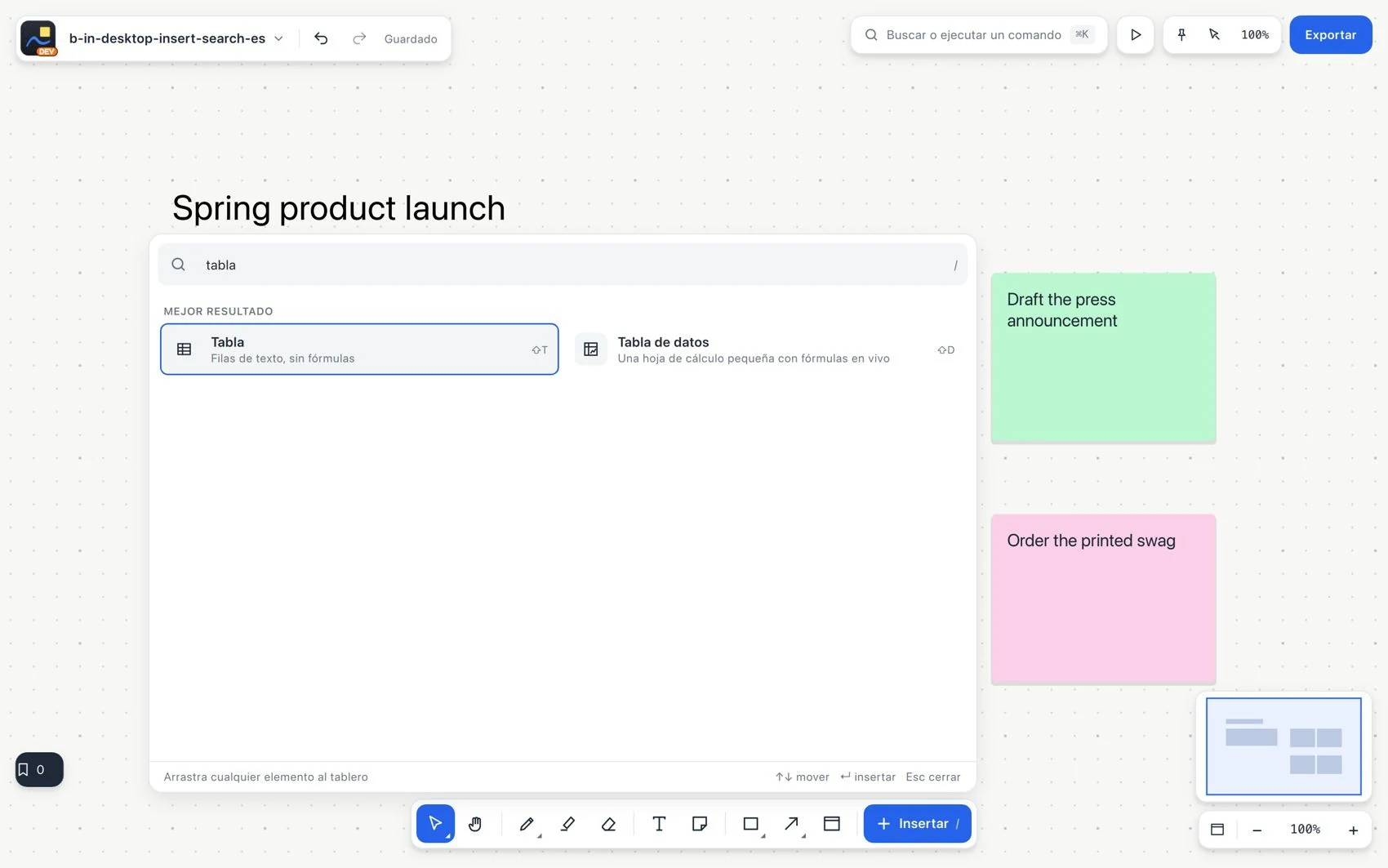
Search in Spanish
- Read the description. Choose with a click, a tap or Enter. Drag a result onto the board when you want to place it directly.
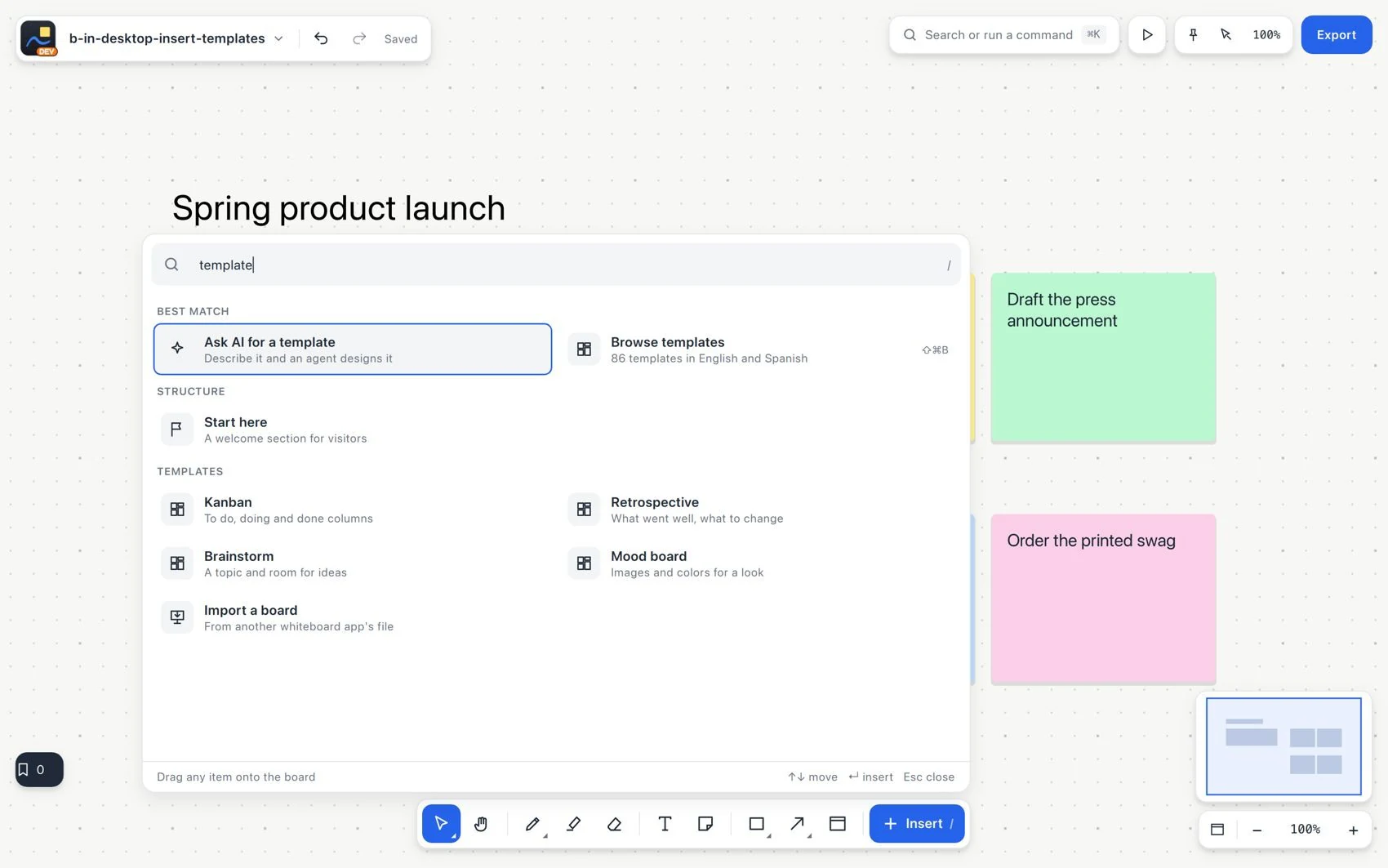
Start from a template
- Complete the dialog that asks for a file, URL or other detail. Check the inserted element and undo if it was not the right one.
#Common mistake and how to fix it
Insert creates content. The context bar changes an existing selection. Use Recent to repeat an element, and do not confuse it with a saved template.